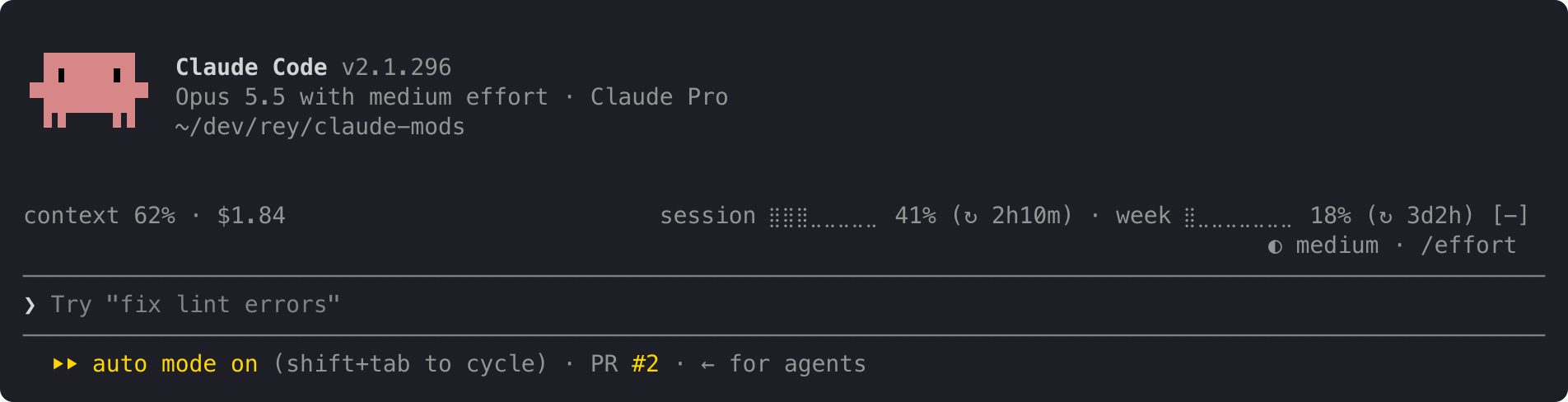




Claude Code 2.1.289 mod showing read-only harness status in the status line, AbovePrompt band, and `/hstatus`.
✳︎ harness-status
└─ Make every conversation easier
Claude Code mods, plugins, skills, hooks, status lines and MCP servers. Browse community builds with original sources and L0–L3 permission levels.
116 projectsClaude Code 2.1.289 mod showing read-only harness status in the status line, AbovePrompt band, and `/hstatus`.
BazaarLink is an OpenAI-compatible AI API gateway: one key for 140+ AI models, pay as you go, with budget limits.
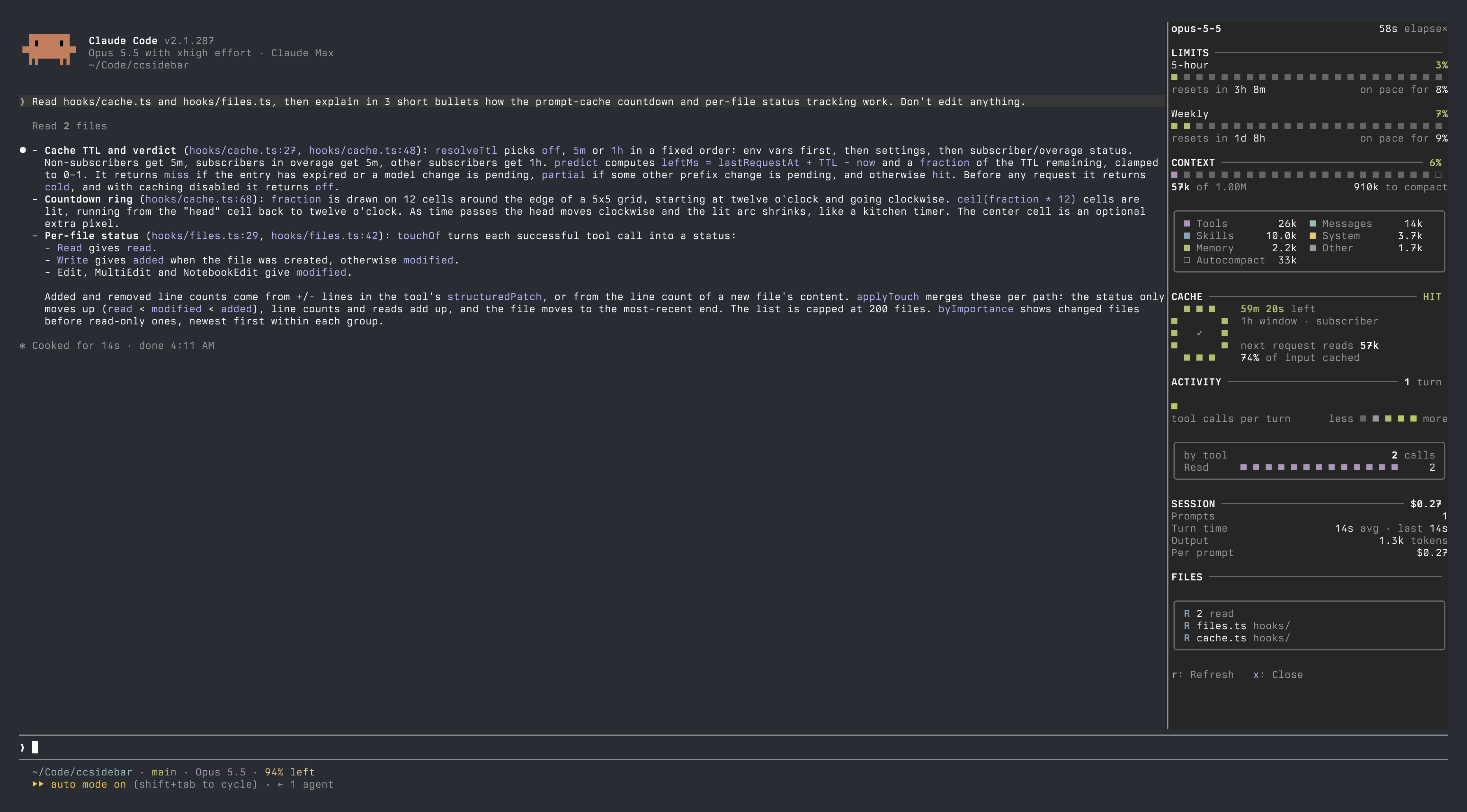
bazaarlink.aiVisit sponsor ↗A toggleable Claude Code right sidebar plugin showing usage limits, context window, prompt-cache countdown, per-turn activity, session statistics and changed files.

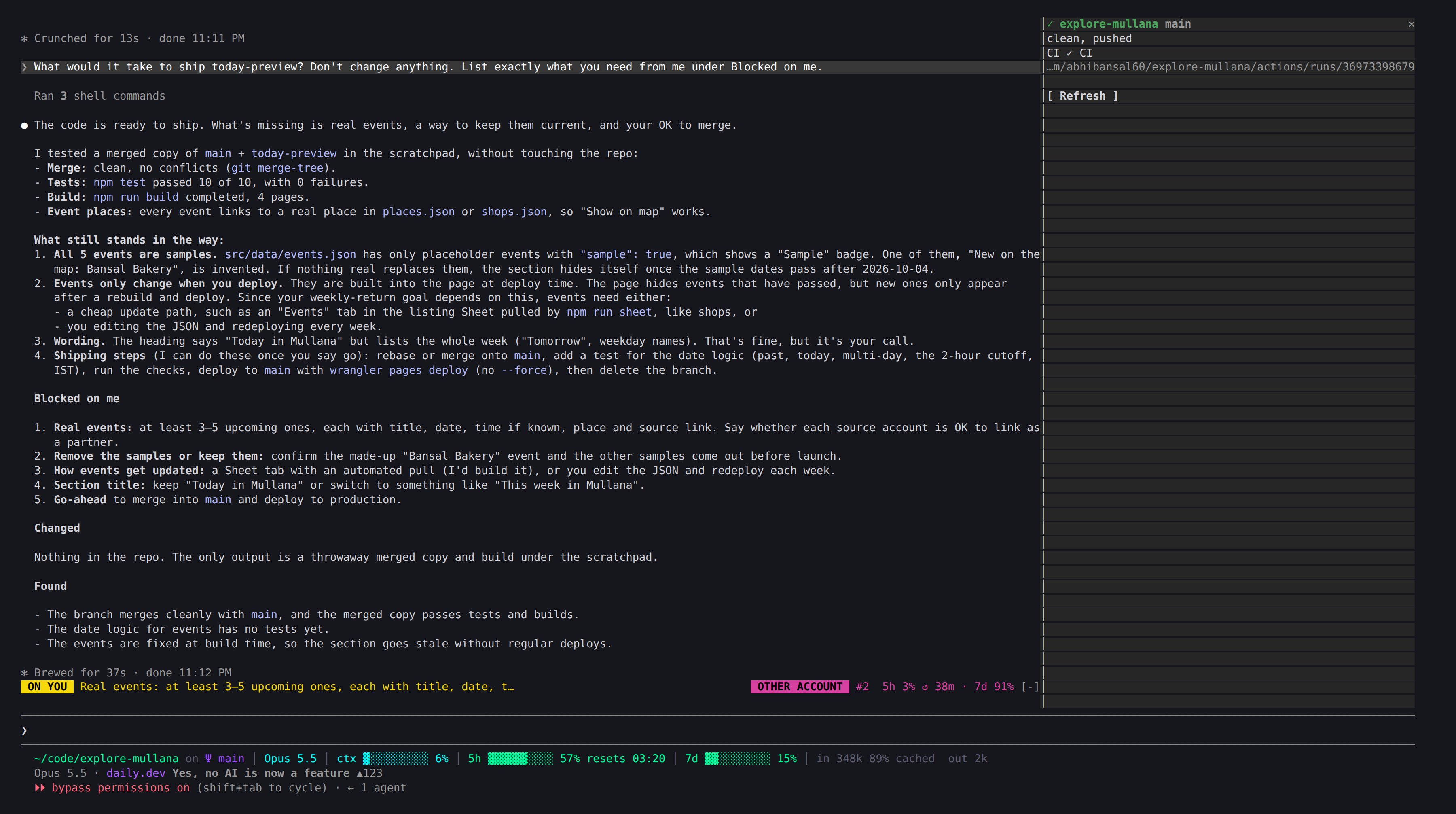
A Claude Code plugin that adds a one-line band above the prompt showing what is blocked on you, plus the current Claude tool call while it works.

Claude Code plugin: a usage status bar above the prompt that expands into four cards for quota, context, cache, and session.

Track what your AI coding tools cost
syrtis.nyanako.comVisit sponsor ↗The author showcases their Claude Code module, featuring usage meters, a cache timer, and a cartoon Claude animation with multiple scenes.

A Claude Code plugin that renders a breathing band above the prompt while Claude works, available for terminal and desktop, forked from mindful-claude 2.0.0 (MIT).
A Claude Code mod that draws a band above the prompt with telemetry for the last turn: duration, time to first token, tok/s with a sparkline of recent turns, output tokens, input tokens and how much of them was cached, request count and stalls (gaps of 5s or more in the stream). While a response streams, the band updates live.
Live plan, % done, time left and a one-line 'now' for long tasks, in a pane and on the working row.
A Claude Code mod that always shows current-session and weekly usage rates as circular gauges and the time until reset above the input field.
Adds repo (and worktree, when in one), branch, PR, context and model to the end of the line under the prompt: ``` ▸▸ auto mode on (shift+tab to cycle) · new project / SHOP-142 · main (PR #142) · 100k/1000k (opus-5-5) ``` Branch and PR refresh at start, after each turn and every minute. PR needs `gh`.