
Amorfx@Amorfx
Amorfx/claude-paste-view
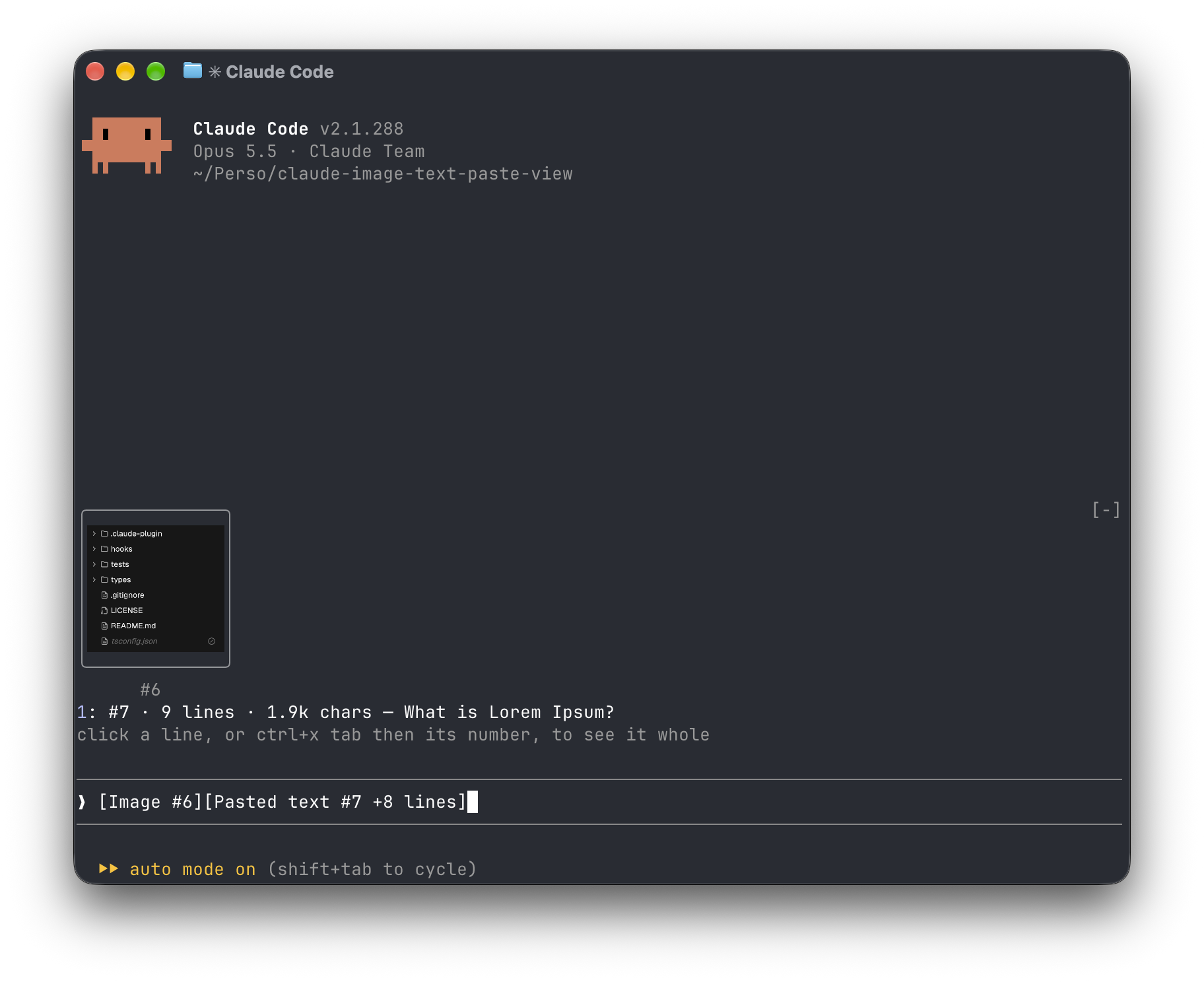
A Claude Code mod that shows what you paste: image thumbnails and long-text previews above the prompt instead of bare [Image #1] and [Pasted text #2 +41 lines] tags.
Amorfx/claude-paste-view
Claude Paste View is a Claude Code plugin that displays pasted content above the prompt input box: images are shown as thumbnails, and long text shows the line count, size, and first-line preview, replacing the original [Image #1] and [Pasted text #2 +41 lines] tags.
Installation (run inside Claude Code):
/plugin marketplace add Amorfx/claude-paste-view
/plugin install paste-view
/reload-plugins
You can also use the terminal command:
claude plugin marketplace add Amorfx/claude-paste-view
claude plugin install paste-view@claude-paste-view
Features:
How it works: every 200ms it reads the prompt input box to look for paste tags; images are taken from Claude Code's session image cache, while text reads the clipboard once when the tag appears and keeps it in memory if the line count matches.
Limitations: text preview relies on the clipboard; thumbnails are not displayed in tmux, screen, or background sessions; the tag format and image cache path are Claude Code internal implementation details and may change in future versions.
Security: it operates entirely locally, does not connect to the network, and does not write to disk; it only reads the prompt input box, the session image cache, the first few bytes of image files, and the clipboard, and reads environment variables such as TERM to determine whether the terminal supports graphics.
Requirements: Claude Code v2.1.287 or later, macOS or Linux with wl-clipboard/xclip, and image thumbnails require a terminal that supports the kitty graphics protocol (such as Ghostty, kitty). License: MIT.
Check the author's README for the marketplace and plugin name first. Commands may change as the repository evolves.
claude plugin marketplace add Amorfx/claude-paste-view
claude plugin install paste-view@claude-paste-view
A Claude Code mod that shows what you paste, so you see image thumbnails and a preview of long text above your prompt instead of bare [Image #1] and [Pasted text #2 +41 lines] tags.
Inside Claude Code, run:
/plugin marketplace add Amorfx/claude-paste-view
/plugin install paste-view
/reload-plugins
claude plugin marketplace add Amorfx/claude-paste-view
claude plugin install paste-view@claude-paste-view
Then run /reload-plugins inside a session, or start a new one.
╭────────────────────────╮
│      (screenshot)      │
│           #1           │
╰────────────────────────╯
1: #2 · 42 lines · 3.1k chars — Traceback (most recent call last):
click a paste, or ctrl+x tab then its number, to read it whole
❯ why does this fail [Image #1] [Pasted text #2 +41 lines]
#1 · image 1630×632 — open, that opens it in your system's image viewer. A pasted JPEG, WebP or other non-PNG image is always a line, #1 · image · jpg — open, since the terminal draws only PNG files.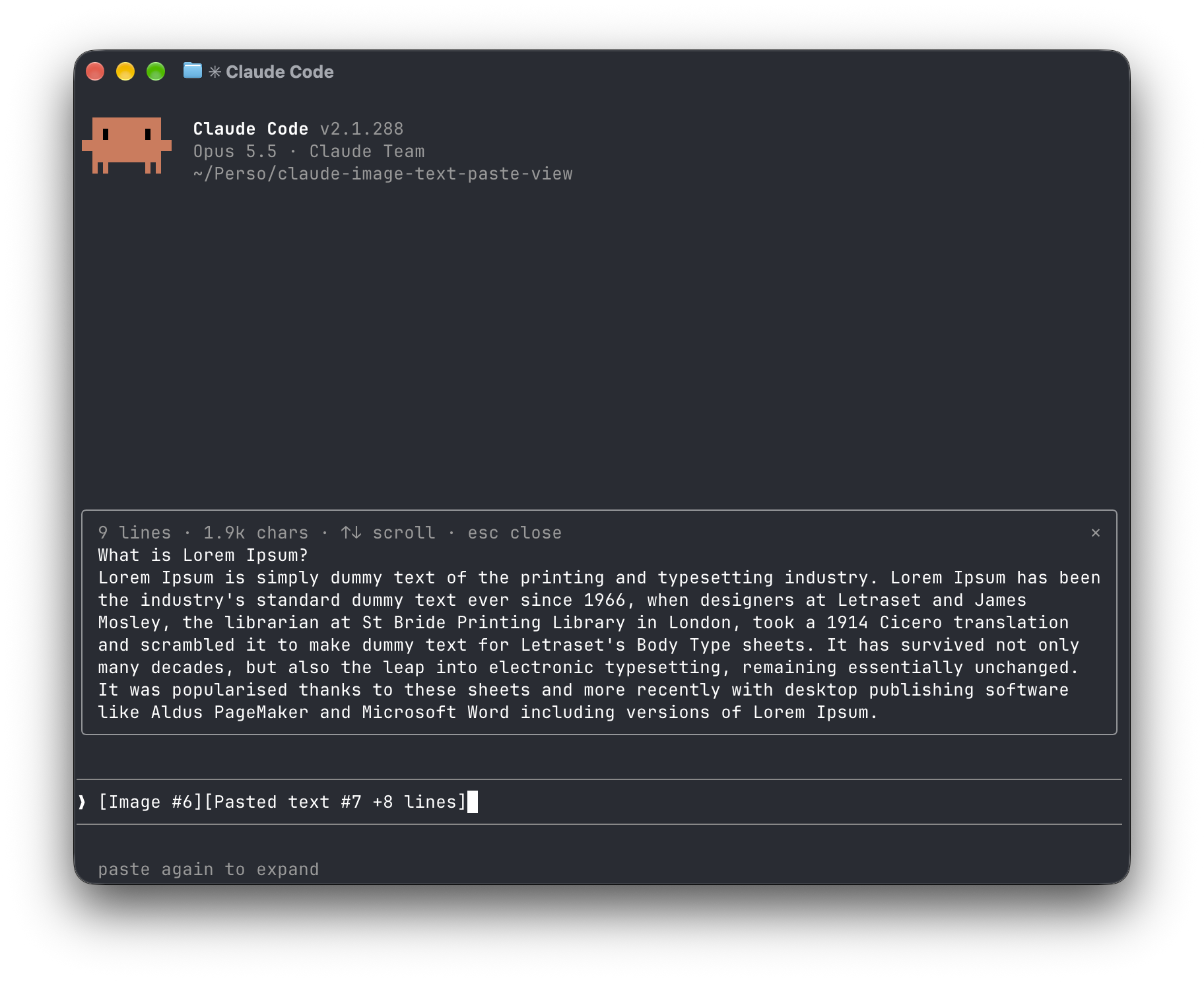
[Image #n] and [Pasted text #n …] tags. It polls because pasting raises no edit event.<tmp>/<project>/<session>/images/<n>.png, or <n>.jpg, <n>.webp, … when it was pasted in another format. The mod finds that file and draws a PNG with Claude Code's Image element.pbpaste on macOS, wl-paste or xclip on Linux). It keeps that text only if its line count matches the count in the tag, and holds it in memory until the tag leaves the prompt.no preview rather than showing the wrong text."env": { "CLAUDE_CODE_FORCE_TERMINAL_IMAGES": "1" } to ~/.claude/settings.json and start a new session.Everything stays on your machine: the mod never touches the network and never writes to disk. It reads the prompt box, lists Claude Code's temp folder to find the session's image cache and the pasted images in it, reads the first bytes of each pasted image, and reads the clipboard once per text paste. It reads TERM, TERM_PROGRAM, KITTY_WINDOW_ID, TMUX, STY, CLAUDE_CODE_SESSION_KIND and CLAUDE_CODE_FORCE_TERMINAL_IMAGES to know whether the terminal draws pictures. It runs id -u once if CLAUDE_CODE_TMPDIR isn't set, the clipboard tool for each text paste, and uname then open or xdg-open when you ask to open an image. Pasted text is kept in memory only, and dropped once its tag leaves the prompt.
Run claude plugin validate .claude-plugin/plugin.json on the repo to see every event it hooks and every call it makes.
wl-clipboard or xclip for text previewsTERM, TERM_PROGRAM and KITTY_WINDOW_ID; in any other terminal, or inside tmux, it lists images as lines that open them with open (macOS) or xdg-open (Linux).git clone https://github.com/Amorfx/claude-paste-view
cd claude-paste-view
# Load it for one session without installing
claude --plugin-dir .
# Check it and run the tests
claude plugin validate .claude-plugin/plugin.json
claude plugin test .
Once Claude Code has loaded the mod, it generates the API typings in .claude-plugin/types/ along with a tsconfig.json; after that, tsc -p . type-checks the code.
MIT. See LICENSE.
Is this your project? Add this badge to your README or website. It links back to this page.


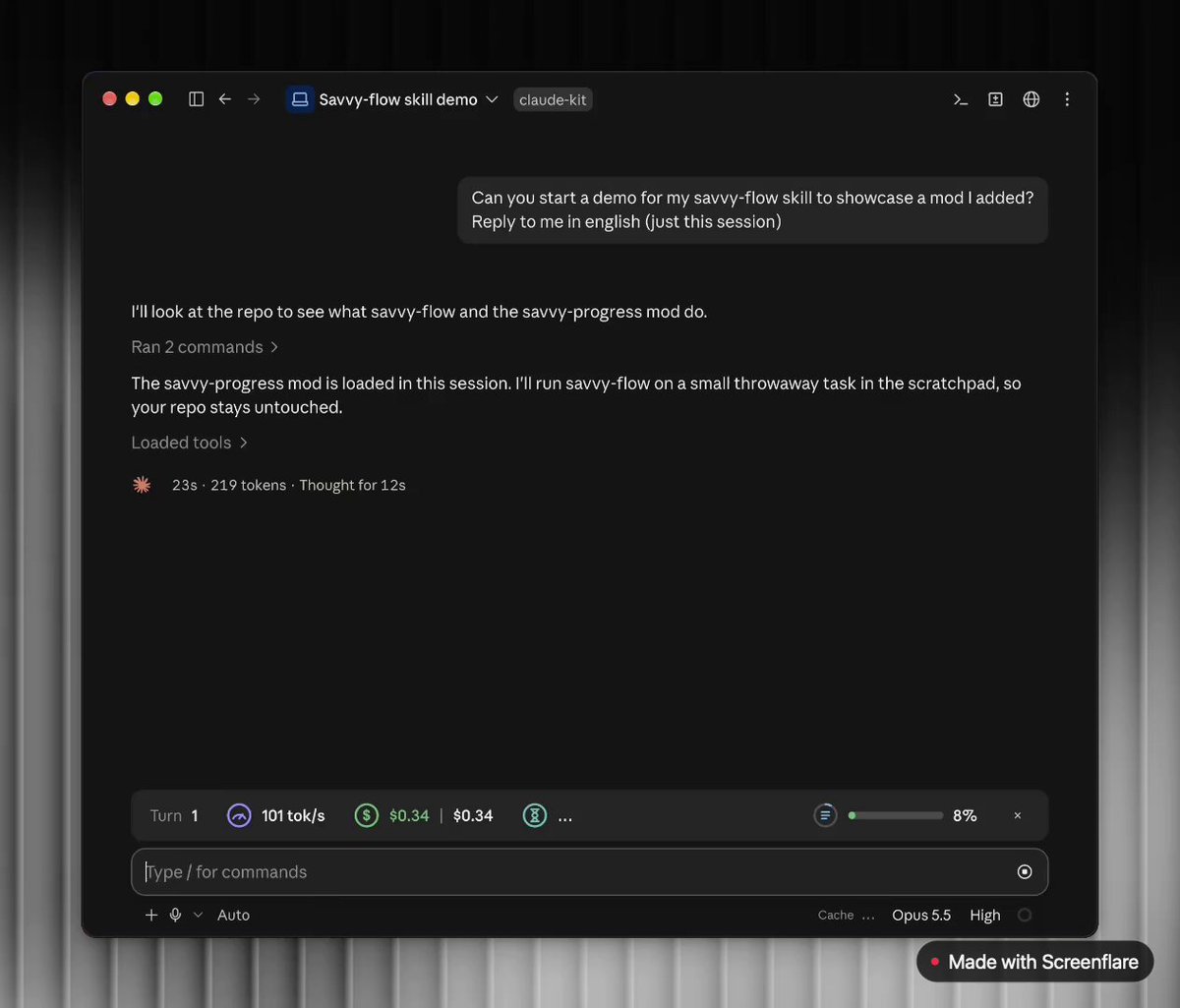
A Claude Code mod adding a progress bar above the prompt and a live subagent panel (/agents-info) with model, task progress, context, cost and time estimates.
 ▶ ♫
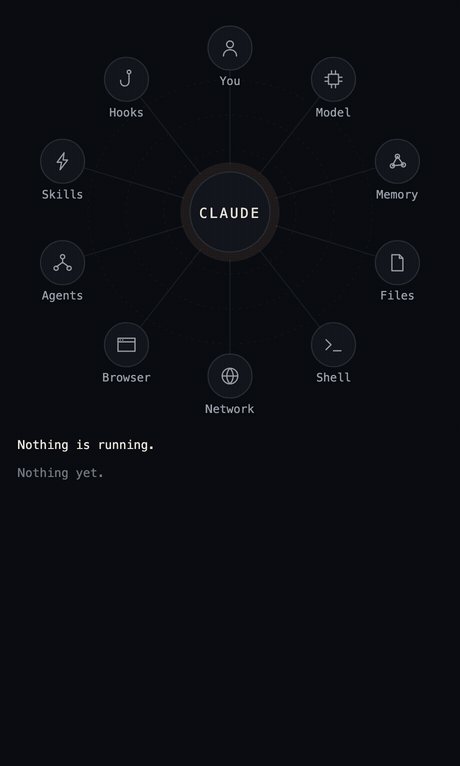
lot-map is a Claude Code mod that renders a live map in a pane beside the chat, pulsing from the agent to stations like Files, Shell, Network and Agents on every tool call.
A free Claude Code mod that adds a slim band above the prompt showing how much of your 7-day and 5-hour usage is left, when each resets, and whether your prompt cache is warm or cold with the estimated cost of your next message.
Repowise ships Lens, a Claude Code mod that visualizes your indexed codebase in real time—files light up as Claude searches, reads and edits them, and importers/reverse dependencies highlight too. It includes a Flow tab showing impacted files and covering tests, plus a review row with health changes and a button to run suggested tests.


A Claude Code plugin that gives Claude 17 drawing tools, so answers with structure appear as interactive diagram, chart, roadmap and wireframe cards directly in the terminal transcript.

Documentation generation, drift detection, and API docs automation plugin that also acts as a function-hook guard refusing doc writes or worker dispatch containing secrets.