
eshin087@eshin087
eshin087/claude-code-mods/tree/main/mod-hub
A Claude Code mod hub that lists every installed mod with an on/off switch, plus a persistent dock showing task progress, next-task suggestions, coach tips, PRs, background tasks and mod toggles.
eshin087/claude-code-mods/tree/main/mod-hub
Mod Hub provides a single page listing every mod in your mods folder with details and per-mod on/off controls, plus a one-line dock pinned above the prompt showing a running task bar (%, step, time left), a "now" line, and tab chips for P (plan), N (next tasks), C (coach), PR (pull requests), T (background tasks) and M (mods). Hovering a tab reveals a single color-framed card with that tab's details; on/off writes to ~/.claude/mods-data/mod-hub/off.json and refuses refused mods at registration, so none of their hooks, commands or tools run. /mods opens the hub page, /mods-review opens Mods, Plan, Coach and PRs together. It makes no model calls, and changes no tracked files, so git status stays clean.
Check the author's README for the marketplace and plugin name first. Commands may change as the repository evolves.
claude plugin marketplace add eshin087/claude-code-mods
claude plugin install mod-hub
What it does: one page listing every mod in your mods folder, what each does in detail, and an on/off switch.
The dock: one line just above the prompt, always in the same place:
◎ ━━━━━━──── 46% 3/5 · ~8m wiring the tile streamer… P ●N C ●PR T M ▾
✓ done 6m53s until your next prompt.hooks/tabs.tsx) that knows where the pointer is and tells the dock which tab it's over. The dock then draws the single card. On the terminal the tabs are plain buttons with shortcut keys and no hover card.◆ ▸ and remembers that across sessions.Buttons work even while Claude is busy: a press writes a small signal that the target mod reacts to at once. A slash command would wait until the turn ends.
Review everything at once: /mods-review opens Mods, Plan, Coach and PRs together (as tabs), opens the next-task card, and unfolds the dock.
The hub page: click Mods in the dock, or type /mods. A pane opens with every mod, its version, a one-line summary, Details (this page) and Turn off / Turn on.
How on/off works: the switched-off mods are a list on this computer, ~/.claude/mods-data/mod-hub/off.json. Turn off adds a mod to it and Turn on takes it out. Whenever a mod loads, the engine first asks the mods loaded before it (plugin.register), and the hub refuses any mod on the list, so none of its hooks, commands or tools run. The engine's log names each one: refused by mod-hub: switched off in /mods.
hooks/hooks.json again, byte for byte. The new timestamp makes every session that watches the folder reload that mod at once (a session busy with a reply does it when the reply ends), and the reload asks the hub again. Any other session picks the change up when it starts.mod-hub comes first in CLAUDE_CODE_PLUGIN_DIRS, and the install scripts put it there. If a switched-off mod loads ahead of the hub (older installs listed folders alphabetically), the hub says so in a toast: run the install script again.On/off and git: switching changes no tracked file, so git status stays clean and on/off never travels through a commit or git pull: each computer keeps its own list. claude plugin test always runs a mod's real code, whether it's switched off or not.
hooks.json at a stub (hooks/off.tsx). The hub moves any mod it finds like that onto the list and points hooks.json back at register.tsx by itself.off.tsx files are git-ignored and safe to delete.Removing a mod: delete its folder (and commit that, so other computers lose it with their next git pull). At the next session start the hub sees the folder is gone and takes it out of CLAUDE_CODE_PLUGIN_DIRS in ~/.claude/settings.json (backed up to settings.json.bak first) and out of off.json, then says so in a toast. Only folders in this mods folder are touched; nothing else in your settings changes.
Cost: none. No model calls. The T tab checks the app's pane layout every 5 seconds (a local call).
Data saved: ~/.claude/mods-data/mod-hub/off.json, the mods switched off on this computer. It also edits CLAUDE_CODE_PLUGIN_DIRS in ~/.claude/settings.json, only to take out a mod folder that is gone.
Notes: the hub can't switch itself off from the page. To remove it, delete or rename its folder. Without the hub nothing refuses the switched-off mods, so they all load.
Is this your project? Add this badge to your README or website. It links back to this page.

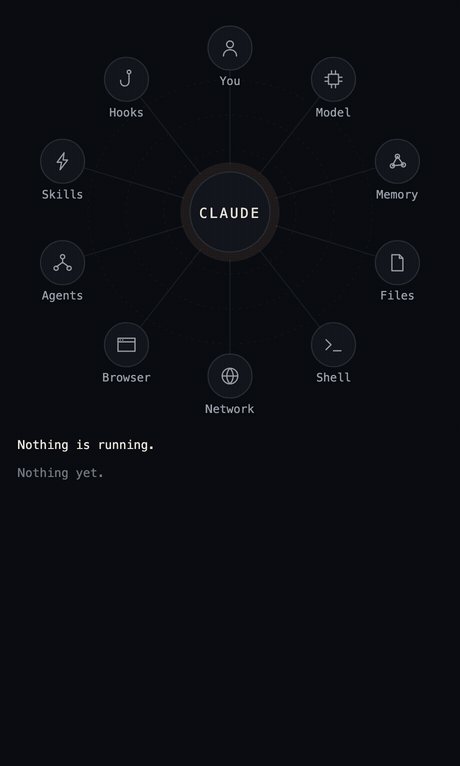
lot-map is a Claude Code mod that renders a live map in a pane beside the chat, pulsing from the agent to stations like Files, Shell, Network and Agents on every tool call.

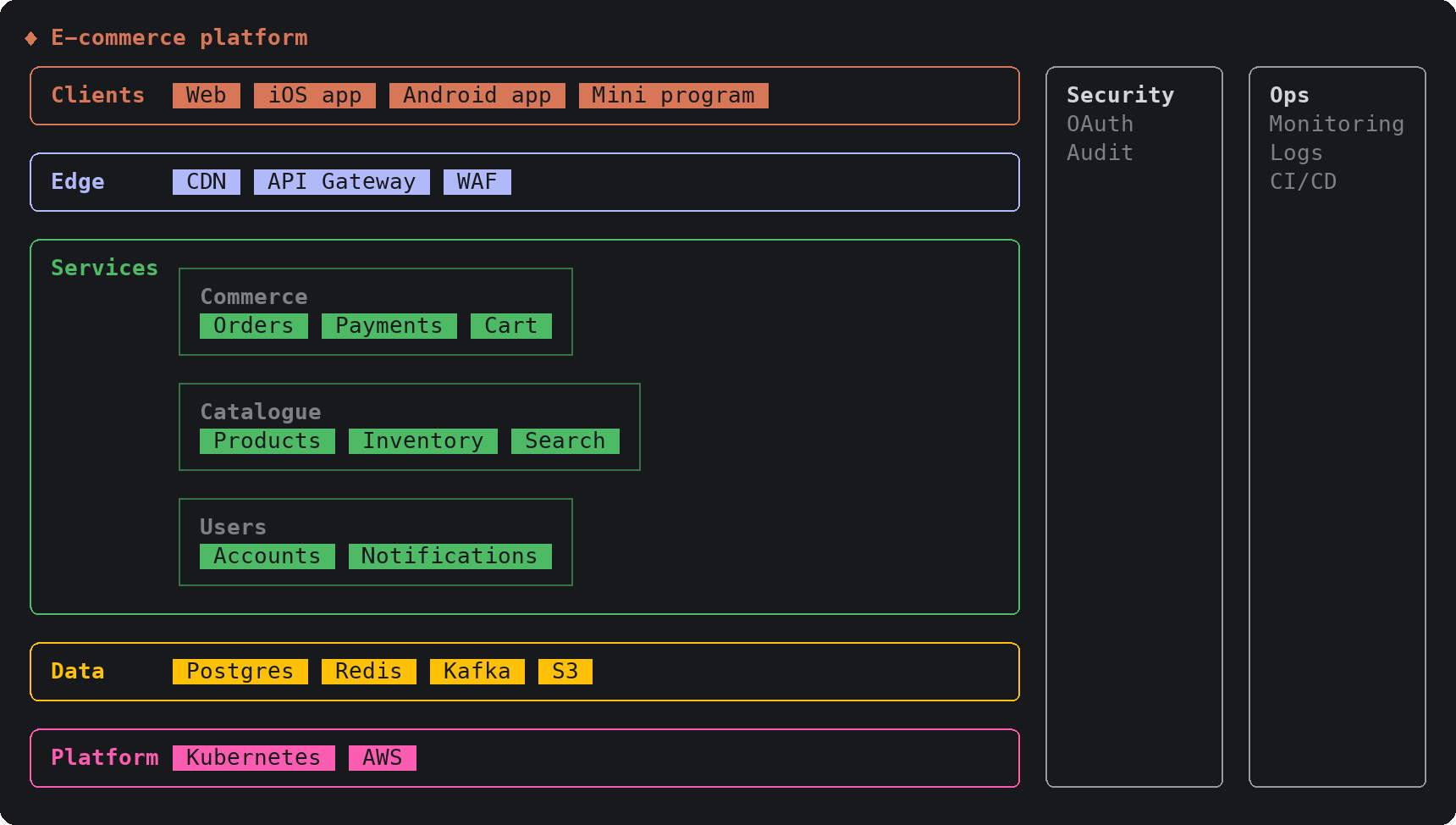
A Claude Code plugin that gives Claude 17 drawing tools, so answers with structure appear as interactive diagram, chart, roadmap and wireframe cards directly in the terminal transcript.
A free Claude Code mod that adds a slim band above the prompt showing how much of your 7-day and 5-hour usage is left, when each resets, and whether your prompt cache is warm or cold with the estimated cost of your next message.
Repowise ships Lens, a Claude Code mod that visualizes your indexed codebase in real time—files light up as Claude searches, reads and edits them, and importers/reverse dependencies highlight too. It includes a Flow tab showing impacted files and covering tests, plus a review row with health changes and a button to run suggested tests.


Documentation generation, drift detection, and API docs automation plugin that also acts as a function-hook guard refusing doc writes or worker dispatch containing secrets.

A pixel-art progress bar with the Claude mascot and a side panel that turns your subagents into a crew of characters (developer, artist, researcher, tester, Codex...).
