claude-games
Arcade games above the Claude Code prompt, for the minutes Claude spends working.
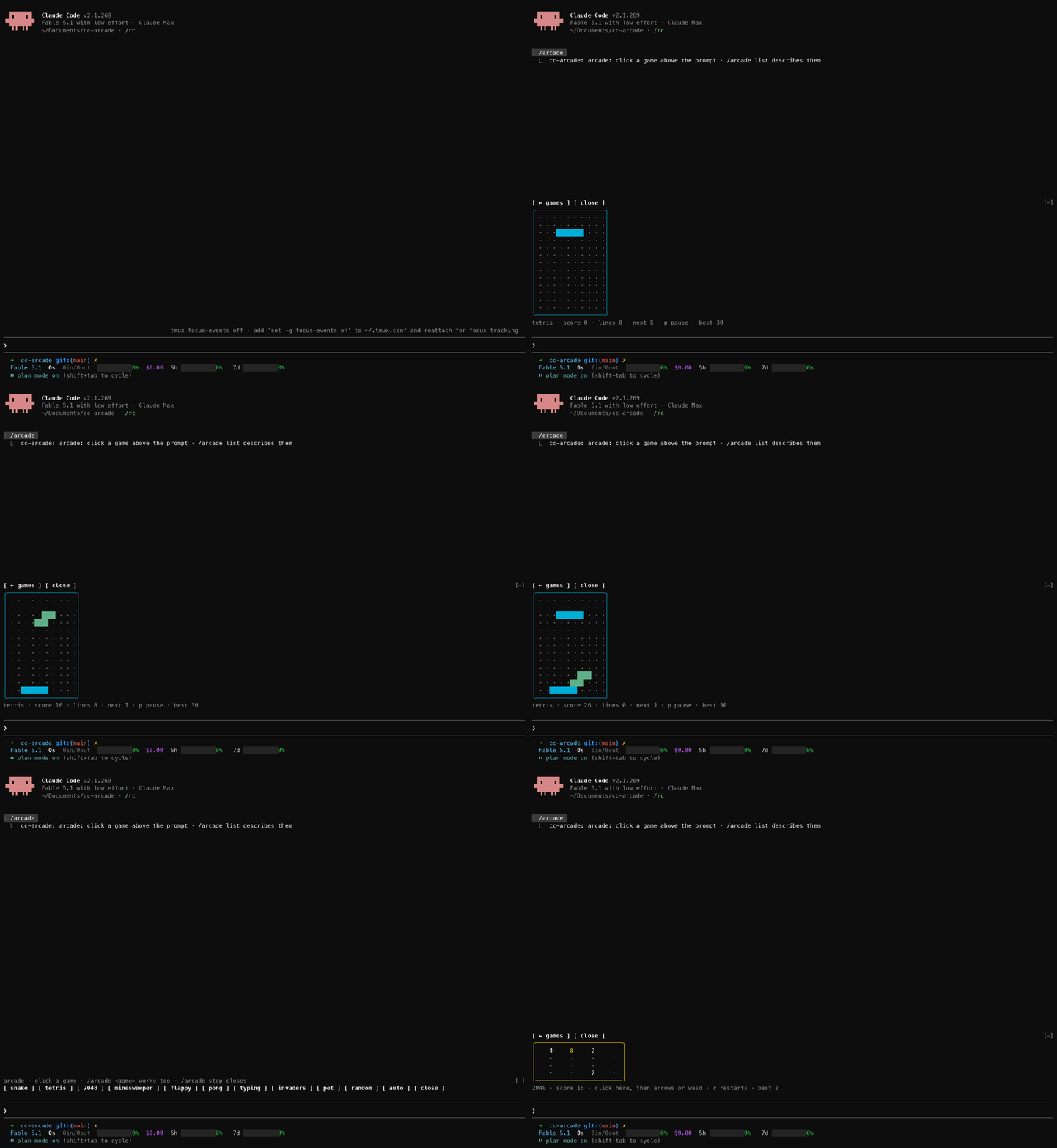
Run /racer, /breakout, /dino or /shooter and play right above the prompt while Claude works on your request. The games don't just sit next to Claude, they react to what it does: a passing test clears the road ahead, a failing test throws a hazard at you, a commit hands you a shield or a bomb. When Claude finishes the turn, the game pauses and its status line says so, so you never miss a reply. Playing costs no tokens: the plugin answers every key and command itself, without asking the model.
The plugin is built on Claude Code function hooks: TypeScript that runs inside Claude Code's own process, instead of shell-command hooks. They are in early access, so they need the environment variable the quick start sets, and the API can change between Claude Code releases.
<p>
<img src="assets/dino.gif" width="49%" alt="/dino demo">
<img src="assets/shooter.gif" width="49%" alt="/shooter demo">
</p>
Requirements
- Claude Code 2.1.269 or later, the first build whose function hooks draw above the prompt, with
CLAUDE_CODE_ENABLE_FUNCTION_HOOKS=1 set. The quick start shows where.
- An interactive terminal session. Nothing draws in
claude -p, the desktop app or mobile.
- A terminal that reports the mouse. One click is what gives a board the keyboard.
- A terminal font with box-drawing and block characters. Modern terminals are fine; the old Windows console draws them as boxes.
Quick start
-
Turn function hooks on. Add this to ~/.claude/settings.json (create the file if it does not exist, or merge the env key into what is there). Without it the plugin installs fine but does nothing.
{
"env": {
"CLAUDE_CODE_ENABLE_FUNCTION_HOOKS": "1"
}
}
This also loads the hooks module of any other installed plugin that ships one. For a single session instead, prefix the command: CLAUDE_CODE_ENABLE_FUNCTION_HOOKS=1 claude.
-
Install from GitHub. The repo is its own marketplace:
claude plugin marketplace add mohi-devhub/claude-games
claude plugin install claude-games@claude-games
-
Start claude and run /dino (or any other game). The board appears above the prompt.
-
Click the board, then play. The click gives the game the keyboard; until then your keys go to the prompt. Press Esc to give the keyboard back to the prompt, and /dino stop or the close button closes the game.
If a command is unknown, see Troubleshooting.
To remove it:
claude plugin uninstall claude-games
claude plugin marketplace remove claude-games
To try it without installing, or to hack on it, clone and load it for one session:
git clone https://github.com/mohi-devhub/claude-games
cd claude-games
claude --plugin-dir .
The repo's own .claude/settings.json sets the variable for sessions started inside the folder.
Games
Every game uses p to pause and r to restart after the run ends. One game is open at a time; opening one closes the other. Every command runs straight away, even while Claude is working.
/racer — Terminal Racer
Three lanes of oncoming traffic. ↑/↓ or w/s switch lanes (space also pauses). Speed climbs the longer you survive; the road never spawns a wall across every lane, so there is always a way through.
- Edit — a little distance.
- Passing test — clears the nearest car in your lane, plus a bonus.
- Failing test — drops a hazard in your lane.
- Commit — a shield that absorbs one hit, plus a bonus.
/breakout — Breakout
←/→ or a/d move the paddle, space launches the ball. Break every brick for the next level: each adds a row and speeds the ball up, and from level 3 the top row takes two hits. Three lives.
- Edit — a point.
- Passing test — breaks the lowest brick for you.
- Failing test — armors the lowest brick (up to three hits).
- Commit — an extra life (up to five).
/dino — Dino Runner
space, ↑ or w jumps; ↓ or s ducks (in the air it dives back down). Jump the cacti, duck the birds; the run speeds up the whole time. Obstacles never spawn closer than a full hop apart, so every gap can be cleared.
- Edit — a point.
- Passing test — clears the next obstacle.
- Failing test — drops a cactus at the edge.
- Commit — a three-second shield.
/shooter — Side-scrolling Shooter
↑/↓ or w/s move the ship; space or f fires (hold it to keep firing). Red fighters go down in one hit, magenta armored ships take two and shoot back from level 2, green spinners weave around their lane. A level every 250 points brings faster, denser waves. Three lives, with a moment of invulnerability after each hit.
- Edit — a point.
- Passing test — a triple shot for five seconds.
- Failing test — an extra pair of enemies.
- Commit — a bomb that destroys everything on screen, and scores it.
Playing while Claude works
Send your prompt, then open a game. When the turn finishes, the open game pauses and its status line turns yellow and starts with ● Claude is done. Press a game key to carry on, or Esc to go and read the reply.
The boards take the rows above the prompt that Claude Code gives plugins; a taller terminal gives the pixel games (Breakout, Dino, Shooter) more room.
What counts as Claude's work
Only Claude's own tool calls count, never commands you run yourself:
- An edit is a successful
Edit, Write or NotebookEdit.
- A test run is a Bash command running
bun test, npm test, pnpm test, yarn test, pytest, go test, cargo test, jest, vitest, mocha, rspec, phpunit, make test, or the test task of mvn, gradle, gradlew or sbt (also through npx). It passes or fails with the tool call.
- A commit is a successful
git commit (a --dry-run doesn't count).
To see these, the plugin hooks every tool call in sessions where it is loaded, which means it sees each Bash command's text and whether the call failed. It matches that text against the list above and keeps nothing: no command text, file path or prompt is stored or logged. The plugin makes no network calls; best scores stay in Claude Code's plugin store on this machine.
Best scores
Each game keeps its best score across sessions, and a new best shows a toast: distance for the racer and the dino, points for Breakout and the shooter.
How it works
hooks/register.tsx is the hooks module. It registers the four commands, mounts the open game's board above the prompt, pauses it on turn.complete, turns each classified tool.call into a "pulse" the board applies once, and keeps best scores with $.store.hooks/boards/*.tsx are surface modules, one per game, mounted as Client elements. Each runs on the drawing thread with its own frame clock and keyboard, and posts a finished run's score back to the hooks module. The pixel games draw with half-block characters on a shared canvas in hooks/boards/common.tsx.hooks/games/*.ts hold each game's rules, the tool-call classifier and the best-score comparison as pure functions. The tests cover them.
Troubleshooting
- A game's command is unknown. Function hooks are off. Check
CLAUDE_CODE_ENABLE_FUNCTION_HOOKS is set in ~/.claude/settings.json under env (see Quick start), and that the plugin is loaded with /plugins.
- Keys go to the prompt instead of the game. Click the board first. Esc hands the keyboard back to the prompt.
- A board is replaced by one line naming the plugin and the module. The board threw an error or ran over its time budget and was unmounted. Close the game and open it again. If it repeats, start Claude with
--debug-file /tmp/claude-games.log and search the log for claude-games.
- Games stopped working after editing the plugin. A hot reload that fails partway leaves the old version loaded. Restart the session.
Limits
- Boards redraw ten times a second, so fast games feel coarse next to a real console.
- One game is open at a time, in the rows Claude Code gives the band above the prompt.
- A game only gets the keyboard after a click, and never gets Esc, which always returns to the prompt.
- A headless
claude -p run, the desktop app and mobile never draw the games.
- Best scores live in the plugin's store on this machine. Nothing is shared between machines.
Develop
From the repo root:
bun test                                            # game rules, the classifier and best scores
claude plugin validate .claude-plugin/plugin.json   # lists the hooked events, $ calls and surface modules
claude plugin validate .                            # checks the marketplace manifest
bun test is the only check that works on a bare clone, and CI runs it on every push. Type checking needs the early-access types: open a Claude Code session in this folder with function hooks on, run /plugin-types (it writes the git-ignored .claude/types/), then:
bunx -p typescript tsc -p .
Two rules for board files: never name a local variable h, because every JSX tag compiles to a call of h and a local h breaks the board at its first draw; and write Client module paths as string literals, because the engine reads them off the source.
Edits hot-reload into a running session. If a reload fails partway, the transcript says so; restart the session.
Credits
Built on cc-arcade by Seza Akgün (MIT): its function-hooks plugin structure, shared board helpers and tool-call classifier are the starting point for this repo.
These are clones of their genres, not affiliated with or endorsed by Atari, Google or anyone else.
License
MIT. See LICENSE.