ClaudeModsClaude Code 模組目錄
☰
● 0 人在線上 · 瀏覽 0 次
+ 提交作品
為終端機創造更多可能 / THE MOD COLLECTION

作品 — Claude Code 插件/外掛目錄 · ClaudeMods

在 ClaudeMods 探索 Claude Code 插件與外掛,比較社群打造的工作流程,查看原始來源與所需權限。

133真實作品15用途分類4權限等級
G
Gary_BBGames@Gary_BBGames
◎

Claude Code Xcode 建置錯誤擷取 mod

作者為 Claude Code 新 mod 系統開發的擴充功能:把 xcodebuild 失敗日誌中段的編譯器錯誤擷取出來取代截斷日誌,讓 Claude 直接讀到錯誤檔案、行號和列號。

claude / Claude Code Xcode 建置錯誤擷取
❯ /Claude
▰▰▰▰▰▰▰▰ 開發與除錯
✳︎ Claude Code Xcode 建置錯誤擷取 mod
└─ 讓每一次對話更順手
文字預覽 · 非作品截圖
未掃描☆ 0
G
Gary_BBGames@Gary_BBGames
◎

讓 Claude 直接讀取 xcodebuild 編譯錯誤的 Claude Code Mod

作者用新版 mod 系統做了一個 mod:當 Claude 透過 Bash 執行 xcodebuild 失敗時,自動追加 -resultBundlePath 並用 xcresulttool 提取錯誤/警告/測試失敗,把 Claude 看到的

claude / 讓 Claude 直接讀取 xcodebuild
❯ /讓
▰▰▰▰▰▰▰▰ 開發與除錯
✳︎ 讓 Claude 直接讀取 xcodebuild 編譯錯誤的 Claude Code Mod
└─ 讓每一次對話更順手
文字預覽 · 非作品截圖
未掃描☆ 0
u
unknown@community
◎

optimAIzr:在工作階段中將簡單任務切換到 Haiku 並顯示節省

optimAIzr 0.8.0 是一個開源 mod,可以在工作階段中途將簡單工作切換到 Haiku,並顯示節省的成本。

claude / optimAIzr:在工作階段中將簡單任務切換到
❯ /optimAIzr:在工作階段中將簡單任務切換到
▰▰▰▰▰▰▰▰ 用量與成本
✳︎ optimAIzr:在工作階段中將簡單任務切換到 Haiku 並顯示節省
└─ 讓每一次對話更順手
文字預覽 · 非作品截圖
未掃描☆ 0
T
Troepster@Troepster
◎

What I learned building a Claude Code mod: a status band above the prompt

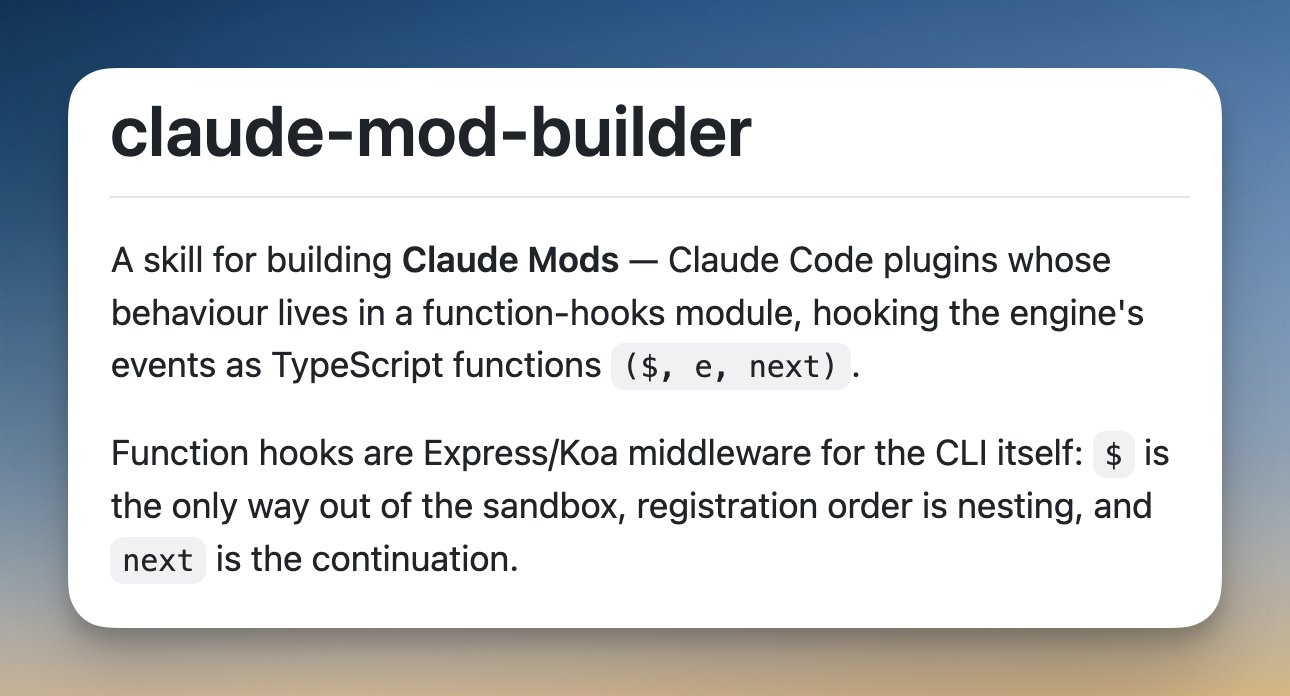
So I got my weekly mail from Lydia and saw something very exciting: Claude Code now supports mods, plugins written as function hooks that can draw UI inside the app, in both the terminal and the desktop app. So I went through the docs and built the suggested weather band, very nice. Then what else can I do with it? I recently started using Ponytail with great success and wanted to know what level it's running at, so let's add that… and after that, why not Caveman as well. Bottom line, great fun and very useful. Here's what I learned, then what I made. How a mod draws UI A mod hooks ui.render for a spot like AbovePrompt and returns a tree of a few elements ( Box , Text , Button , Select , Link , Svg ), laid out with flexbox. Not HTML, no CSS. The smallest band is about this: on('ui.render', { component: 'AbovePrompt' }, async ($, e) => { const { Box, Text } = $.ui.resolve(e) return <Box flexDirection="row"><Text>hello from a mod</Text></Box> }) How I did config inline The config took a few goes This was the fun part, because the UI is so limited: Settings live in /config , but that doesn't exist in the desktop app. So first a /overalls weather minimal command, then a ⚙ button that t

What I learned building a Claude Code mod: a status band above the prompt預覽
未掃描☆ 0尚未翻譯
P
Pale-Soil-2524@Pale-Soil-2524
◎

live-vibe: a full-duplex, batteries-included, voice Mod for Claude Code. Built on Claude Code Mods, CUDA and Apple silicon, two-line install, MIT license.

I built live-vibe because I want to talk to Claude Code the way I can talk to ChatGPT Codex in Voice Mode. I want the mic open the whole time, and I want it to answer when I have finished the thought and shut up when I talk over it. Claude Code did not have that. It does have the new Mods capability, which lets a plugin run code in the agent's path and draw into the terminal, and that turned out to be enough to build the whole thing as a plugin. It is MIT licensed, in a marketplace I'm calling ottomation, and it installs in two lines. /live is full-duplex voice with Claude. Talk over it and it stops on your first word. An "mm-hm" while it is speaking does not count, and it carries on from the sample it paused on, so you can grunt along the way you would with a person. /vibe is director mode, where Claude reads and directs worker subagents and never edits a file itself. /livevibe is both at once. A small, fast voice model holds the conversation with me and hands the real work to Claude as director. When Claude finishes, the voice tells me what happened in a sentence or two, and in the meantime I can ask it what Claude is up to and get an answer while Claude keeps working. Everything

claude / live-vibe: a full-duplex,
❯ /live-vibe:
▰▰▰▰▰▰▰▰ 其他
✳︎ live-vibe: a full-duplex, batteries-included, voice Mod for Claude Code. Built on Claude Code Mods, CUDA and Apple silicon, two-line install, MIT license.
└─ 讓每一次對話更順手
文字預覽 · 非作品截圖
未掃描☆ 0尚未翻譯