Running multiple Claude Code sessions in parallel is great. Until my 16 GB Mac starts yelling at me. Idle sessions, leftover dev servers, orphaned processes, all eating up memory. So I built watch-my-ram, a small Claude Code mod to keep an eye on my Mac's memory. Here's what it does: • Shows RAM usage and memory pressure right above the prompt. • /watch-my-ram lists active sessions, their memory usage, PR merge status, leftover dev processes, and open ports. • Warns when Claude starts running tests while another session is already testing. It only reads and warns. It doesn't kill anything automatically. You can ask Claude for suggestions and decide what to close. It's open source. Link to repo: https://github.com/nguyenphusi/watch-my-ram P.S. A better solution is probably getting a new Mac with more RAM though 😂
watch-my-ram: a Claude Code mod to keep an eye on your Mac's memory
A small open-source Claude Code mod that shows RAM usage and memory pressure above the prompt and adds a /watch-my-ram command listing active sessions, leftover dev processes and open ports. It only reads and warns — it never kills anything automatically.
About this mod
Running multiple Claude Code sessions in parallel is great. Until my 16 GB Mac starts yelling at me. Idle sessions, leftover dev servers, orphaned processes, all eating up memory.
So I built watch-my-ram, a small Claude Code mod to keep an eye on my Mac's memory.
Here's what it does: • Shows RAM usage and memory pressure right above the prompt. • /watch-my-ram lists active sessions, their memory usage, PR merge status, leftover dev processes, and open ports. • Warns when Claude starts running tests while another session is already testing.
It only reads and warns. It doesn't kill anything automatically. You can ask Claude for suggestions and decide what to close.
It's open source. Link to repo: https://github.com/nguyenphusi/watch-my-ram
Installation
Check the author's README for the marketplace and plugin name first. Commands may change as the repository evolves.
claude plugin marketplace add nguyenphusi/watch-my-ram
claude plugin install watch-my-ram@watch-my-ram
Original text / README
Running multiple Claude Code sessions in parallel is great. Until my 16 GB Mac starts yelling at me.
Idle sessions, leftover dev servers, orphaned processes, all eating up memory.
So I built watch-my-ram, a small Claude Code mod to keep an eye on my Mac's memory.
Here's what it does:
• Shows RAM usage and memory pressure right above the prompt.
• /watch-my-ram lists active sessions, their memory usage, PR merge status, leftover dev processes, and open ports.
• Warns when Claude starts running tests while another session is already testing.
It only reads and warns. It doesn't kill anything automatically. You can ask Claude for suggestions and decide what to close.
It's open source. Link to repo: https://github.com/nguyenphusi/watch-my-ram
P.S. A better solution is probably getting a new Mac with more RAM though 😂
Get a badge
Is this your project? Add this badge to your README or website. It links back to this page.

Similar projects
A Reddit submission introducing "Context Diet", a Claude Code mod intended to prevent large tool outputs from flooding the context window. The post text only contains submission metadata (author, subreddit, link/comments placeholders) with no repository link, installation steps or demo media, so the mod cannot be verified from the source alone.
✳︎ Context Diet: a Claude Code mod that keeps huge tool outputs from flooding the context
└─ Make every conversation easier
Context Diet: a Claude Code mod that keeps huge tool outputs from flooding the context
Renders the context window as a brain: tool calls light up the corresponding regions, higher usage makes it more crowded, and compaction triggers sleep-like cleanup.

working-memory

A Claude Code function-hooks plugin. When the main conversation has been idle for idleMinutes (default 50 minutes), it compacts before the prompt cache expires and passes AGENTS.md's Compact Instructions to every compact. It skips running turns, conversations below minMessageTokens, and cases beyond cutoffMinutes, leaving the reason in the transcript.
✳︎ idle-compact
└─ Make every conversation easier
idle-compact

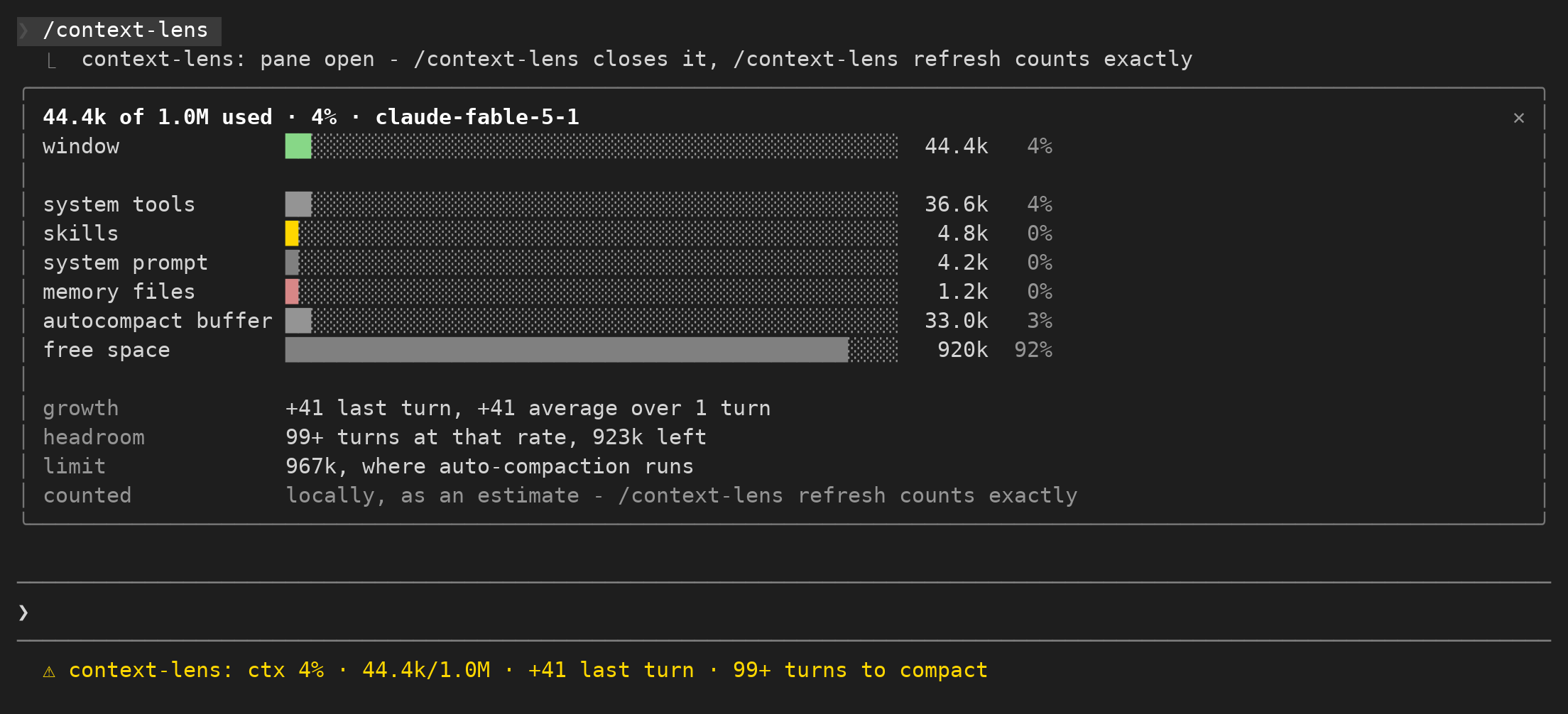
Track context-window usage and growth per turn to decide when to tidy up context.
context-lens
Crew is a plain-Markdown record-keeping system for AI work handoffs, shared via a Threads post with a GitHub guide link.
✳︎ "Done" isn't a handoff if the next person has to hunt for the file. Crew keeps A
└─ Make every conversation easier
"Done" isn't a handoff if the next person has to hunt for the file. Crew keeps A

lcm is shared memory infrastructure for coding agents, replacing sliding-window forgetting with a persistent runtime for humans and agents, with SQLite persistence, DAG summaries and cross-session memory.
✳︎ lcm
└─ Make every conversation easier