
vgnshiyer@vgnshiyer
vgnshiyer/nowloading
A Claude Code plugin that replaces the working spinner with retro-animated themes (VCR OSD, split-flap board, hourglass, floppy drive, dot-matrix printer, arcade rally, filmstrip, pixel campfire) that react to thinking, tool use, success and failure.
vgnshiyer/nowloading
nowloading redraws the line that animates while Claude Code works, swapping the three dots for nostalgia-themed art: a VCR on-screen display, a split-flap departure board, a one-bit hourglass, a floppy drive, a dot-matrix printer, an arcade rally, a filmstrip, or a pixel campfire. Each theme follows what Claude is actually doing (thinking, running a tool, a tool failing, writing the answer) and works in the desktop Code tab and in Ghostty/kitty terminals as real pixels. Install with /plugin marketplace add vgnshiyer/mods and /plugin install nowloading@vgnshiyer-mods; switch themes via /nowloading <theme> or /nowloading random. Hooks pass straight through, so prompts, context and tool calls are untouched, and Claude Code falls back to its own line if a theme fails to draw. MIT licensed, all art original.
Check the author's README for the marketplace and plugin name first. Commands may change as the repository evolves.
claude plugin marketplace add vgnshiyer/nowloading
claude plugin install nowloading
The line that animates while Claude Code works, redrawn as something from before.
It replaces the three little dots with something from before: a VCR's on-screen display, a split-flap departure board, a one-bit hourglass, a floppy drive, a dot-matrix printer, an arcade rally, a filmstrip or a pixel campfire. Each one follows what Claude is actually doing: thinking, running a tool, a tool failing, writing the answer. It works in the desktop app's Code tab and in the terminal, where Ghostty and kitty show it as real pixels.
| Theme | |
| --- | --- |
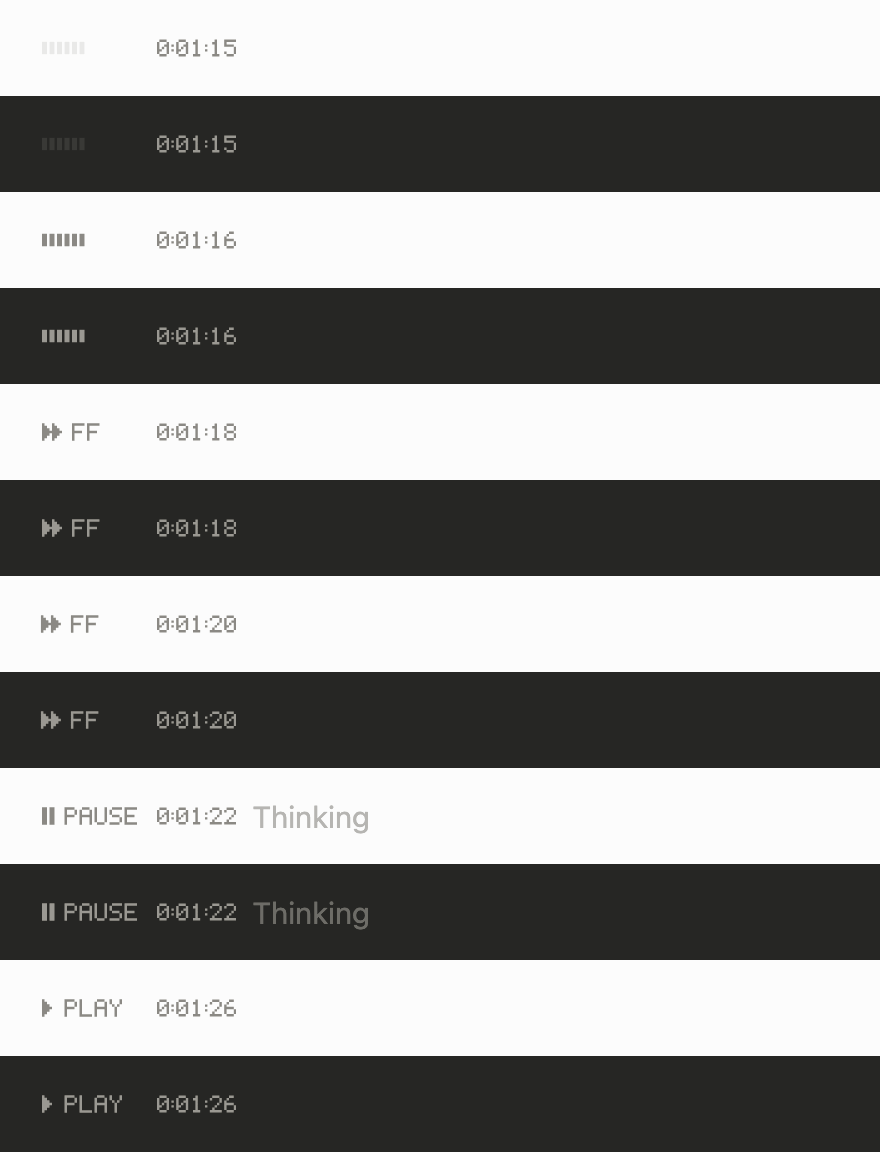
| rewind: the VCR's on-screen word in your text color. Pause while it thinks, fast-forward through tools, play while it writes. On the desktop, the tape counter is the time. | |
| channel3: the same display on a tiny screen, with scanlines and a slow tracking roll. | 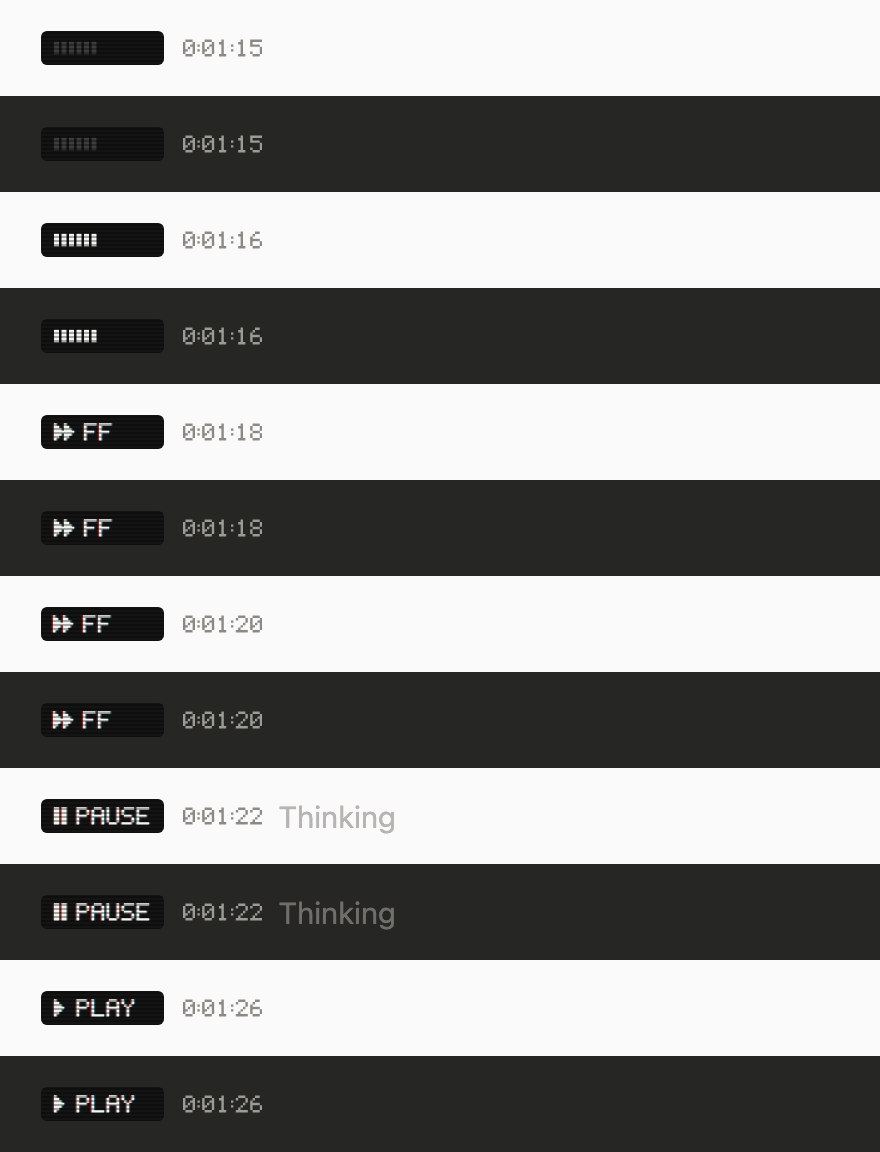 |
|
|
| cassette: a tape whose reels turn at the speed of the transport. | 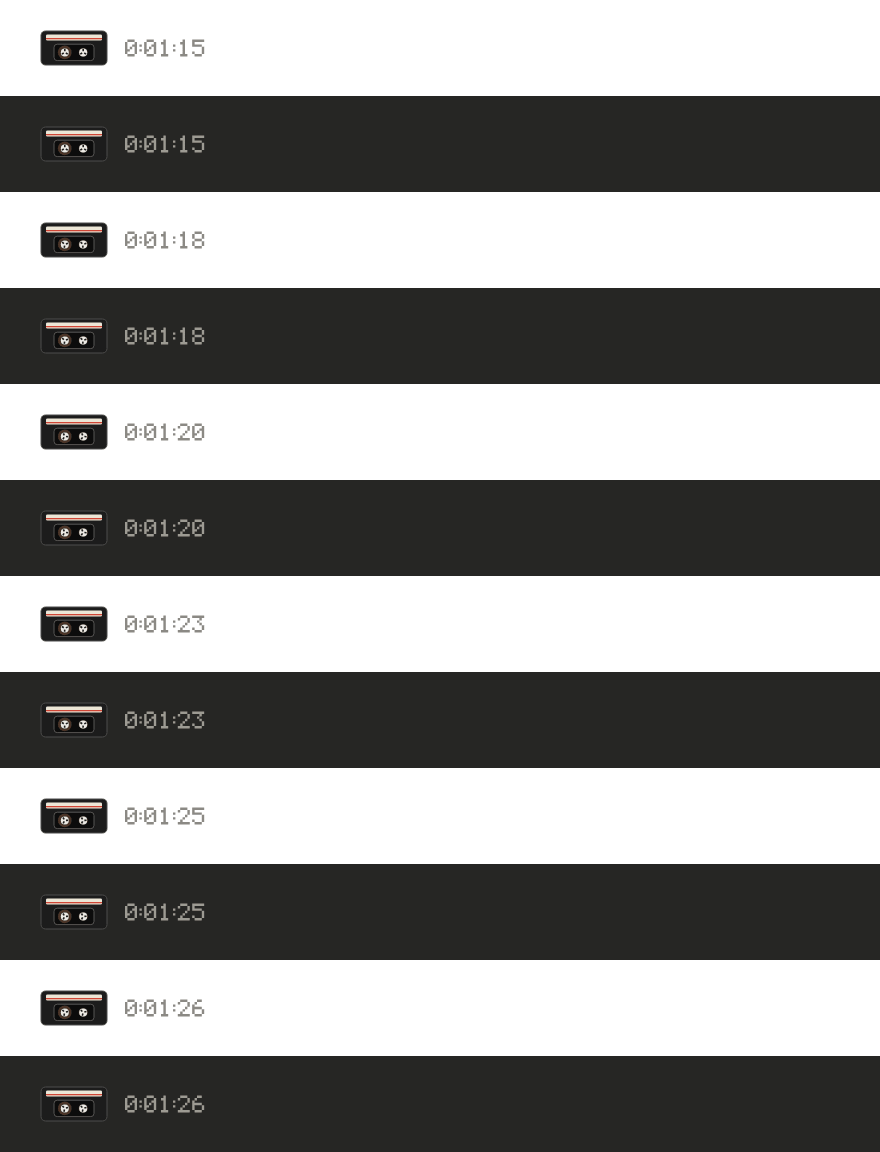 |
|
|
| platform: a turn is a flight. CHECK IN, BOARDING, EN ROUTE, LANDING, and DELAYED when a tool fails. The board riffles only when its word changes. | 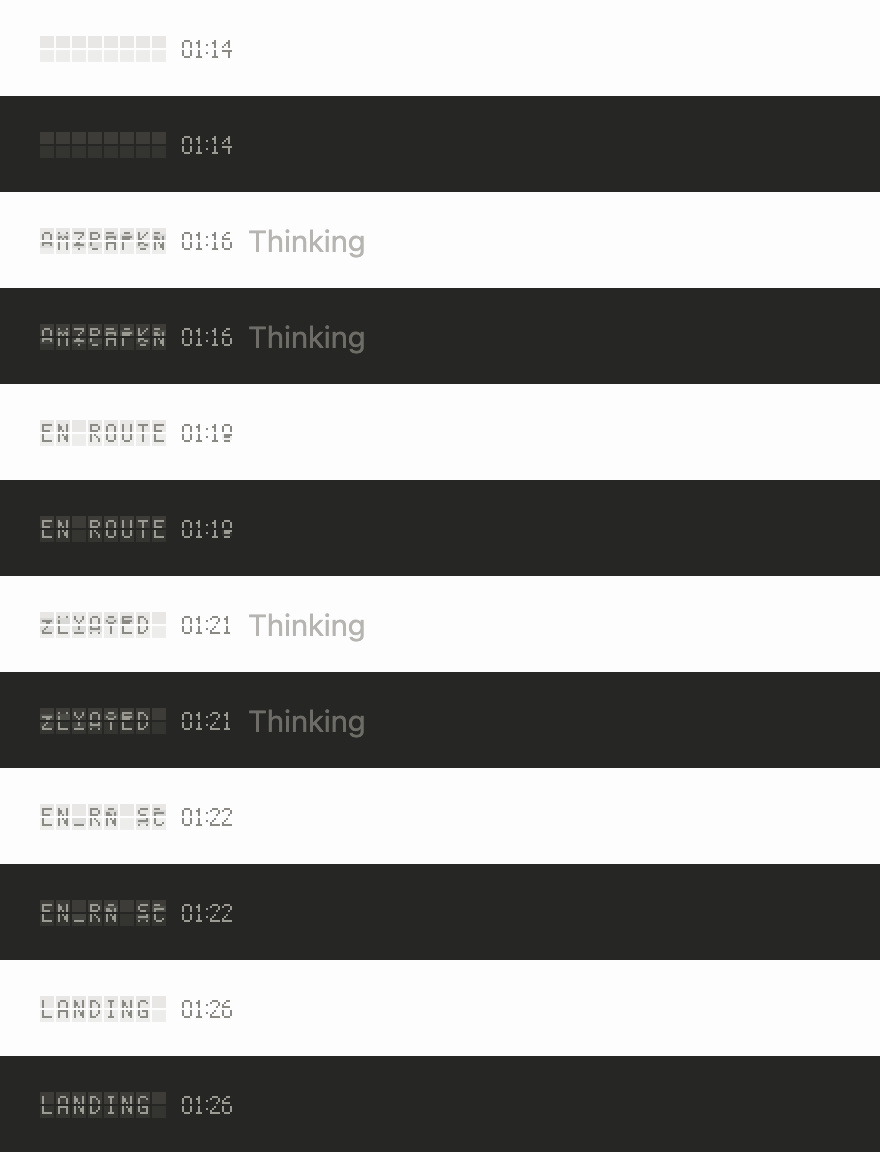 |
|
|
| arrivals: the same board at night. On the desktop, both boards keep time on a flap clock. | 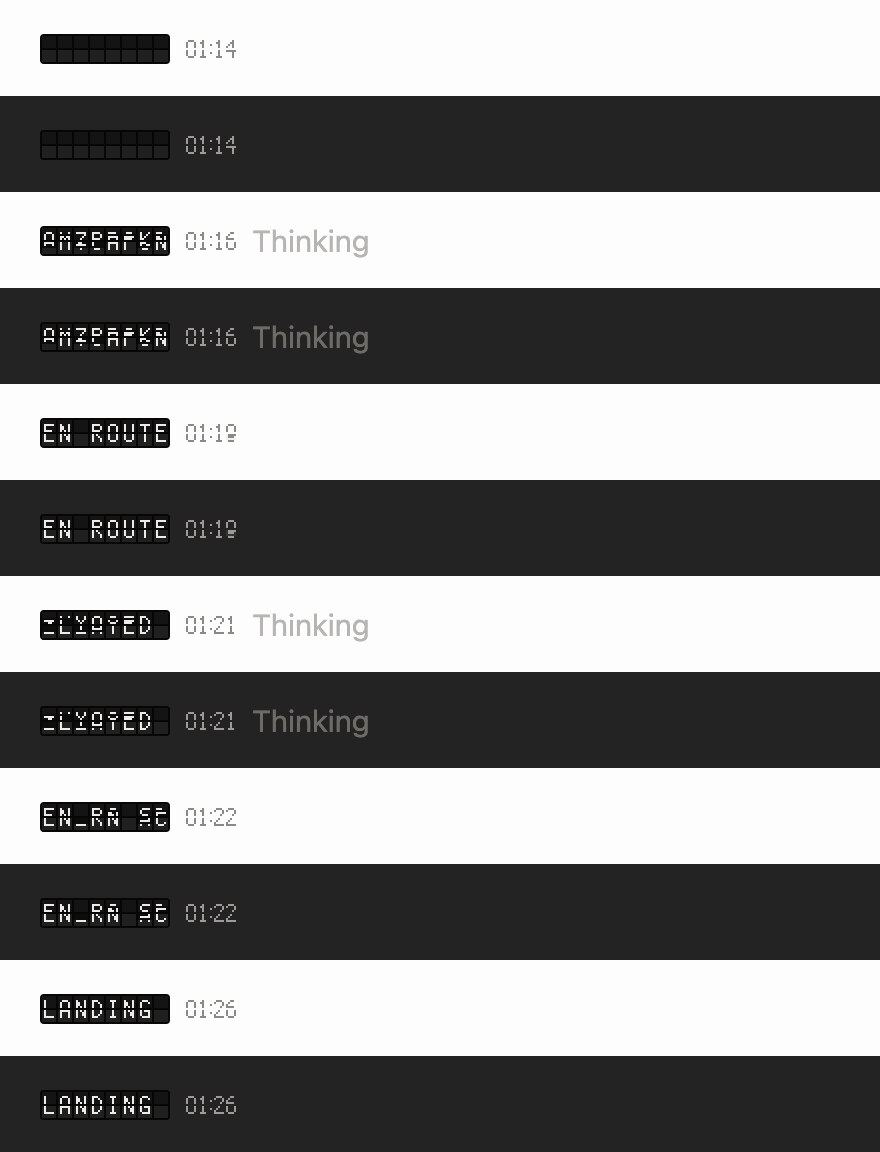 |
|
|
| sandglass: the wait cursor of an older desktop. The sand runs while it works, the glass turns over when a tool succeeds and tips over when one fails. | 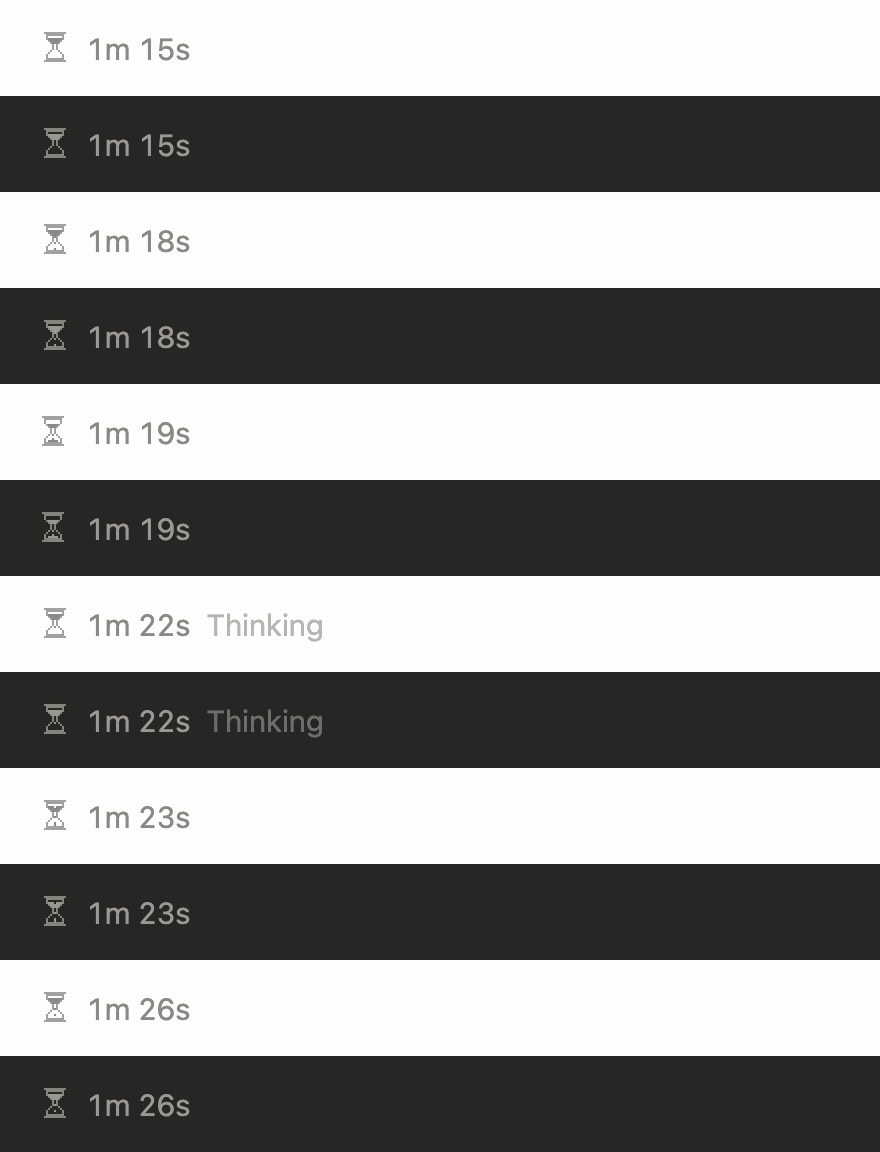 |
|
|
| floppy: a floppy disk and its drive. The shutter seeks while thinking, data travels during tools and writing, and a failed tool rattles the disk. | 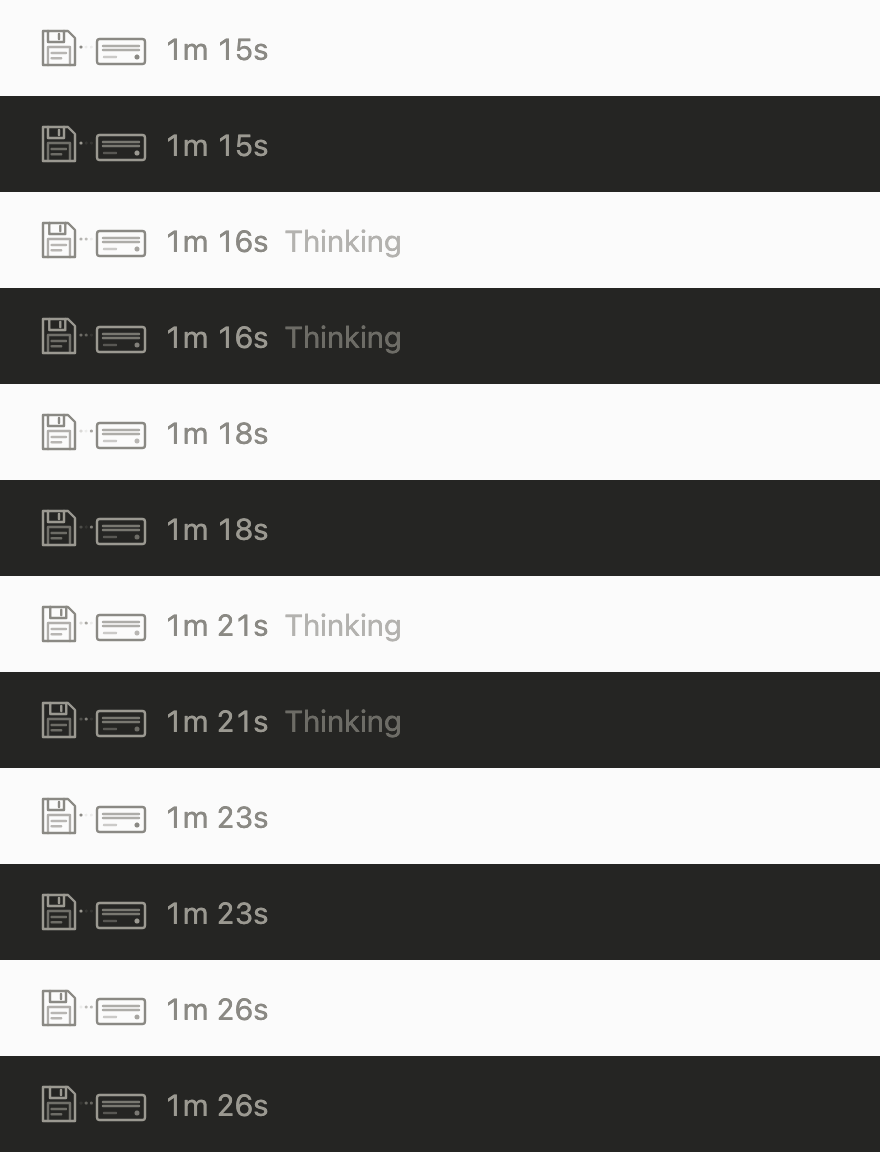 |
|
|
| dotmatrix: a print head crosses tractor paper. It prints through tools, parks on success, and creases the paper when a tool jams. | 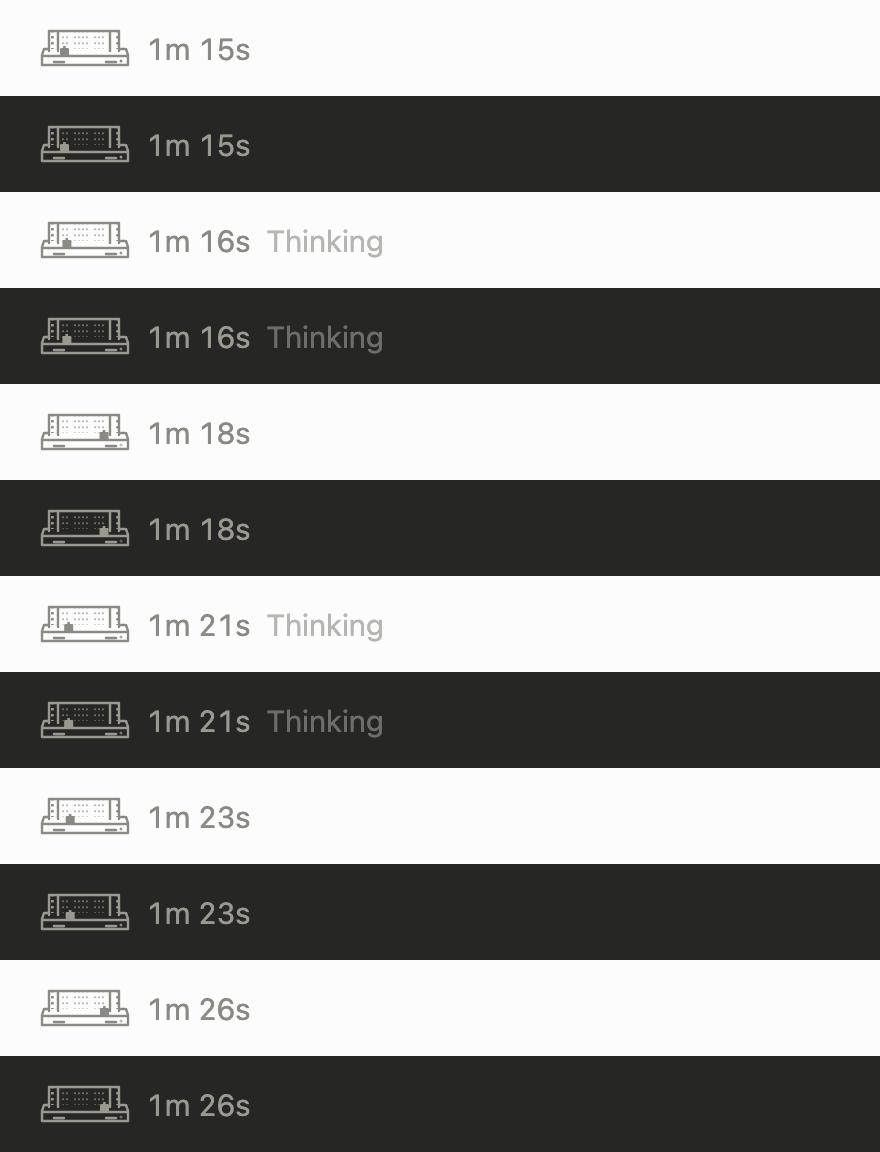 |
|
|
| rally: two paddles keep a rally going. A tool speeds up the game; success lands a clean return, and failure misses the paddle. | 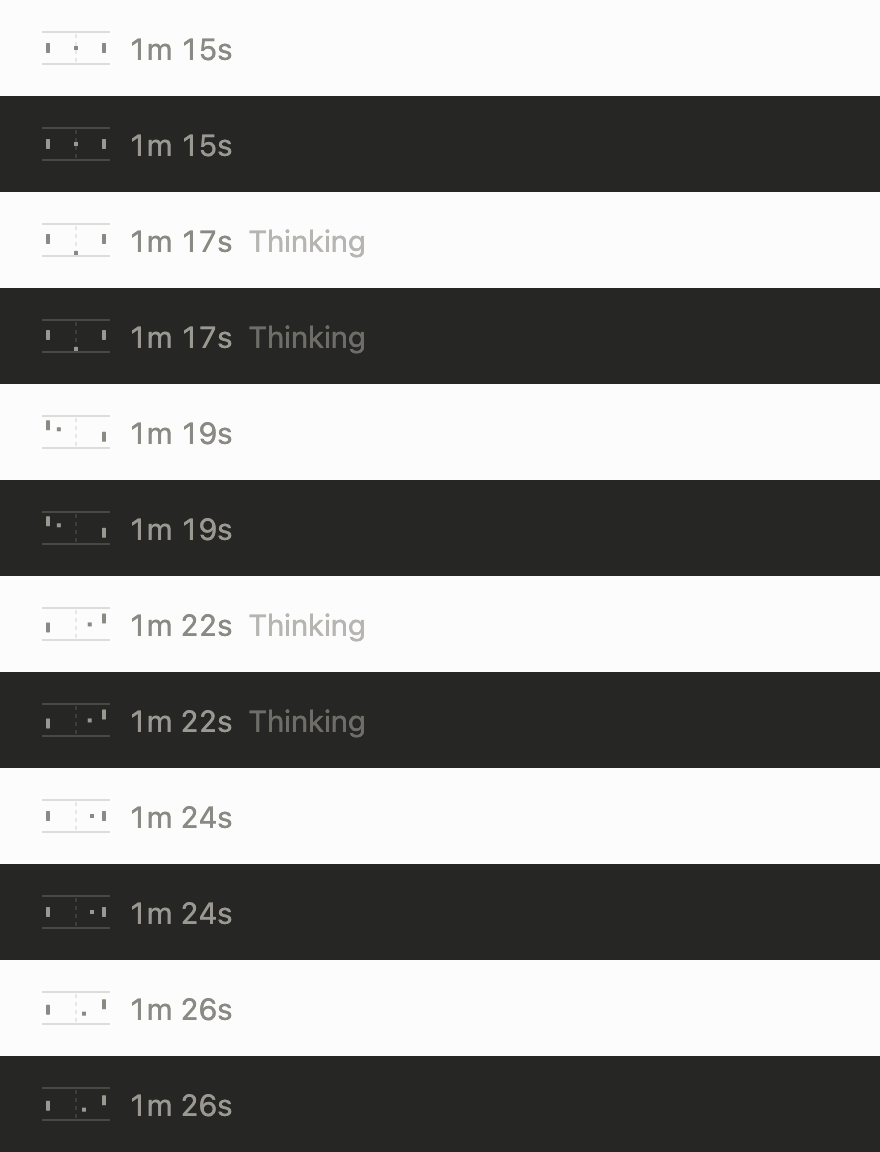 |
|
|
| filmstrip: frames and sprocket holes pass through a projector gate. It holds a frame while thinking and stops on a check or a jam after a tool. | 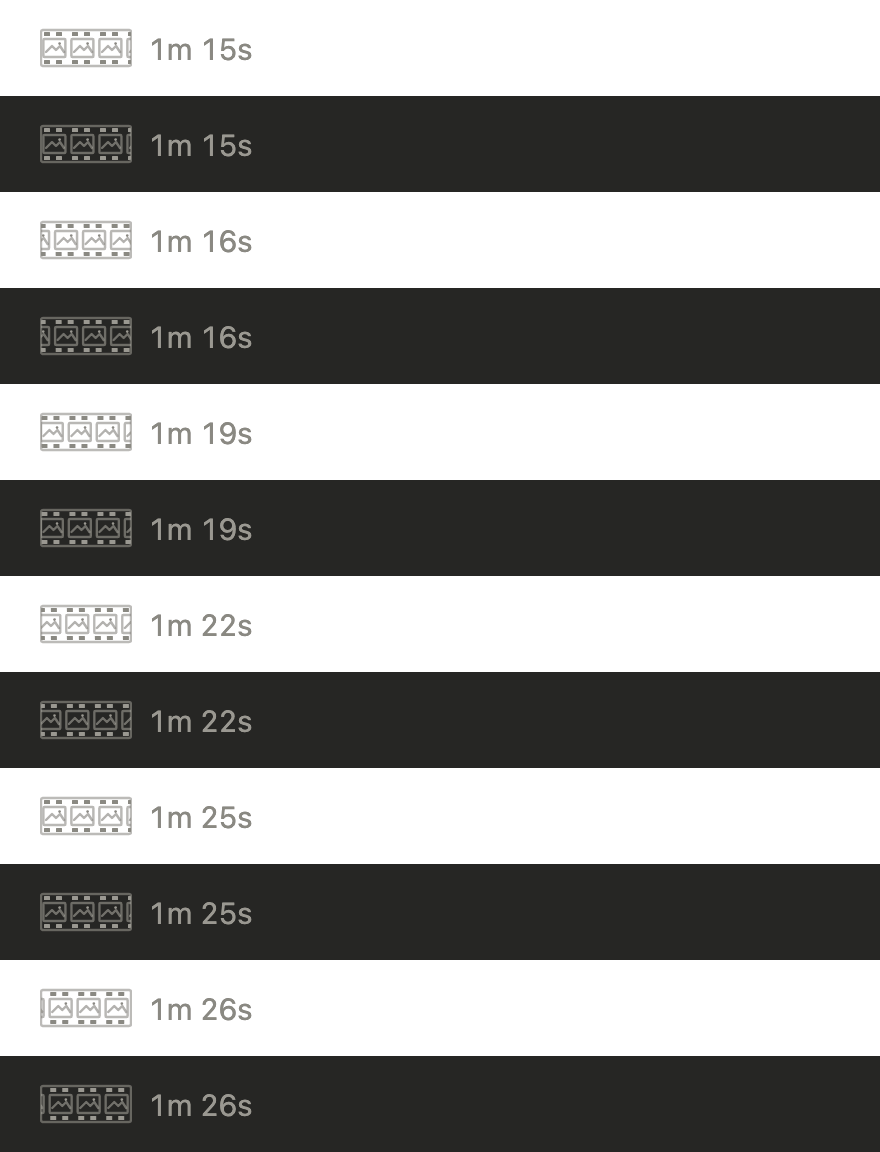 |
|
|
| campfire: a small pixel fire over crossed logs. It flickers gently while thinking, burns faster through tools, sends up a spark on success, and sputters into smoke after a failure. | 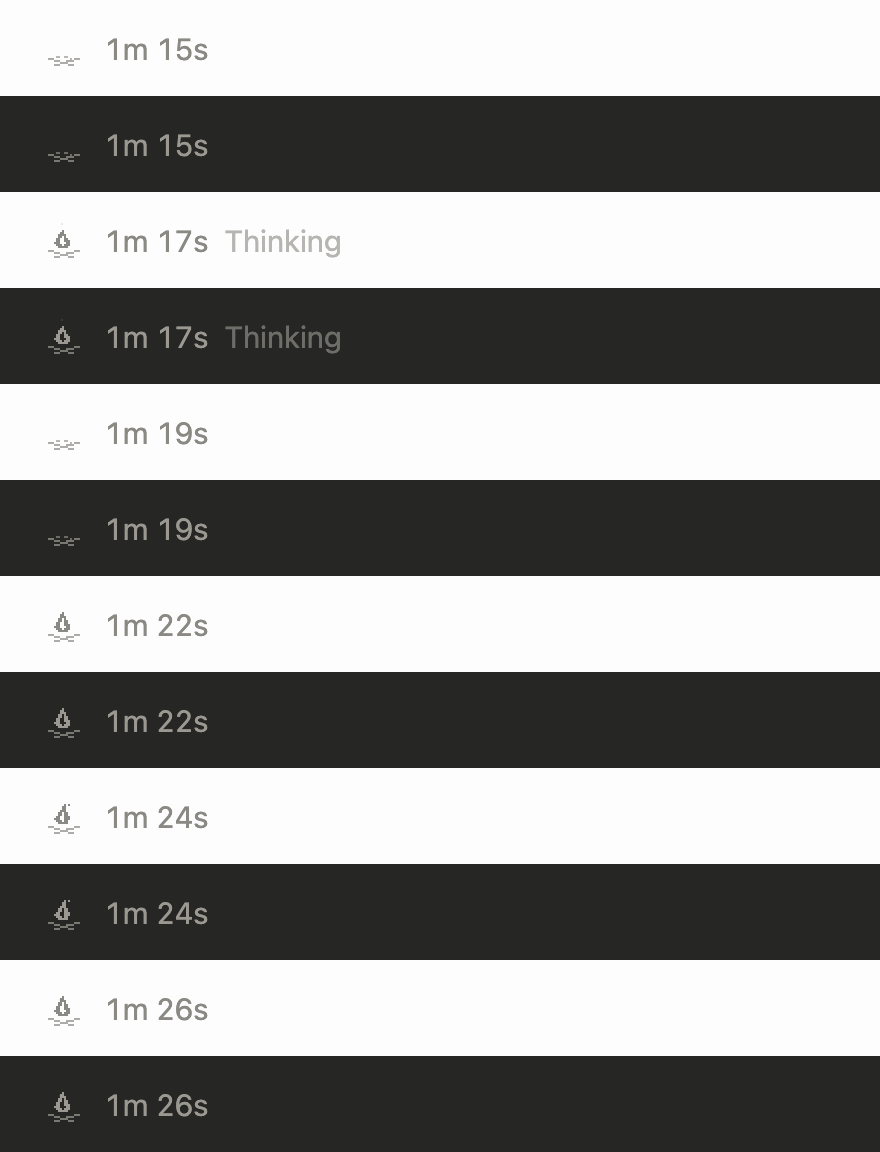 |
|
In Claude Code:
/plugin marketplace add vgnshiyer/mods
/plugin install nowloading@vgnshiyer-mods
Requires a Claude Code version with mods (function hooks). vgnshiyer/mods lists my other mods too.
/nowloading: shows the current theme and lists the others./nowloading arrivals: switches now, mid-turn included, and every session after uses it./nowloading random: a different theme every turn.The theme setting in /config picks one too. Whichever you set last wins.
Nothing but the drawing. Every hook passes straight through, so Claude's prompts, context and tool calls are untouched, and nothing waits on the animation. Meaningful step text stays, including a message another mod set, along with the real elapsed time. On desktop, the generic “Working” placeholder is omitted; the running tool already has its own description. If a theme ever fails to draw, Claude Code draws its own line instead.
rewind, channel3, cassette, platform and arrivals draw their own time: the tape counter or the flap clock. A running tool keeps its own line with its description, and a message another mod sets shows beside the art.A theme is one look in a family file.
themes/<family>.js. Export { key, title, blurb, looks }, where each look is { name, label, note, art(s) } and optionally tail(s).
art(s) returns an SVG string 20px tall and the same width in every state, animated with SMIL. Draw in currentColor so it follows light and dark.s is { mode, result, running, elapsed }. mode is requesting, thinking, tool-use or responding. result is a number after a tool succeeds and 'error' after it fails.tail(s) is optional and replaces the time on the desktop. It must show the real elapsed time.themes/vhs.js is a complete example.themes/index.js, a fallback word in hooks/state.ts, and the theme's name to userConfig.theme.options in .claude-plugin/plugin.json.node art/frames.mjs && python3 art/pack.py.python3 -m http.server) and open art/variations.html. To see every state, light and dark, at 3x and real size, run python3 art/render.py <family> /tmp/sheet.node art/gifs.mjs && python3 art/gif.py, which writes docs/<theme>.gif, and add a row to the table above.claude plugin test ., then open a pull request.art/ needs Node 22+, Python with Pillow, and Google Chrome. The scripts look for Chrome where macOS installs it; set CHROME to its path anywhere else.
To rebuild only selected themes, pass their names to the capture script: node art/frames.mjs floppy dotmatrix rally filmstrip, then python3 art/pack.py. The GIF recorder accepts the same names: node art/gifs.mjs floppy dotmatrix rally filmstrip, then python3 art/gif.py.
MIT. All art is original. The themes evoke generic old machines, not any product or brand.

Documentation generation, drift detection, and API docs automation plugin that also acts as a function-hook guard refusing doc writes or worker dispatch containing secrets.

A status bar for the Claude desktop app. It draws above your prompt and shows session quality, context fill, cache countdown, and your 5-hour and weekly limits, with Clawd acting out what the session is doing.

A Claude Code plugin mod providing a /databricks-pane that presents Databricks workspace, Unity Catalog, compute, jobs, pipelines, apps and dashboards as a tree following the databricks CLI, with live highlights, profile switching, and CLI argument copy.
