
alexgreensh@alexgreensh
alexgreensh/token-optimizer/tree/main/desktop/token-optimizer-desktop
A status bar for the Claude desktop app. It draws above your prompt and shows session quality, context fill, cache countdown, and your 5-hour and weekly limits, with Clawd acting out what the session is doing.
alexgreensh/token-optimizer/tree/main/desktop/token-optimizer-desktop
A status bar for the Claude desktop app. It draws above your prompt and shows session quality, context fill, cache countdown, and your 5-hour and weekly limits, with Clawd acting out what the session is doing.
It ships inside the Token Optimizer plugin (hooks/hooks.json names this folder's hooks/register.tsx under modules), so there is nothing extra to install. This folder keeps its own manifest only so its tests run on their own with claude plugin test.
Needs Claude Code 2.1.287 or newer and Anthropic's mods feature. Anthropic can switch mods off remotely; when off, nothing breaks and the bar just does not appear. The terminal keeps its existing status line. VS Code is not supported.
The cache countdown is an estimate: 1 hour on Claude plans, 5 minutes on the API, measured from the session itself when possible.
TOKEN_OPTIMIZER_STATUS_BAR=0 hides the bar and TOKEN_OPTIMIZER_STATUS_BAR_ANIMATE=0 keeps Clawd still, set in the env block of ~/.claude/settings.json.
See the Token Optimizer README and the docs site page "Claude desktop app".
Check the author's README for the marketplace and plugin name first. Commands may change as the repository evolves.
claude plugin marketplace add alexgreensh/token-optimizer
claude plugin install token-optimizer
A status bar for the Claude desktop app. It draws above your prompt and shows session quality, context fill, cache countdown, and your 5-hour and weekly limits, with Clawd acting out what the session is doing.
It ships inside the Token Optimizer plugin (hooks/hooks.json names this folder's hooks/register.tsx under modules), so there is nothing extra to install. This folder keeps its own manifest only so its tests run on their own with claude plugin test.
Needs Claude Code 2.1.287 or newer and Anthropic's mods feature. Anthropic can switch mods off remotely; when off, nothing breaks and the bar just does not appear. The terminal keeps its existing status line. VS Code is not supported.
The cache countdown is an estimate: 1 hour on Claude plans, 5 minutes on the API, measured from the session itself when possible.
TOKEN_OPTIMIZER_STATUS_BAR=0 hides the bar and TOKEN_OPTIMIZER_STATUS_BAR_ANIMATE=0 keeps Clawd still, set in the env block of ~/.claude/settings.json.
See the Token Optimizer README and the docs site page "Claude desktop app".

Documentation generation, drift detection, and API docs automation plugin that also acts as a function-hook guard refusing doc writes or worker dispatch containing secrets.

A Claude Code plugin mod providing a /databricks-pane that presents Databricks workspace, Unity Catalog, compute, jobs, pipelines, apps and dashboards as a tree following the databricks CLI, with live highlights, profile switching, and CLI argument copy.


# RemCTL 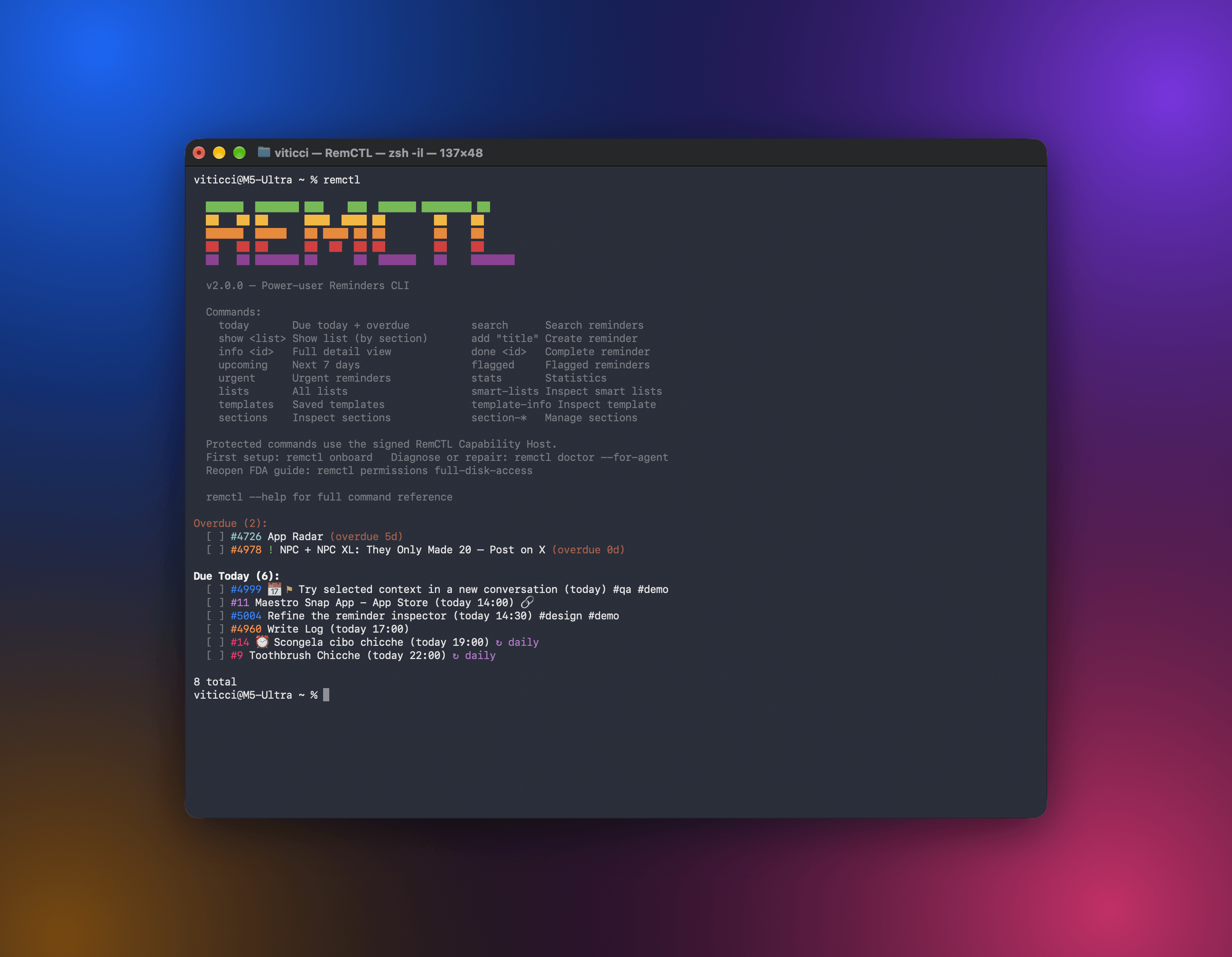 RemCTL gives you full control of Apple Reminders from the terminal, from AI apps, from a Reminders workspace inside Codex, and from a Today band in Claude Code. It covers the basics (reminders, lists, due dates, flags, and search) as well as features Apple doesn't expose to other apps, such as sections, tags, subtasks, smart lists, and templates.
