
arihantbansal@arihantbansal
arihantbansal/claude-lightbox
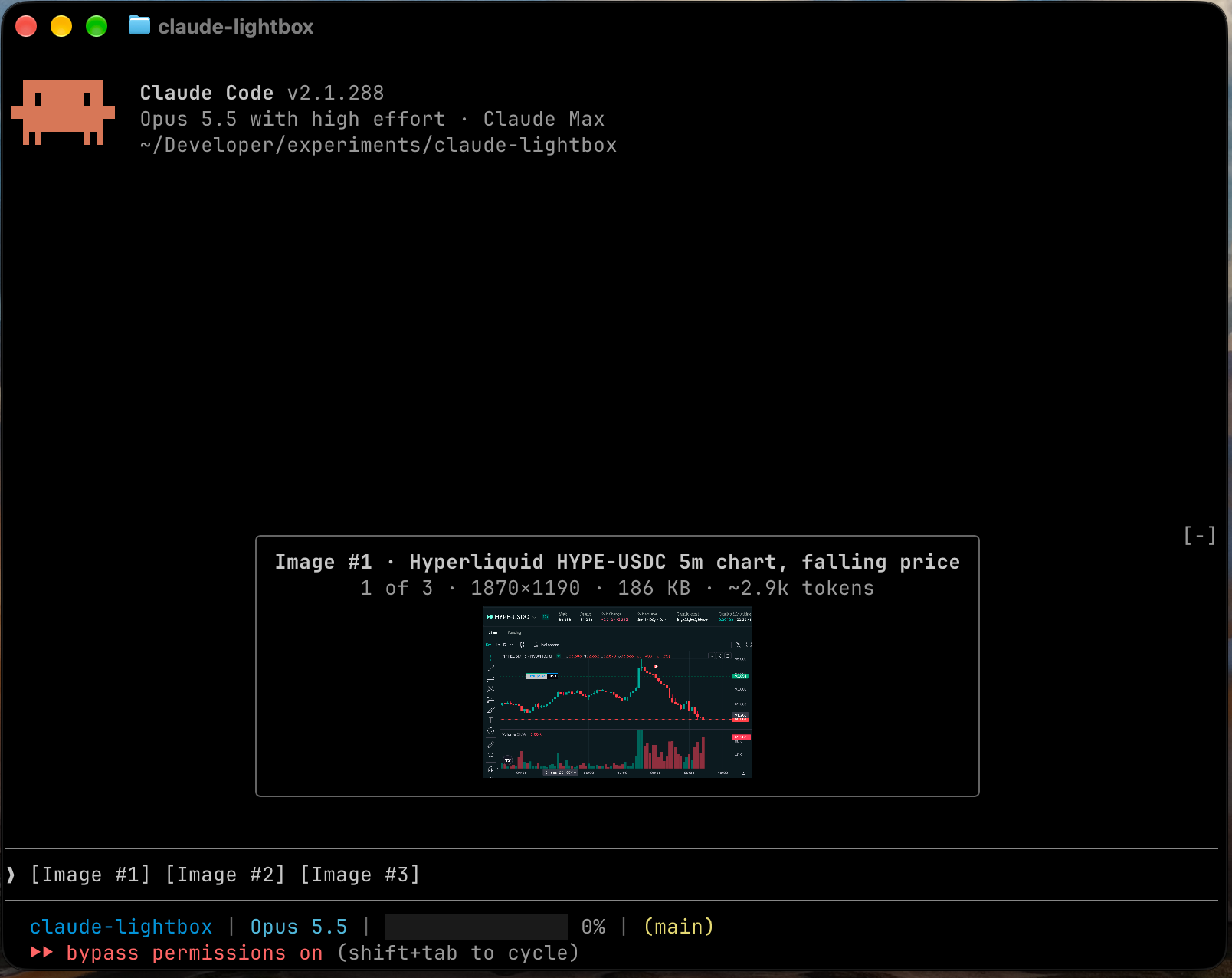
Lightbox is a Claude Code mod that shows the images you paste into the prompt as large previews.
arihantbansal/claude-lightbox
Pasted images open as a large preview above the prompt, collapsing to captioned thumbnails while typing, with size and token estimates. Installed via /plugin marketplace add arihantbansal/claude-lightbox and /plugin install lightbox@claude-lightbox. Requires Claude Code 2.1.288+, a terminal supporting the kitty graphics protocol, and macOS or Linux.
Check the author's README for the marketplace and plugin name first. Commands may change as the repository evolves.
claude plugin marketplace add arihantbansal/claude-lightbox
claude plugin install lightbox

Lightbox is a Claude Code mod that shows the images you paste into the prompt as large previews.
[Image #n] tag, with the arrow keys or a click, opens that image again.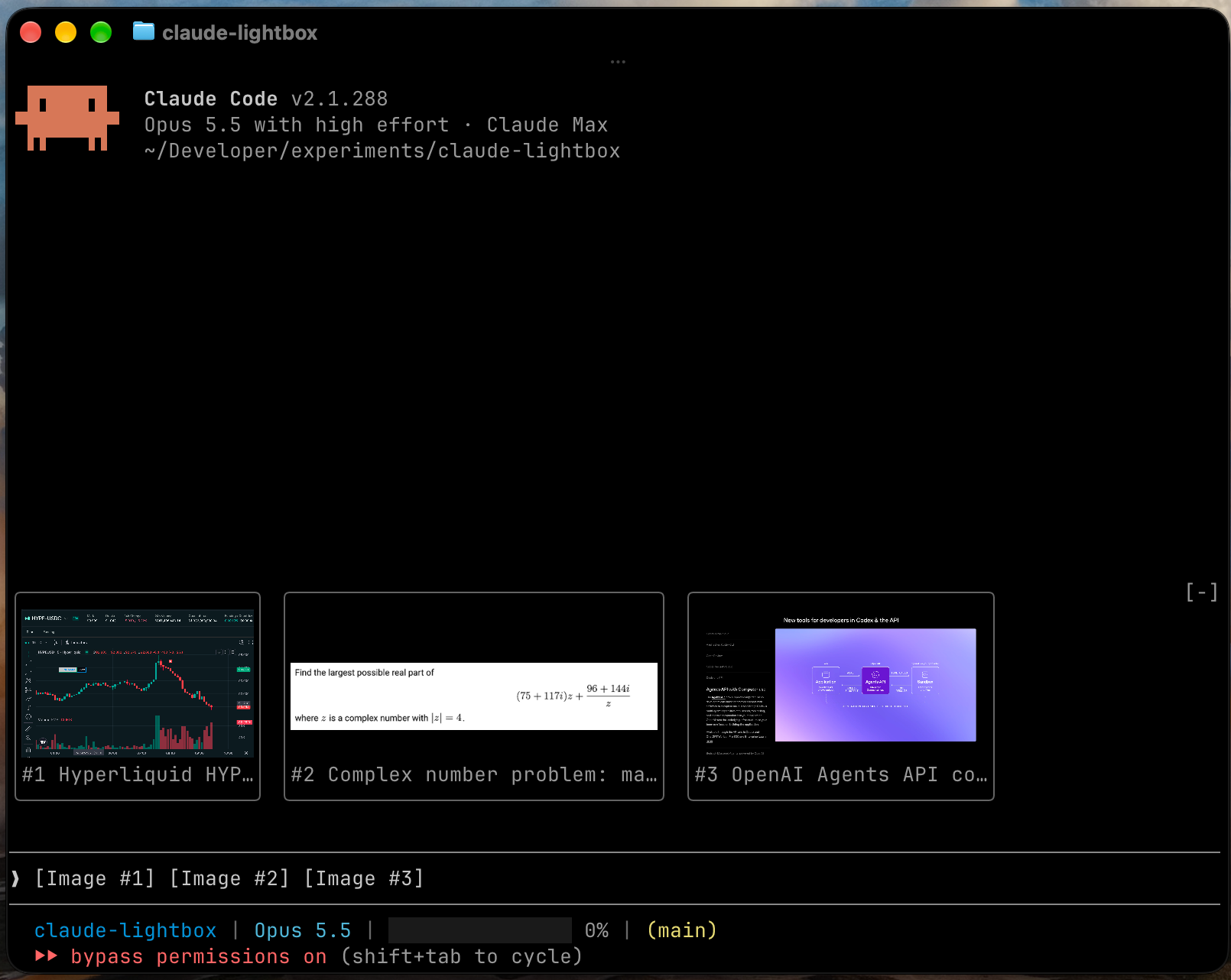
Two lines above each preview describe the image and how the model will read it:
Image #3 · Login page with validation error
2 of 3 · 2850×1672 · 1.1 MB · sent as 2520×1478 · ~4.8k tokens
The "sent as" size appears when Claude will scale the image down before reading it. Lightbox computes that size and the token estimate for the session's model, using the resizing rules in Anthropic's vision documentation.
Lightbox writes a short caption for each pasted image, so several images are easy to tell apart. It runs claude -p in the background with only the Read tool loaded, one image at a time. A caption takes about five seconds and one small model call on your Claude Code account. It appears in the preview's header and under the image's thumbnail.
To turn captions off, set the caption model to off.
Run these commands in Claude Code:
/plugin marketplace add arihantbansal/claude-lightbox
/plugin install lightbox@claude-lightbox
/reload-plugins
Both settings are in /config.
| Setting | Values | Default | Effect |
| --- | --- | --- | --- |
| Collapsed view | thumbnails, none | thumbnails | What stays above the prompt while you type |
| Caption model | sonnet, haiku, off | sonnet | The model that writes captions, or off for none |
/tmp/claude-<uid>, or CLAUDE_CODE_TMPDIR when it's set.od to read each image's dimensions and id -u to find the cache folder.claude -p once per image to write its caption, which sends the image to Anthropic on your Claude Code account. Setting the caption model to off stops this.[Image #n] tags. It never changes the prompt.Run claude plugin validate .claude-plugin/plugin.json in a clone to list every event Lightbox hooks and every call it makes.
git clone https://github.com/arihantbansal/claude-lightbox
cd claude-lightbox
bun install
claude --plugin-dir .
With --plugin-dir, Claude Code reloads the mod each time you save a file. It also writes the API types to .claude-plugin/types/, which tsconfig.json extends, so start a session once before type-checking a fresh clone.
bun run check   # Biome, tsc, plugin validation and tests
bun run fix     # Biome formatting and safe fixes

Documentation generation, drift detection, and API docs automation plugin that also acts as a function-hook guard refusing doc writes or worker dispatch containing secrets.

A status bar for the Claude desktop app. It draws above your prompt and shows session quality, context fill, cache countdown, and your 5-hour and weekly limits, with Clawd acting out what the session is doing.

A Claude Code plugin mod providing a /databricks-pane that presents Databricks workspace, Unity Catalog, compute, jobs, pipelines, apps and dashboards as a tree following the databricks CLI, with live highlights, profile switching, and CLI argument copy.

