Introducing: usage-band 🎉 A Claude Code mod that puts your usage right above the prompt 🤖 Shows the model you’re on 📊 Context window bar: green, then amber, then red as it fills ⏳ 5-hour plan limit, reset time, and a ▲ warning if your pace would hit it first 🧊 Prompt cache timer and hit %, read from real API data 💰 Session cost at API prices ✂️ “Summarize & new” button: Haiku writes a hand-off summary, clears the session, and drops it in your prompt box How is it different from a traditional status line? 📝 A status line is a script that prints text. A mod runs inside Claude Code 🖱️ It has a clickable button, which a status line can’t do ⚡ The cache countdown ticks every second instead of only refreshing on updates 🔌 It reads usage, limits, and cost from the plugin hooks API, so there’s no hardcoded price table 🖥️ Works in the terminal and the desktop app’s Code tab Install: claude plugin marketplace add Rishit30G/usage-band claude plugin install usage-band@rishit-plugins Open source: https://t.co/zmpN0mwG9M 🎬 Made a video about it, built with Claude Opus 5.5
Introducing: usage-band 🎉 A Claude Code mod that puts your usage right above th
A Claude Code mod that puts your usage right above th
About this mod
Introducing: usage-band 🎉
A Claude Code mod that puts your usage right above the prompt
🤖 Shows the model you’re on
📊 Context window bar: green, then amber, then red as it fills
⏳ 5-hour plan limit, reset time, and a ▲ warning if your pace would hit it first
🧊 Prompt cache timer and hit %, read from real API data
💰 Session cost at API prices
✂️ “Summarize & new” button: Haiku writes a hand-off summary, clears the session, and drops it in your prompt box
How is it different from a traditional status line?
📝 A status line is a script that prints text. A mod runs inside Claude Code
🖱️ It has a clickable button, which a status line can’t do
⚡ The cache countdown ticks every second instead of only refreshing on updates
🔌 It reads usage, limits, and cost from the plugin hooks API, so there’s no hardcoded price table
🖥️ Works in the terminal and the desktop app’s Code tab
Install: claude plugin marketplace add Rishit30G/usage-band claude plugin install usage-band@rishit-plugins
Open source: https://t.co/zmpN0mwG9M
🎬 Made a video about it, built with Claude Opus 5.5
Installation
Check the author's README for the marketplace and plugin name first. Commands may change as the repository evolves.
claude plugin marketplace add Rishit30G/usage-band
claude plugin install usage-band@rishit-plugins
Original text / README
Introducing: usage-band 🎉
A Claude Code mod that puts your usage right above the prompt
🤖 Shows the model you’re on
📊 Context window bar: green, then amber, then red as it fills
⏳ 5-hour plan limit, reset time, and a ▲ warning if your pace would hit it first
🧊 Prompt cache timer and hit %, read from real API data
💰 Session cost at API prices
✂️ “Summarize & new” button: Haiku writes a hand-off summary, clears the session, and drops it in your prompt box
How is it different from a traditional status line?
📝 A status line is a script that prints text. A mod runs inside Claude Code
🖱️ It has a clickable button, which a status line can’t do
⚡ The cache countdown ticks every second instead of only refreshing on updates
🔌 It reads usage, limits, and cost from the plugin hooks API, so there’s no hardcoded price table
🖥️ Works in the terminal and the desktop app’s Code tab
Install: claude plugin marketplace add Rishit30G/usage-band claude plugin install usage-band@rishit-plugins
Open source: https://t.co/zmpN0mwG9M
🎬 Made a video about it, built with Claude Opus 5.5
Similar projects

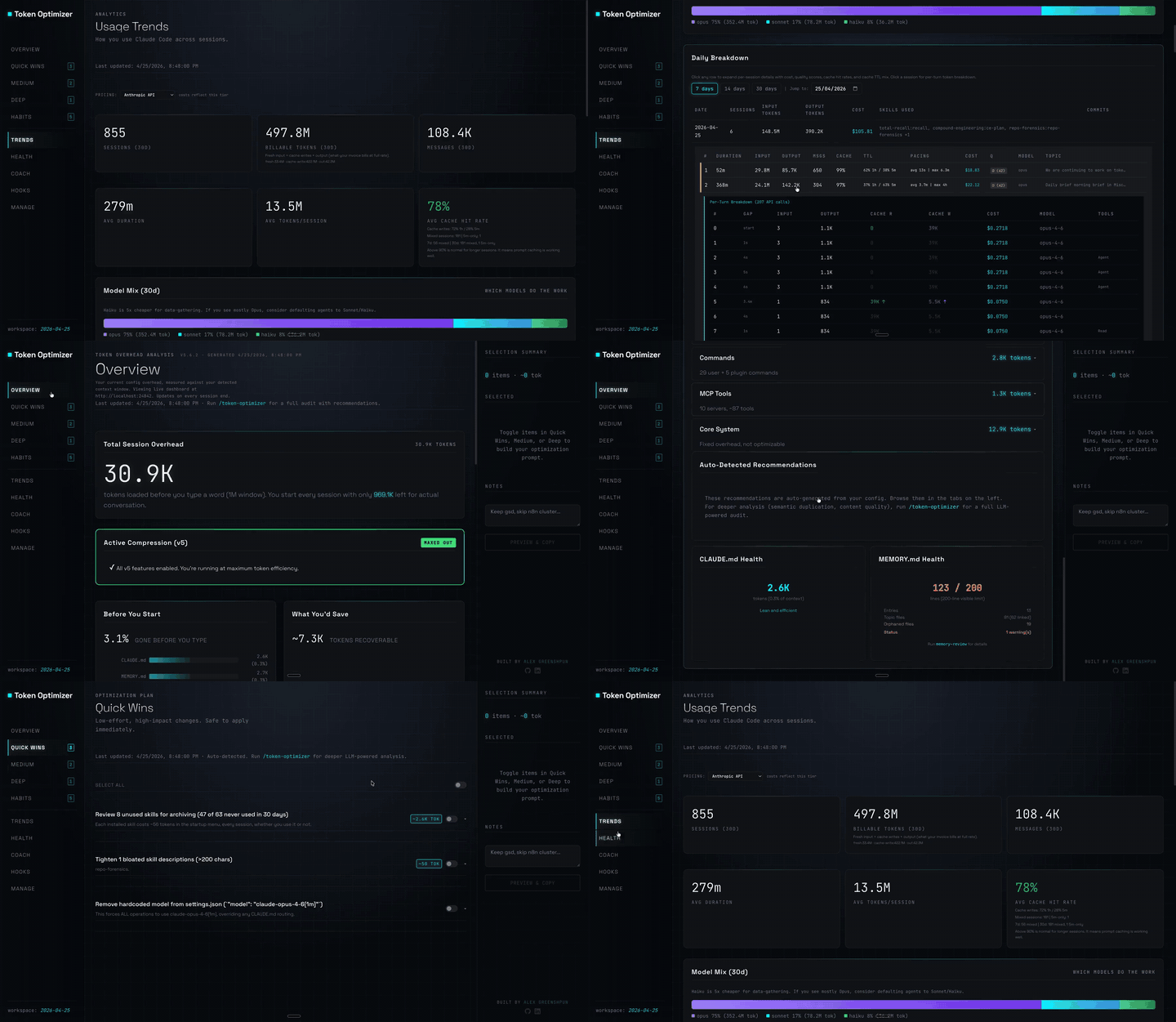
Claude Code plugin that compresses tool output, checkpoints before compaction, scores context quality, and reports token/cost savings on a local dashboard; ships hooks and a localhost daemon.
token-optimizer
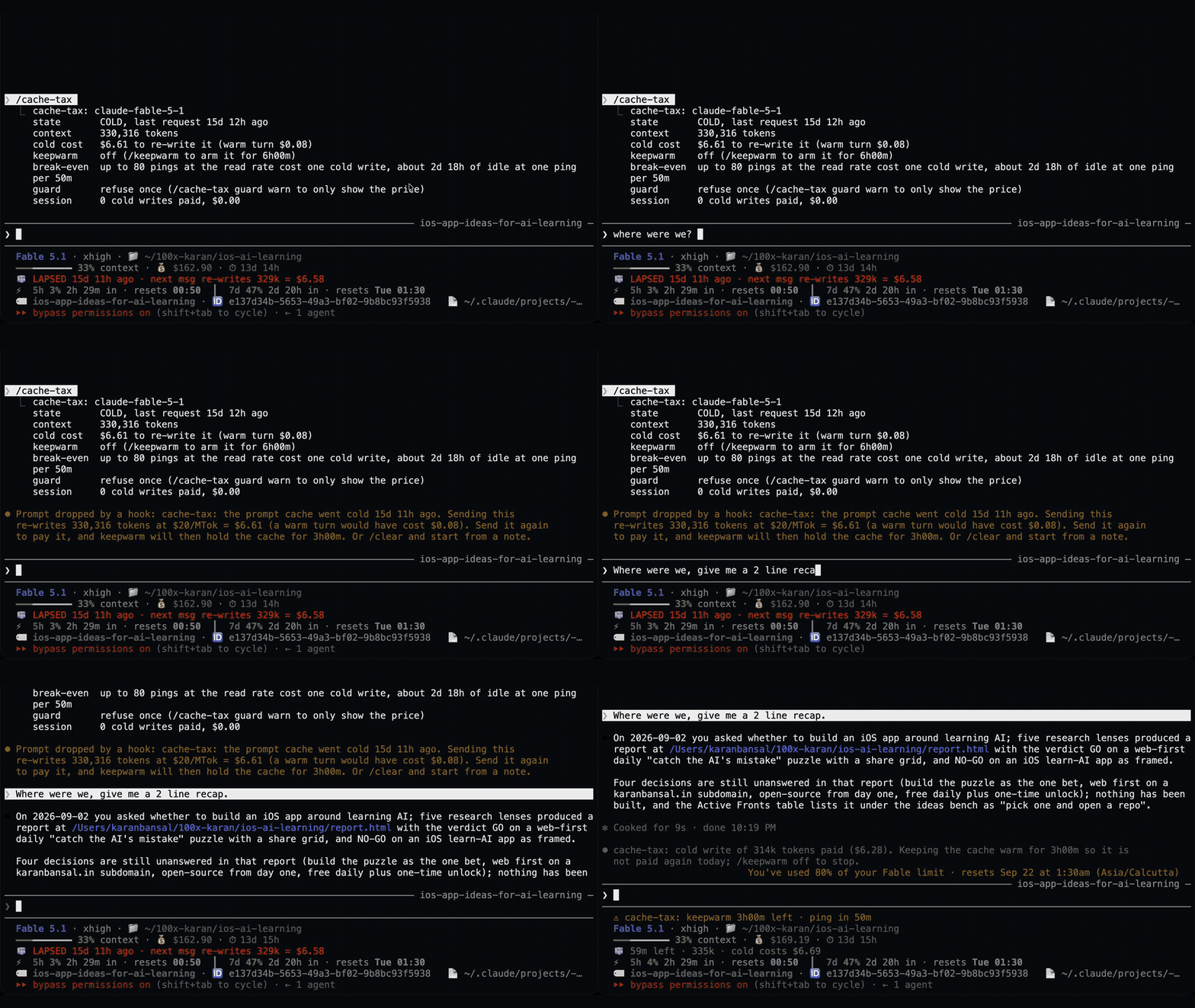
A Claude Code mod that keeps the one-hour prompt cache warm during breaks and stops a cold send once with its estimated rewrite cost. Warming uses model requests and costs tokens. Requires Claude Code 2.1.287+.
cache-tax

A Claude Code mod that keeps an idle session's prompt cache warm with silent pings, then compacts large sessions once while the cache is still warm.
✳︎ cache-warmer
└─ Make every conversation easier