Chinteyley@Chinteyley
Chinteyley/tiktok-break
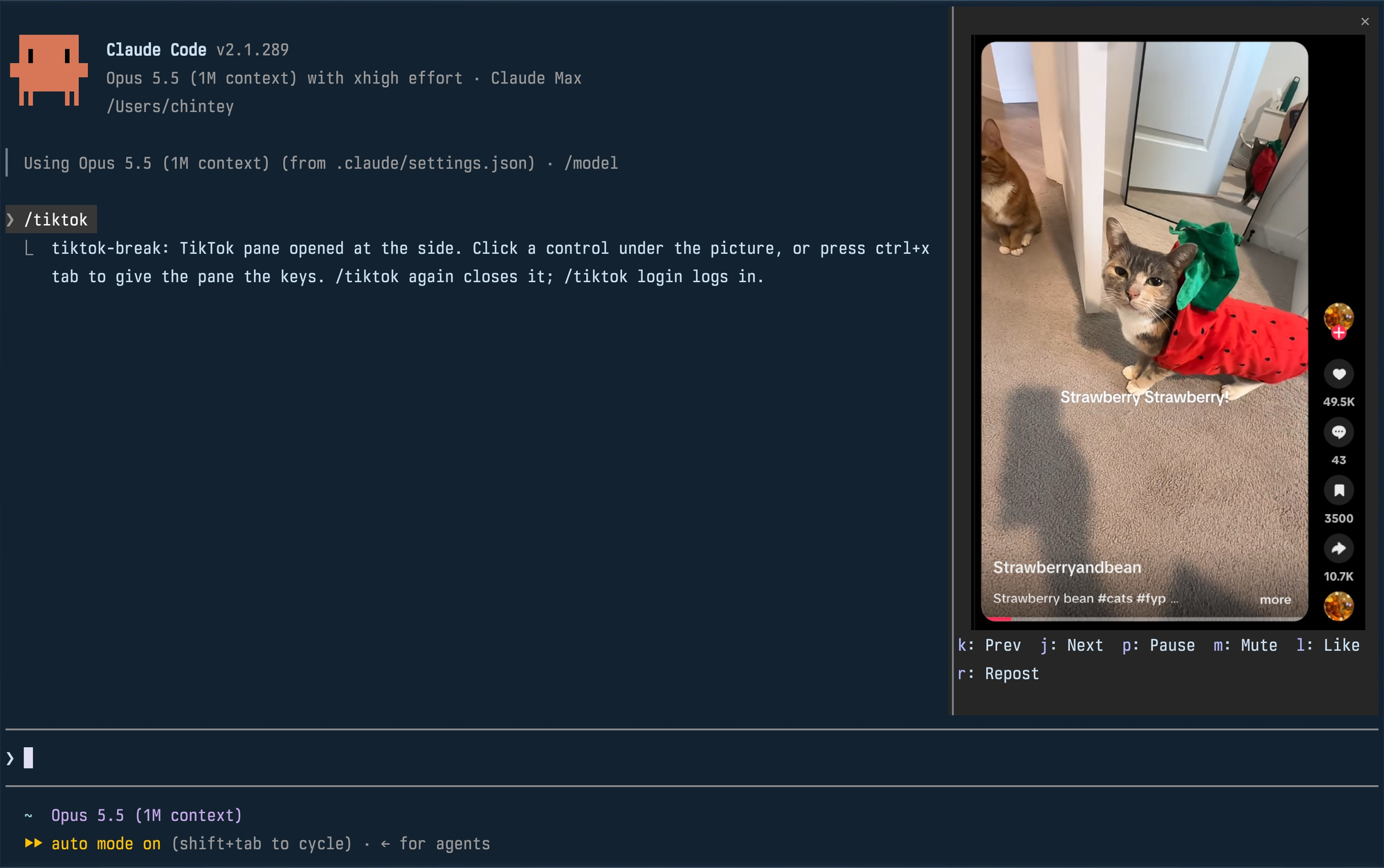
Watch TikTok inside Claude Code while Claude works, in a pane beside the transcript.
Chinteyley/tiktok-break
An unofficial Claude Code plugin that plays your TikTok For You feed in a side pane while Claude works. It runs a headless Chromium on its own profile, screencasts the feed over the DevTools protocol into PNG frames, and repaints the pane through the terminal's kitty graphics protocol. Commands include /tiktok and /tiktok login; pane controls cover next/previous, pause, mute, like and repost. Requires macOS or Linux, a Chromium-based default browser, Bun on PATH, a kitty-graphics terminal, and a Claude Code build with function-hook mods. Note: it starts Chrome with the automation flag off to bypass TikTok's automation checks and performs real account actions, and writes ~0.5 MB PNG frames around 30 times per second. MIT licensed.
Check the author's README for the marketplace and plugin name first. Commands may change as the repository evolves.
claude plugin marketplace add Chinteyley/tiktok-break
claude plugin install tiktok-break
Watch TikTok inside Claude Code while Claude works, in a pane beside the transcript.
Unofficial. Not affiliated with TikTok or Anthropic.
| Command | What it does |
| --- | --- |
| /tiktok | Plays your For You feed in a pane; run it again to close. |
| /tiktok login | Opens a real browser window on the mod's profile so you can log in. Close it, then run /tiktok. |
The pane docks at the side, full height, when Claude Code is in its fullscreen layout and the terminal is at least 110 columns wide. In a smaller terminal it is a block above the prompt. Docked, a video is framed with its creator, likes, comments, saves and shares; above the prompt, the video alone.
Click a control under the picture, or press ctrl+x tab to give the pane the keyboard and use its key. Esc hands the keyboard back to the prompt.
| Key | Control |
| --- | --- |
| k | Previous video |
| j | Next video |
| p | Pause or play |
| m | Mute or unmute |
| l | Like |
| r | Repost (again takes it back) |
A video that finishes moves on to the next by itself. Like and Repost are real actions on the account you logged in with.
env or flatpak isn't
detected. A snap-packaged Chromium can't write the profile in ~/.config
and won't work.PATHclaude plugin marketplace add Chinteyley/tiktok-break
claude plugin install tiktok-break@tiktok-break
Then start Claude Code, or run /reload-plugins in a session that is already
open.
To work on the mod instead, clone the repository and load the folder directly; edits to it reload live:
git clone https://github.com/Chinteyley/tiktok-break
claude --plugin-dir ./tiktok-break
viewer/viewer.ts runs a headless Chrome on a profile of its own
(~/Library/Application Support/tiktok-break on macOS,
~/.config/tiktok-break on Linux), opens the For You feed and
screencasts it over the DevTools protocol. Each frame is written to one PNG
file, and the mod (hooks/register.tsx) repaints the pane's picture from that
file through the terminal's graphics protocol. The controls go the other way
over a Unix socket: the viewer presses TikTok's own keyboard shortcuts in the
page. Sound comes from that Chrome.
/tiktok login opens a plain app window of the same browser on the same profile, which is
how the pane comes to be logged in.
/tiktok login window for comments and search./tiktok login.claude plugin validate .
claude plugin test .
tsc -p .
tsc needs the type declarations Claude Code lays into .claude-plugin/types/
the first time it loads the mod; that folder is not checked in.
MIT

YouTube Shorts in a terminal pane: plays while Claude works, pauses when Claude is done.


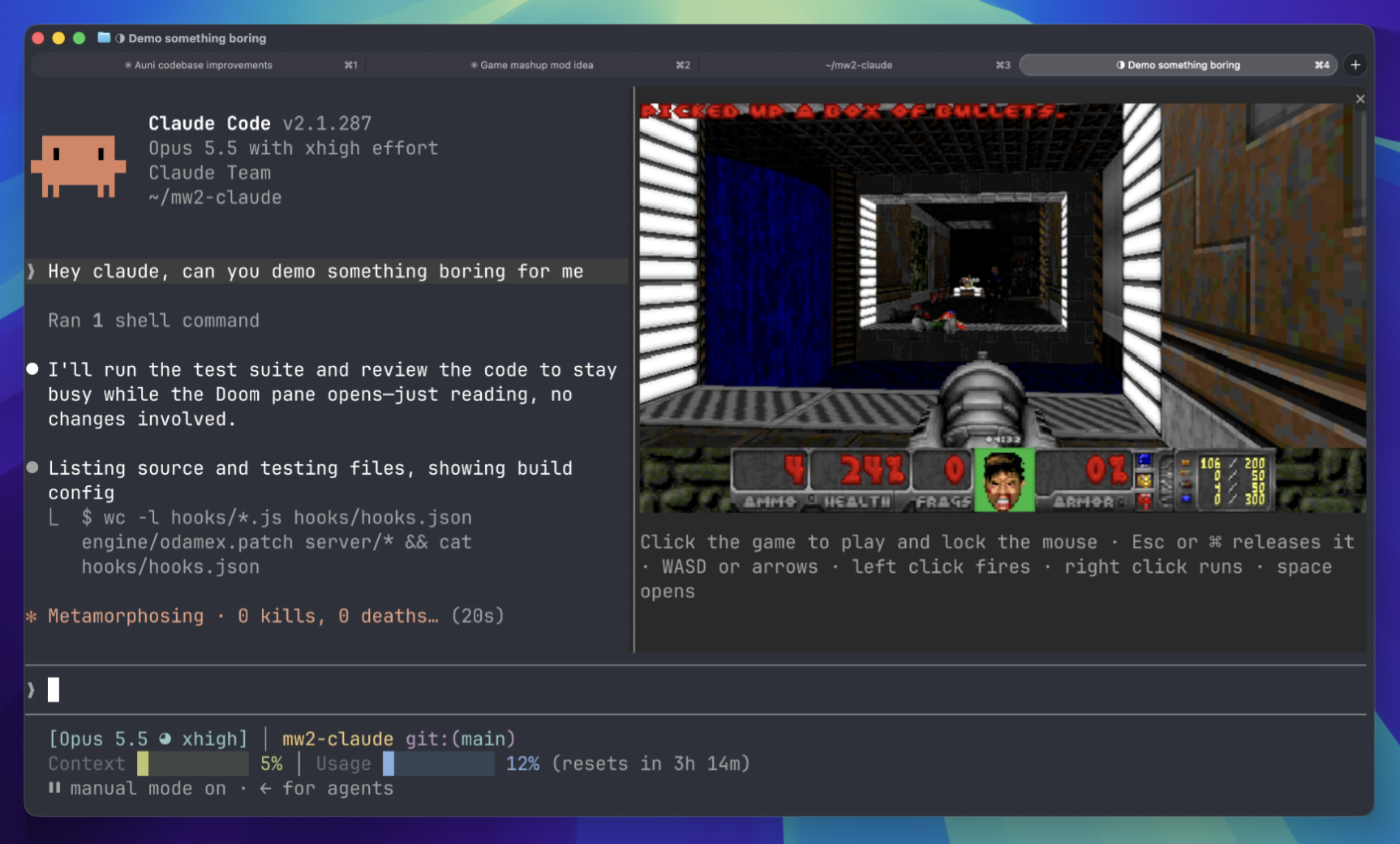
Play Doom matches in a terminal panel while waiting. Requires downloading game components and connecting to a server.
 ▶ ♫
▶ ♫
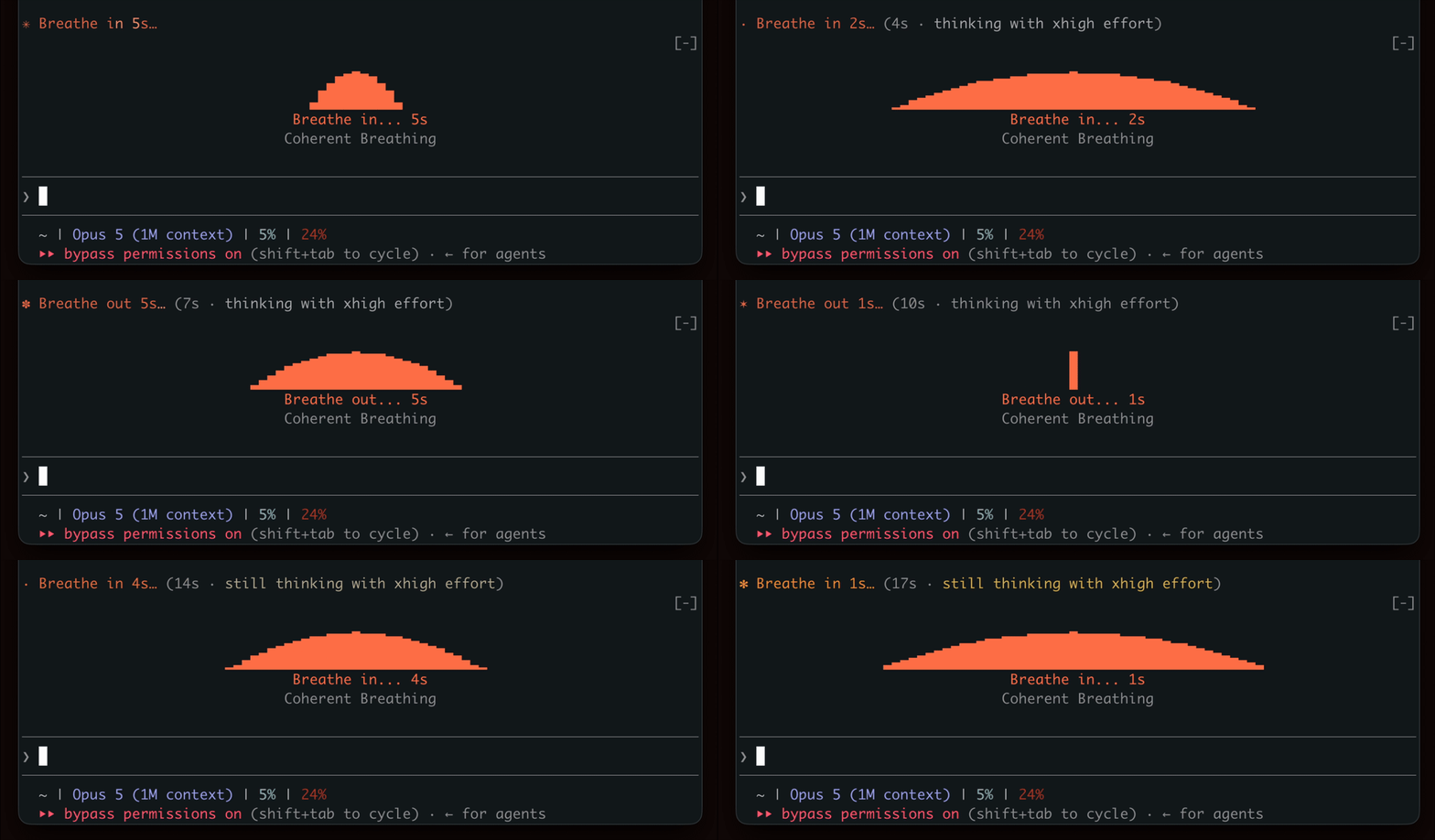
Show a breathing rhythm while waiting for generation, encouraging a brief break.