
magnuswiderberg@magnuswiderberg
magnuswiderberg/claude-code-mods/tree/main/plugins/severance-mdr
A Claude Code plugin that opens a Severance-style Macrodata Refinement mini-game pane while your agents work, with keyboard and mouse controls, bins, quotas and saved progress.
magnuswiderberg/claude-code-mods/tree/main/plugins/severance-mdr
Severance MDR brings Macrodata Refinement to Claude Code. Each time you submit a prompt, a pane opens with a grid of numbers where some are scary; find them, box them, and sort them into bins. You can also open it manually with /mdr. Controls include arrows/hjkl/wasd to move, shift+arrows to paint a selection, space to mark a single number, enter to mark a 3x3 square, mouse drag to box a region, 1-5 or clicking a bin to sort, c to clear, and n/N to start or abandon a new file. Scary numbers turn bold and jitter when the cursor is near, and each bin accepts a quota of WO, FC, DR and MA temper; full bins refuse extras. The file completes at 100% and progress persists between sessions. Run /mdr auto off to stop the pane from opening on every prompt. The animated board with mouse support works in a terminal and the Claude desktop app, while the VS Code extension shows a simpler button version. Note that the plugin API is early access and may change between Claude Code releases. Install via /plugin marketplace add magnuswiderberg/claude-code-mods followed by /plugin install severance-mdr@magnus-mods.
Check the author's README for the marketplace and plugin name first. Commands may change as the repository evolves.
claude plugin marketplace add magnuswiderberg/claude-code-mods
claude plugin install severance-mdr
Macrodata Refinement for Claude Code. While your agents work, a pane opens with a grid of numbers. Some of them are scary. Find them, box them, and sort them into bins. The work is mysterious and important.
/plugin marketplace add magnuswiderberg/claude-code-mods
/plugin install severance-mdr@magnus-mods
The pane opens each time you submit a prompt. You can also open it yourself with /mdr.
Click the board to give it the keyboard. Esc hands the keyboard back to the prompt.
| Key | Does |
| --- | --- |
| Arrows, hjkl, wasd | Move the cursor |
| Shift+arrows | Paint a selection |
| Space | Mark one number |
| Enter | Mark the 3x3 square around the cursor |
| Mouse drag | Box a region |
| 1-5 or click a bin | Send the selection to that bin |
| c | Clear the selection |
| n | New file, once this one is complete (N abandons it) |
Scary numbers give themselves away only when the cursor is near: they turn bold and jitter. Each bin takes a quota of each temper: WO (Woe), FC (Frolic), DR (Dread) and MA (Malice). A full bin refuses the extras, so try another bin. The file is done at 100%. Your progress is saved between sessions.
/mdr auto off stops the pane opening on every prompt. /mdr auto on turns it back on.
| Path | Holds |
| --- | --- |
| hooks/register.tsx | /mdr, opening the pane, agent status, saving, the button board |
| hooks/refiner.tsx | The animated board with keyboard and mouse input |
| hooks/mdr.tsx | Game rules and drawing, shared by both boards |
| types/index.d.ts | Game types and the state contract |
| tests/ | Tests |

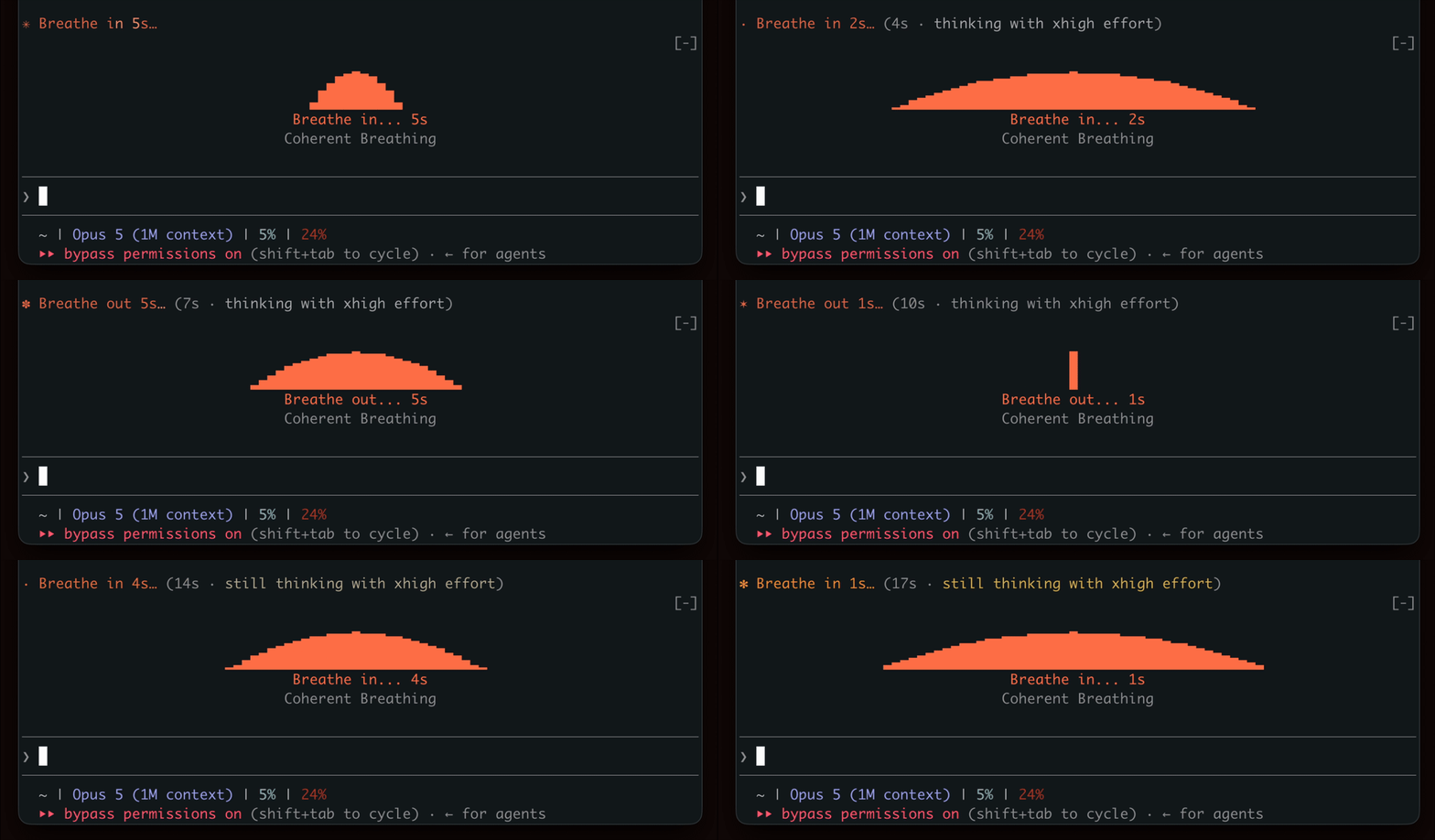
Show a breathing rhythm while waiting for generation, encouraging a brief break.

YouTube Shorts in a terminal pane: plays while Claude works, pauses when Claude is done.


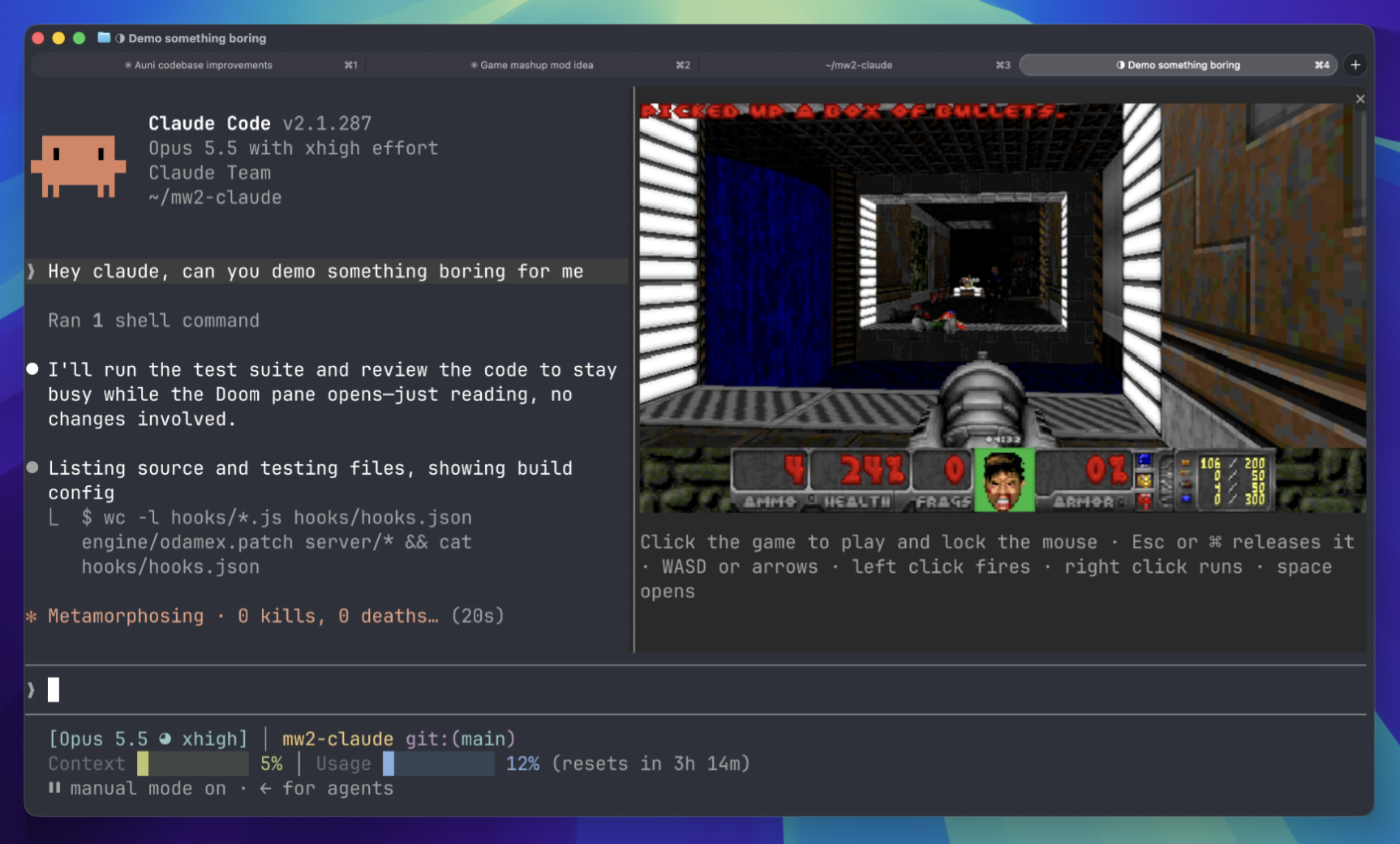
Play Doom matches in a terminal panel while waiting. Requires downloading game components and connecting to a server.
 ▶ ♫
▶ ♫