
pkyosx@pkyosx
pkyosx/OffiCraft/tree/main/cli/ocwarden/mod
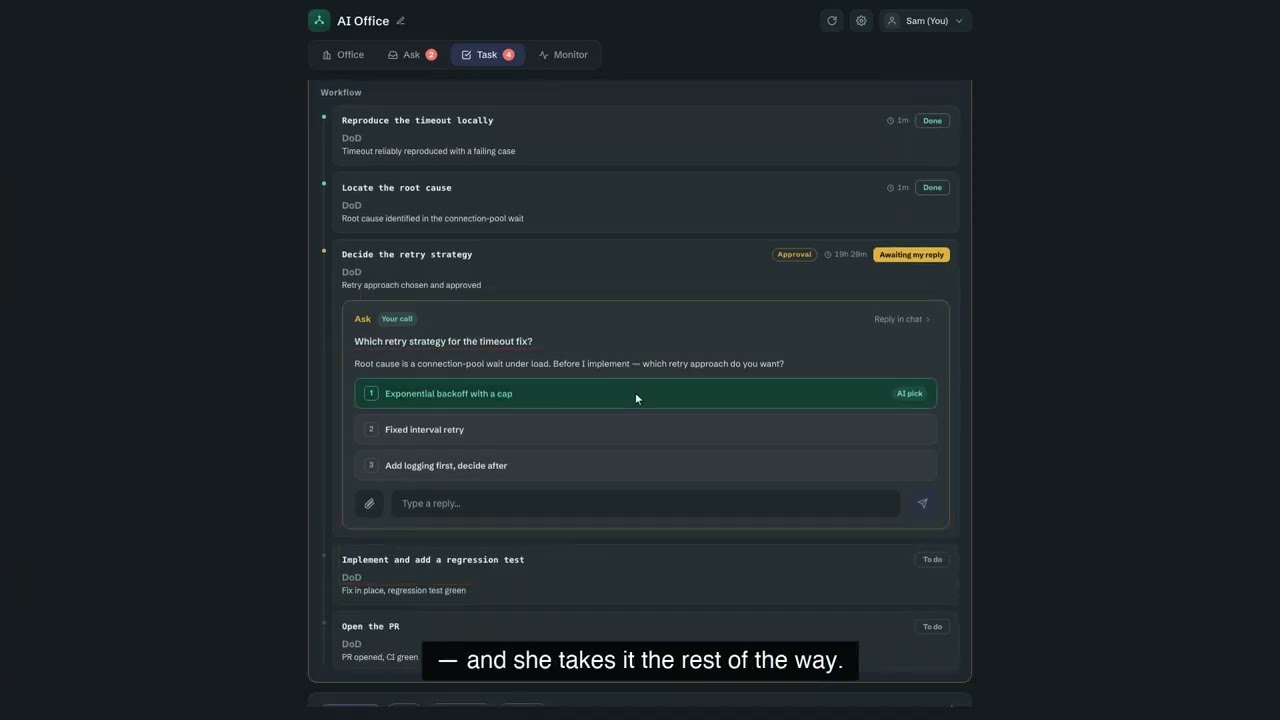
OffiCraft is an AI studio running on your own Mac: hire several always-on AI members, hand them entire tasks, and watch their progress in a web console; when they need your approval, reply once. It runs the Claude Code or Codex on your machine.
pkyosx/OffiCraft/tree/main/cli/ocwarden/mod
OffiCraft provides always-on AI members, approval cards, task-node tracking, and a web console, backed by the local Claude Code or Codex session. This candidate is its cli/ocwarden/mod plugin, which delivers OffiCraft notifications into a member's primary conversation: run ocagent listen --deliver-mod and submit each event as a prompt. Installation requires macOS Apple Silicon, tmux, and a logged-in claude or codex CLI.
Check the author's README for the marketplace and plugin name first. Commands may change as the repository evolves.
claude plugin marketplace add pkyosx/OffiCraft
claude plugin install officraft
Craft your own AI office. OffiCraft 是一間跑在你自己 Mac 上的 AI 工作室:你僱幾位常駐的 AI 成員,把事情整件交給他們,在一個網頁控制台裡看他們做到哪、在他們需要你點頭時回一句。跑的就是你機器上那個 Claude Code 或 Codex——你在它上面串好的設定照舊生效(Claude Code 的 skill / plugin / MCP 原封不動全都在)。
curl -fsSL https://github.com/pkyosx/OffiCraft/releases/latest/download/install.sh | bash
裝完會印出一行一次性設定連結(http://127.0.0.1:7755/?code=…),打開它設個 owner 密碼就進控制台了。完整前置需求、升級與移除見 安裝、升級與移除。
需要
tmux,以及已登入的claude(Claude Code CLI)或codex(Codex CLI)至少一種——每位成員底下就是一個跑在 tmux 裡的 Claude Code 或 Codex session。
server 只綁 127.0.0.1,預設不對外。要從手機或外面連,開一條你自己的 tunnel(如 cloudflared,會給你一個公開 HTTPS 網址)或走 VPN,設一組夠強的密碼即可。完整步驟(含加到手機主畫面)見 在手機上用控制台。
完整的使用者文件在 docs/guide/,控制台裡的「使用說明」分頁讀的也是同一份:

Two Cuelume sounds for Claude Code: ready when a long turn ends, attention when a permission prompt waits.

A Claude Code mod that collects what is waiting on you in a session: the agent's questions, issues Claude noted, and your PRs' checks and reviews. It shows them above the prompt and in the `/inbox` pane, along with where the session stands.

Sends a desktop notification when a question or a plan waits for your answer, and when a turn ends or fails.