
DJPalefaceSD@DJPalefaceSD
DJPalefaceSD/rostech-mods/tree/main/plugins/logo
Your own logo on the dash above the prompt. It sits beside your other bands, such as Gas Gauge and Speedometer, so the dash carries your brand.
DJPalefaceSD/rostech-mods/tree/main/plugins/logo
Your own logo on the dash above the prompt. It sits beside your other bands, such as Gas Gauge and Speedometer, so the dash carries your brand.
/logo set C:/path/to/logo.png puts a PNG on the dash. A square logo
with bold shapes reads best./logo shows which file is in use./logo hide and /logo show toggle it.The logo is drawn in coloured block characters, two pixels to a character, so it shows in any terminal that can show colour. Pictures are not needed.
For the sharpest logo, draw a small PNG for the dash yourself, 40 pixels a side or smaller. A 16 by 16 PNG is a good size. A small PNG is drawn exactly as you drew it, one pixel to half a character, with nothing blurred.
A bigger PNG works too. Its see-through border is trimmed, and it is shrunk to 16 by 16 pixels. Every pixel comes out either solid colour or clear, never a blur of the two, but thin lines can still break up at that size.
The PNG is read once when you set it, on your own machine with Windows PowerShell, and the result is kept across sessions in Claude Code's plugin store. Nothing is sent anywhere. See-through parts of the PNG take your terminal's own colour.
Windows only for now, because reading the PNG uses PowerShell.
Tested with Claude Code 2.1.288.
Check the author's README for the marketplace and plugin name first. Commands may change as the repository evolves.
claude plugin marketplace add DJPalefaceSD/rostech-mods
claude plugin install logo
Your own logo on the dash above the prompt. It sits beside your other bands, such as Gas Gauge and Speedometer, so the dash carries your brand.
/logo set C:/path/to/logo.png puts a PNG on the dash. A square logo
with bold shapes reads best./logo shows which file is in use./logo hide and /logo show toggle it.The logo is drawn in coloured block characters, two pixels to a character, so it shows in any terminal that can show colour. Pictures are not needed.
For the sharpest logo, draw a small PNG for the dash yourself, 40 pixels a side or smaller. A 16 by 16 PNG is a good size. A small PNG is drawn exactly as you drew it, one pixel to half a character, with nothing blurred.
A bigger PNG works too. Its see-through border is trimmed, and it is shrunk to 16 by 16 pixels. Every pixel comes out either solid colour or clear, never a blur of the two, but thin lines can still break up at that size.
The PNG is read once when you set it, on your own machine with Windows PowerShell, and the result is kept across sessions in Claude Code's plugin store. Nothing is sent anywhere. See-through parts of the PNG take your terminal's own colour.
Windows only for now, because reading the PNG uses PowerShell.
Tested with Claude Code 2.1.288.

A pixel Pokémon that lives above your Claude Code prompt and reacts to everything Claude does.


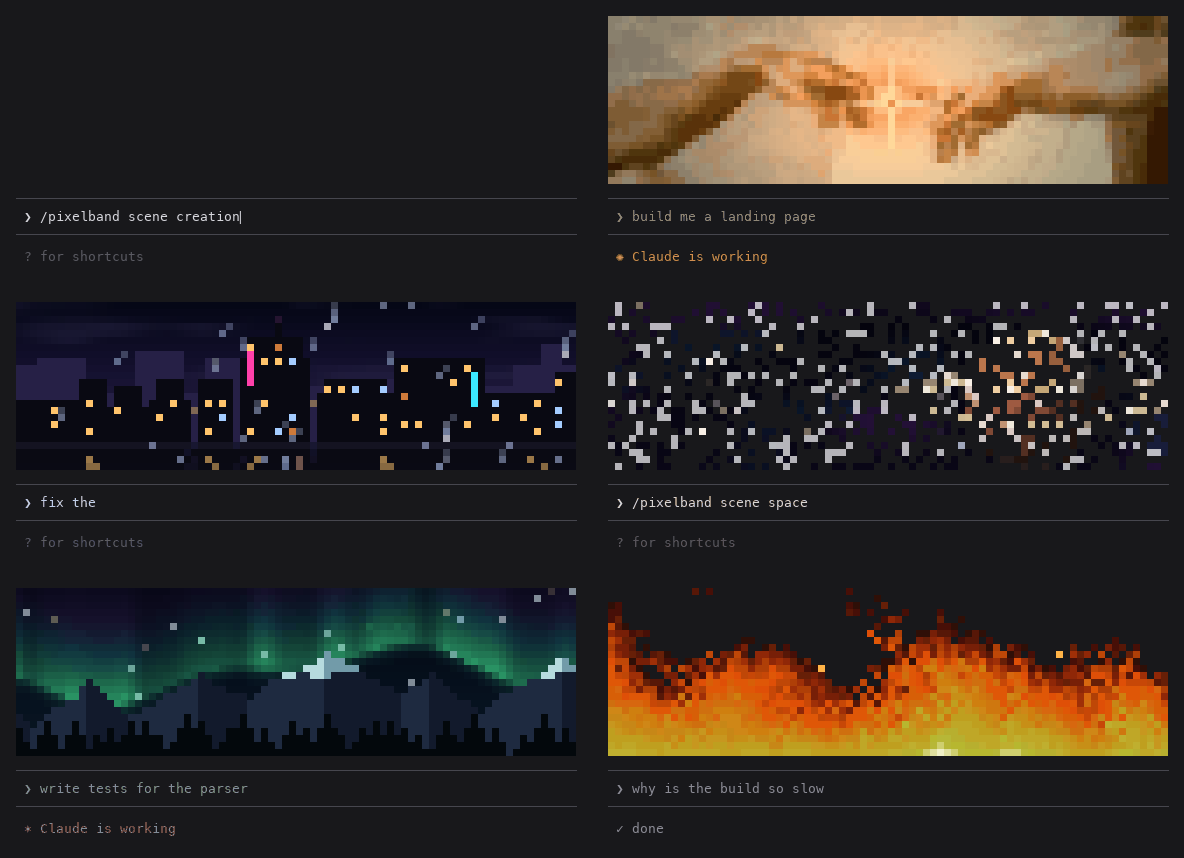
Animated pixel art above your Claude Code prompt that reacts while Claude works: seven scenes, or your own image or GIF. Zero tokens.

A Claude Code terminal mod that redraws assistant replies, tool rows and the turn footer inside the TUI with colored commands, content-fit code cards, diff cards, borderless tables and a subagent band.