barisdemirhan@barisdemirhan
barisdemirhan/claude-dino
A T-Rex runner you can play in a pane inside Claude Code, inspired by Chrome's offline game.
barisdemirhan/claude-dino
Type /dino, press space, and jump the cacti while Claude works. Installs as a Claude Code plugin with hooks for session start, command run, UI render, tool calls and turn completion. Includes a global leaderboard backed by a Cloudflare Worker that re-simulates submitted runs, plus commands for stats, top, naming and sound.
Check the author's README for the marketplace and plugin name first. Commands may change as the repository evolves.
claude plugin marketplace add barisdemirhan/claude-dino
claude plugin install dino
A T-Rex runner you can play in a pane inside Claude Code, inspired by Chrome's offline game.
Type /dino, press space, and jump the cacti while Claude works.
claude plugin marketplace add barisdemirhan/claude-mods
claude plugin install dino@claude-mods
Restart Claude Code, then run /dino.
The same two steps work from inside a session with /plugin marketplace add barisdemirhan/claude-mods and /plugin install dino@claude-mods.
claude-mods is one marketplace for all of these mods, so its first line is needed once for the lot.
claude-dinoNothing has to change. This repository is still a marketplace of its own, and dino@claude-dino goes on getting updates.
Moving to claude-mods is a new install as Claude Code sees it, and it starts with an empty store: without your best score, your stats and, if you are on the global top, the secret that makes your name there yours. To bring them along, copy the store's file to its new name before you install, with no Claude Code session open:
cp -R ~/.claude/plugins/store ~/claude-store-backup
cp ~/.claude/plugins/store/dino_claude-dino-98d7fb92c86a.json ~/.claude/plugins/store/dino_claude-mods-aeb35b495c33.json
claude plugin marketplace add barisdemirhan/claude-mods
claude plugin install dino@claude-mods
claude plugin uninstall dino@claude-dino
The two file names are where Claude Code 2.1.288 keeps a mod's store. They are Claude Code's own and may change with it. The first line keeps a copy of every store in ~/claude-store-backup, to put back if the move goes wrong; delete it once the mod shows what it showed before. Uninstalling leaves the old store's file where it is. Keep one of the two installs, not both: with both on, every hook runs twice.
| Key | Action |
| --- | --- |
| space, w, k, ↑ | Jump, start a run, run again after a game over, or run on after a pause |
| s, j, ↓ | Duck, or drop faster while in the air |
| p | Pause, and run on again |
| t | Show the global top over the field, between runs |
| esc | Give the keys back to the prompt |
| ctrl+x tab | Give the keys back to the game |
Birds show up from 150 points, the run speeds up as it goes, and night falls every 700 points. Every 100 points the score blinks. Your best score is kept between sessions and shows at the right end of the hint line under the prompt.
| Command | What it does |
| --- | --- |
| /dino or /dino play | Opens the game |
| /dino stop | Closes the game. The mini dino and your best score under the prompt stay |
| /dino close | Takes it all away, in every open session within two seconds: the game, the mini dino, your best score under the prompt and the sounds. /dino exit and /dino quit do the same. Your runs, best and settings are kept, and /dino brings it all back as it was |
| /dino mini | Turns the mini dino on: a small one that plays itself above the prompt while Claude works, hopping the cacti and ducking the birds under the clouds. /dino mini off turns it off. Every open session follows within two seconds, as it does for /dino sound and /dino hi |
| /dino sound | Turns the sounds off or on. /dino sound on and /dino sound off say which |
| /dino hi | Takes your best score off the line under the prompt, or puts it back. /dino hi on and /dino hi off say which |
| /dino stats | Your runs so far, your best and your average |
| /dino top | The global top ten, and where you stand if you are on it |
| /dino name <name> | Joins the global top under that name, or changes the name you have there. /dino name says whether you are on it, /dino name off stops the game asking |
| /dino leave | Takes you off the global top and deletes your runs there |
The global top is a leaderboard everybody who joins shares. It is off until you join: after a lost run the keys field asks for a name, and enter joins with it. A space runs again instead, enter alone shows the board, and /dino name off stops the question for good. /dino name <name> joins at any time.
A name takes 2 to 16 letters, digits, - or _, and belongs to whoever took it first. What proves it is yours is a secret kept in the plugin's store on this machine: on another machine, or after the store is cleared, the name is taken and you need a new one.
Once you are on it, every run that beats your best there is sent by itself, and a toast says where it put you. A lost run then shows your name and your place, and one past your old best says by how much.
Scores are not taken on trust. The game never sends a score. It sends the seed the run started on and its moves, and the server plays the run again with the game's own rules (hooks/sim.ts, the same file) to see what it comes to. A made-up score, a changed rule or an edited run does not play out, and is refused.
What that cannot tell is who pressed the keys. A program that plays the real game well gets a real score. Against that the server holds back runs whose jumps are too even to be a person's until they have been looked over, takes no run longer than half an hour, and keeps every run's moves so that one can be watched and removed. Read the board as a bit of fun, not as a referee.
Two more things to know:
/dino does not show up after installing, the switch may still be off for you.The mod registers one slash command, draws one pane and, if you turn it on, one band above the prompt. It reads no files and runs no processes. It never changes a prompt, a tool call or a tool's result.
What it reads. While a run is on, two things of each tool call Claude makes: the tool's name, to show it in the game, and whether the call failed. It reads nothing of the call's arguments or output, and keeps neither fact past the session.
What it sends. Nothing, unless you use the global top. Then it talks to one server, claude-dino-board.barisdemirhan.workers.dev, a Cloudflare Worker the author runs, through Claude Code's own $.http.fetch:
/dino top, and t in the game, ask for the board. If you have joined, they send your id along to learn where you stand.What the server keeps of these, what others see and for how long is in PRIVACY.md. /dino leave deletes your name and your runs there.
What reaches Claude. What /dino answers is a row of the conversation, as any command's output is, and Claude reads it with the rest: /dino stats shows your runs, your best and your average, and /dino top the board with your name and your place on it. The mod puts nothing else into the conversation and gives Claude no tool.
What it keeps. Four things, in the plugin's own Claude Code store, one JSON file under ~/.claude/plugins/store/ on your disk: your best score, how many runs and points you have in all, your settings (sound, mini, whether your best score shows under the prompt and whether /dino close put it all away) and, once you join the global top, your name, id and secret there.
Sound. It plays three short sounds from its own sounds/ folder, through Claude Code's player.
PRIVACY.md is the same as a privacy policy, with how to take your data off.
Its hooks, all in hooks/register.tsx:
session.start registers the /dino command and loads your settings and best score, then passes the event on unchanged. From then on the session reads your settings from the store every two seconds, to follow what another open session switched.command.run answers only the /dino command. Other commands never reach it.ui.render draws only the mod's own pane, and the mini band while it is on and Claude is working. It also adds your best score after the hint line under the prompt, leaving the hint itself as it is.ui.message acts only on what the mod's own game posts: it counts finished runs, keeps the best score, plays the sounds and, if you are on the global top, sends a run that beats your best there. Any other message is passed on untouched.ui.close notes that the mod's own pane closed, and passes every close on.tool.call counts Claude's calls while a run is on, as described above, and passes each call and its result on untouched.turn.complete and classic.Notification pause a run that is on and show the toast: the first when Claude's turn ends, the second when Claude Code notifies you that it waits on a permission or a question. Both pass the event on unchanged and decide nothing.The files under tests/ run only under claude plugin test. They mount the pane in the test harness and are never loaded in a session.
git clone https://github.com/barisdemirhan/claude-dino
claude plugin validate claude-dino
claude plugin test claude-dino
claude --plugin-dir claude-dino
The mod is five files: hooks/register.tsx holds the hooks, hooks/dino.tsx draws the game, hooks/sim.ts is the run's rules, hooks/board.ts is what the mod says to the leaderboard and hooks/mini.tsx is the mini dino.
worker/ is a Cloudflare Worker over a D1 database. It imports hooks/sim.ts, so the server and the game cannot disagree on the rules. A change to how a run steps makes older runs play out differently: give RULES in hooks/sim.ts a new number and deploy the Worker with the release.
To run a board of your own:
cd worker
wrangler d1 create claude-dino-board     # put the id it prints in wrangler.toml
wrangler d1 migrations apply claude-dino-board --remote
wrangler deploy
wrangler secret put ADMIN_TOKEN          # any long random string
Then point BOARD in hooks/board.ts at your Worker's address.
The keeper's routes take Authorization: Bearer <ADMIN_TOKEN>:
| Route | What it does |
| --- | --- |
| GET /admin/flagged | The runs held back as too even to be a person's |
| POST /admin/clear {"run": 12} | Counts a held run after all |
| POST /admin/ban {"name": "x"} | Takes a player off the board and refuses their runs; "banned": false undoes it |
| POST /admin/remove {"name": "x"} | Deletes a player and their runs |
From the same marketplace, claude-mods:
MIT

YouTube Shorts in a terminal pane: plays while Claude works, pauses when Claude is done.


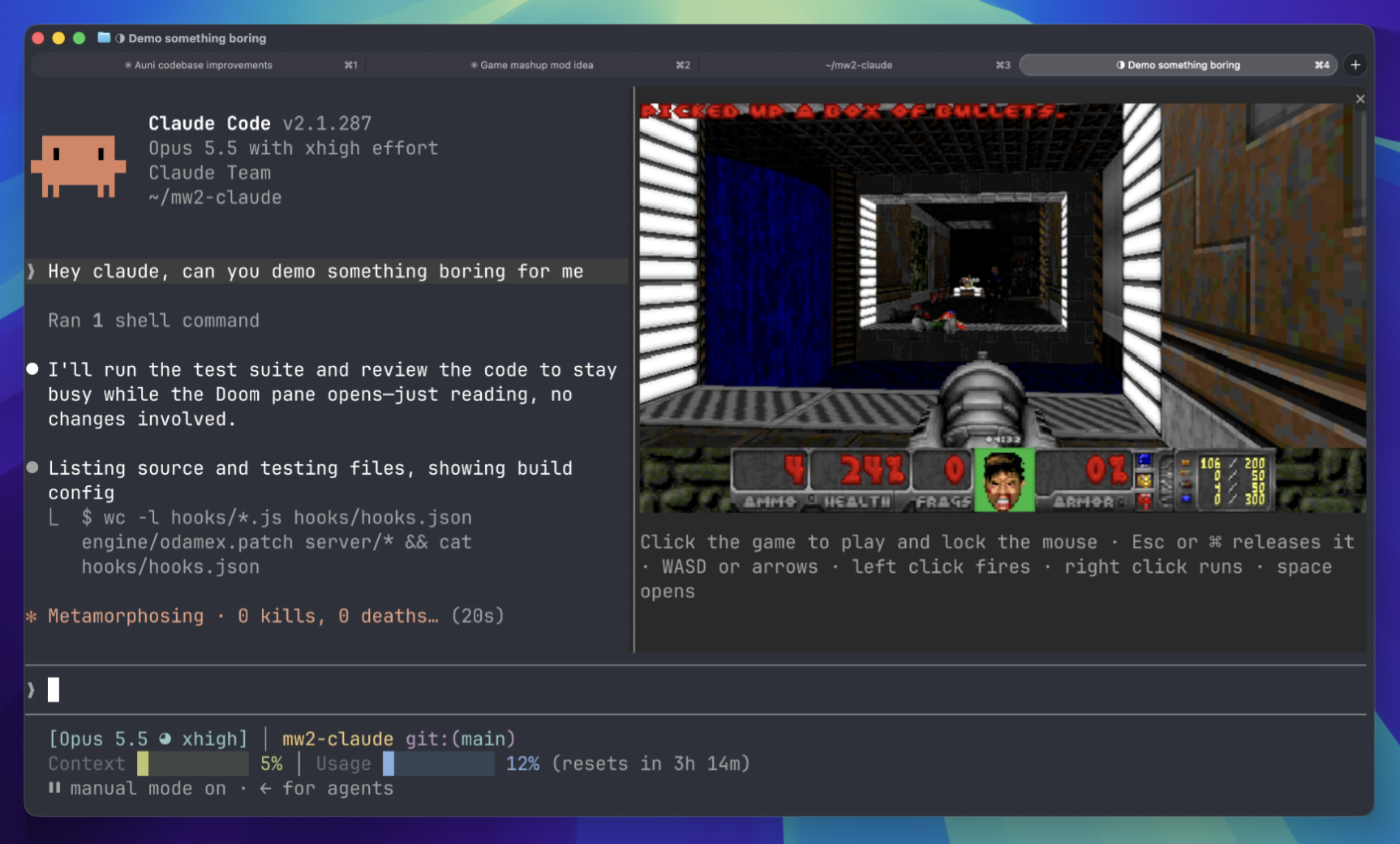
Play Doom matches in a terminal panel while waiting. Requires downloading game components and connecting to a server.
 ▶ ♫
▶ ♫
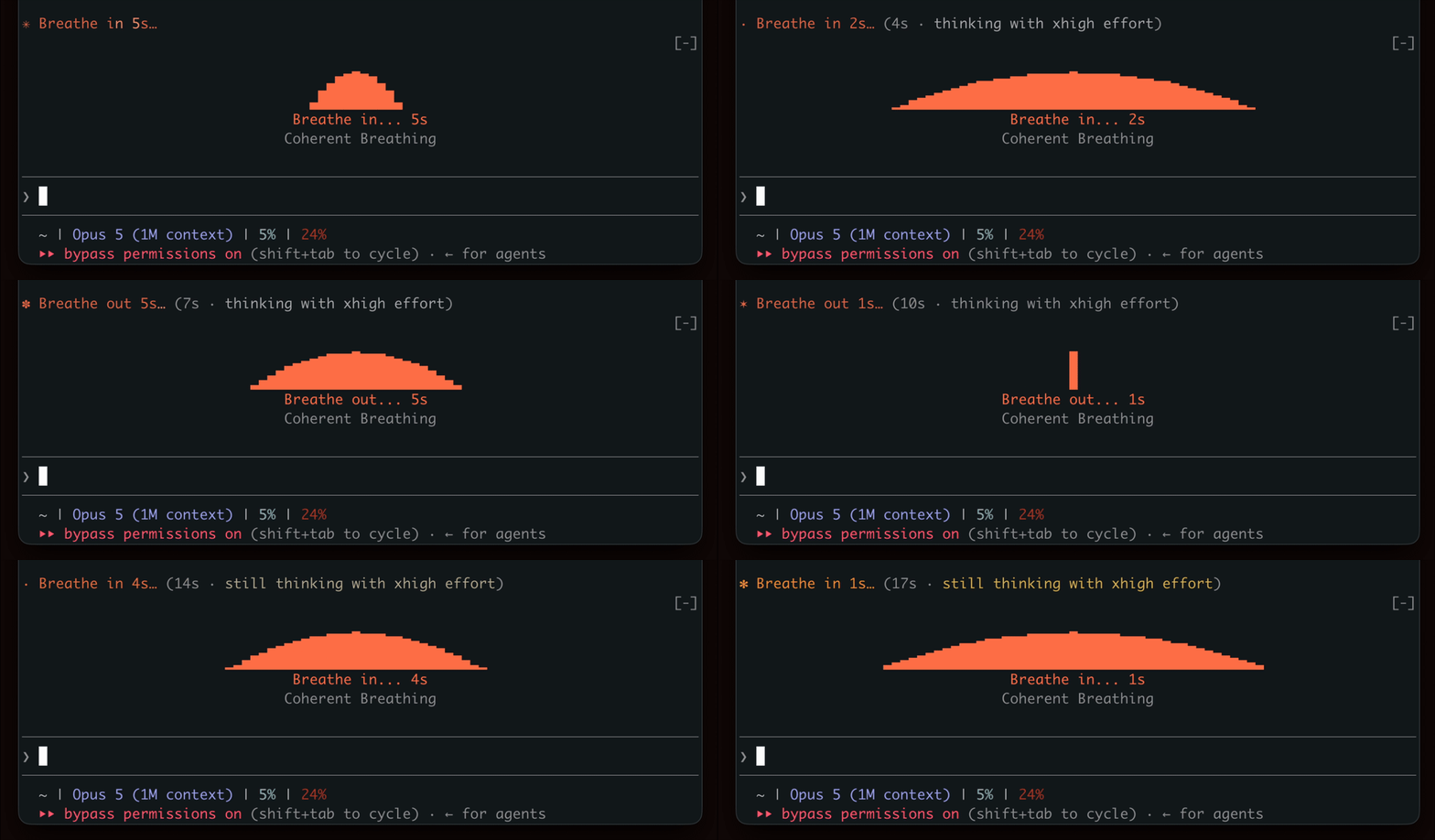
Show a breathing rhythm while waiting for generation, encouraging a brief break.