falconsw@falconsw
falconsw/cost-info/tree/main/cost-info
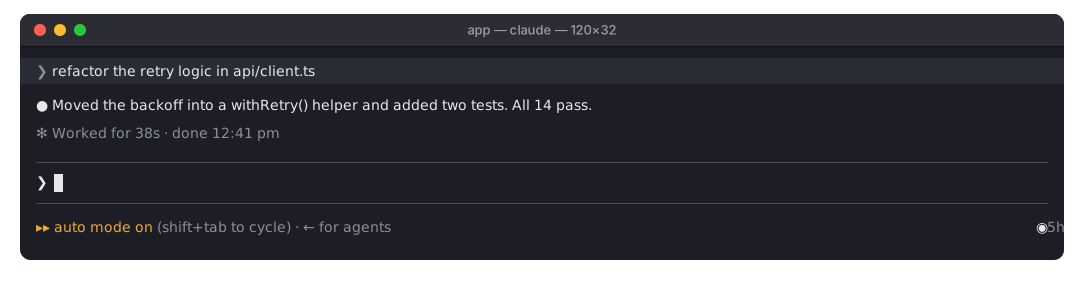
A Claude Code mod that shows what your session has cost so far, and the tokens it took, live.
falconsw/cost-info/tree/main/cost-info
A Claude Code mod that shows what your session has cost so far, and the tokens it took, live.

◉ $0.16 | Token Usage 142k / 30k | now $0.02 at the right of the line under the prompt, the figures in green, live, mid-turn too; once the turn ends now becomes last. A narrow terminal (under 120 columns) shows the session alone. The cost is the same figure /cost shows, subagents included./spend. Tokens, turns, average per turn, your priciest turn, and how much of the budget is used./spend to bring it back if you close it.On a Pro or Max plan the dollars aren't what you're billed, so when Claude Code reports rate limits the meter shows how much of each is used instead: ◉ 5h ━─── 15% wk ━─── 7% Resets in 3h 55m | Token Usage 104k / 70k: a thin gauge for the 5-hour and weekly windows, and the time until the sooner one resets. It reads what Claude Code already receives, so it costs nothing extra. Without rate limits (API billing) it shows cost as before. Tokens count from when the mod loaded into the session, so a resumed session's earlier tokens aren't in the total.
Requires Claude Code 2.1.288 or later. Run these in a shell, not inside a Claude Code session:
claude plugin marketplace add falconsw/cost-info
claude plugin install cost-info@falconsw-mods
Then load it into your open Claude Code session:
/reload-plugins
Or start a new session, in the terminal or in VS Code.
To get a new version, run claude plugin update cost-info@falconsw-mods, then /reload-plugins. If it says it's already at the latest version, run claude plugin marketplace update falconsw-mods first. To remove it, run claude plugin uninstall cost-info@falconsw-mods.
The budget is $5 unless you set it; 0 turns it off. Set it from a shell, the value written as a string, then restart Claude Code:
echo '{"budget": "10"}' | claude plugin configure cost-info@falconsw-mods --values-stdin
Or set it while installing:
claude plugin install cost-info@falconsw-mods --config budget=10
claude plugin configure cost-info@falconsw-mods shows whether it's set.
claude plugin validate ./cost-info
claude plugin test ./cost-info
claude --plugin-dir ./cost-info   # reloads as you save
A mod runs inside Claude Code with the same access Claude Code has. Read the source before you install it: it's one file, cost-info/hooks/register.tsx.
Check the author's README for the marketplace and plugin name first. Commands may change as the repository evolves.
claude plugin marketplace add falconsw/cost-info
claude plugin install cost-info
A Claude Code mod that shows what your session has cost so far, and the tokens it took, live.
◉ $0.16 | Token Usage 142k / 30k | now $0.02 at the right of the line under the prompt, the figures in green, live, mid-turn too; once the turn ends now becomes last. A narrow terminal (under 120 columns) shows the session alone. The cost is the same figure /cost shows, subagents included./spend. Tokens, turns, average per turn, your priciest turn, and how much of the budget is used./spend to bring it back if you close it.On a Pro or Max plan the dollars aren't what you're billed, so when Claude Code reports rate limits the meter shows how much of each is used instead: ◉ 5h ━─── 15% wk ━─── 7% Resets in 3h 55m | Token Usage 104k / 70k: a thin gauge for the 5-hour and weekly windows, and the time until the sooner one resets. It reads what Claude Code already receives, so it costs nothing extra. Without rate limits (API billing) it shows cost as before. Tokens count from when the mod loaded into the session, so a resumed session's earlier tokens aren't in the total.
Requires Claude Code 2.1.288 or later. Run these in a shell, not inside a Claude Code session:
claude plugin marketplace add falconsw/cost-info
claude plugin install cost-info@falconsw-mods
Then load it into your open Claude Code session:
/reload-plugins
Or start a new session, in the terminal or in VS Code.
To get a new version, run claude plugin update cost-info@falconsw-mods, then /reload-plugins. If it says it's already at the latest version, run claude plugin marketplace update falconsw-mods first. To remove it, run claude plugin uninstall cost-info@falconsw-mods.
The budget is $5 unless you set it; 0 turns it off. Set it from a shell, the value written as a string, then restart Claude Code:
echo '{"budget": "10"}' | claude plugin configure cost-info@falconsw-mods --values-stdin
Or set it while installing:
claude plugin install cost-info@falconsw-mods --config budget=10
claude plugin configure cost-info@falconsw-mods shows whether it's set.
claude plugin validate ./cost-info
claude plugin test ./cost-info
claude --plugin-dir ./cost-info   # reloads as you save
A mod runs inside Claude Code with the same access Claude Code has. Read the source before you install it: it's one file, cost-info/hooks/register.tsx.

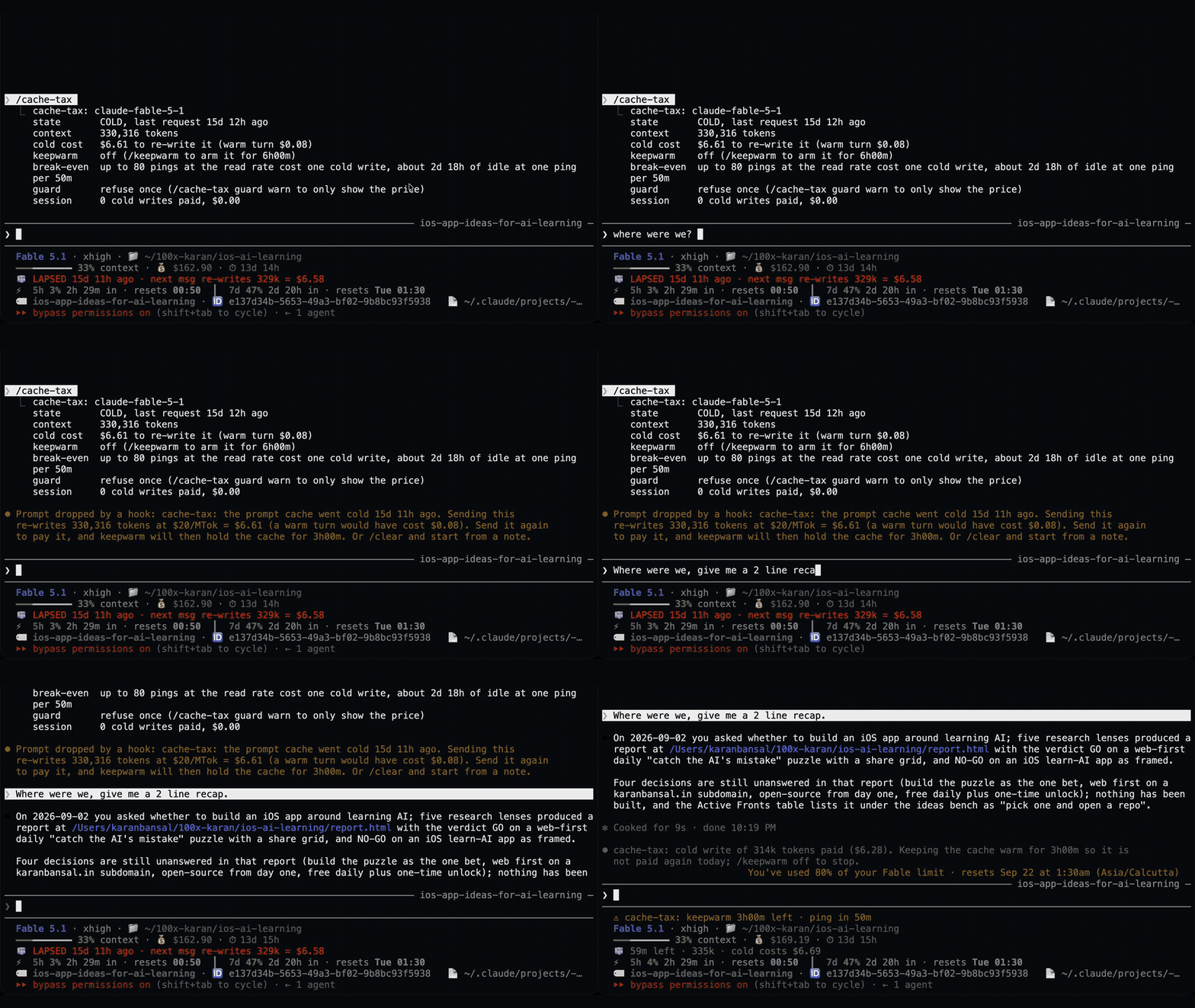
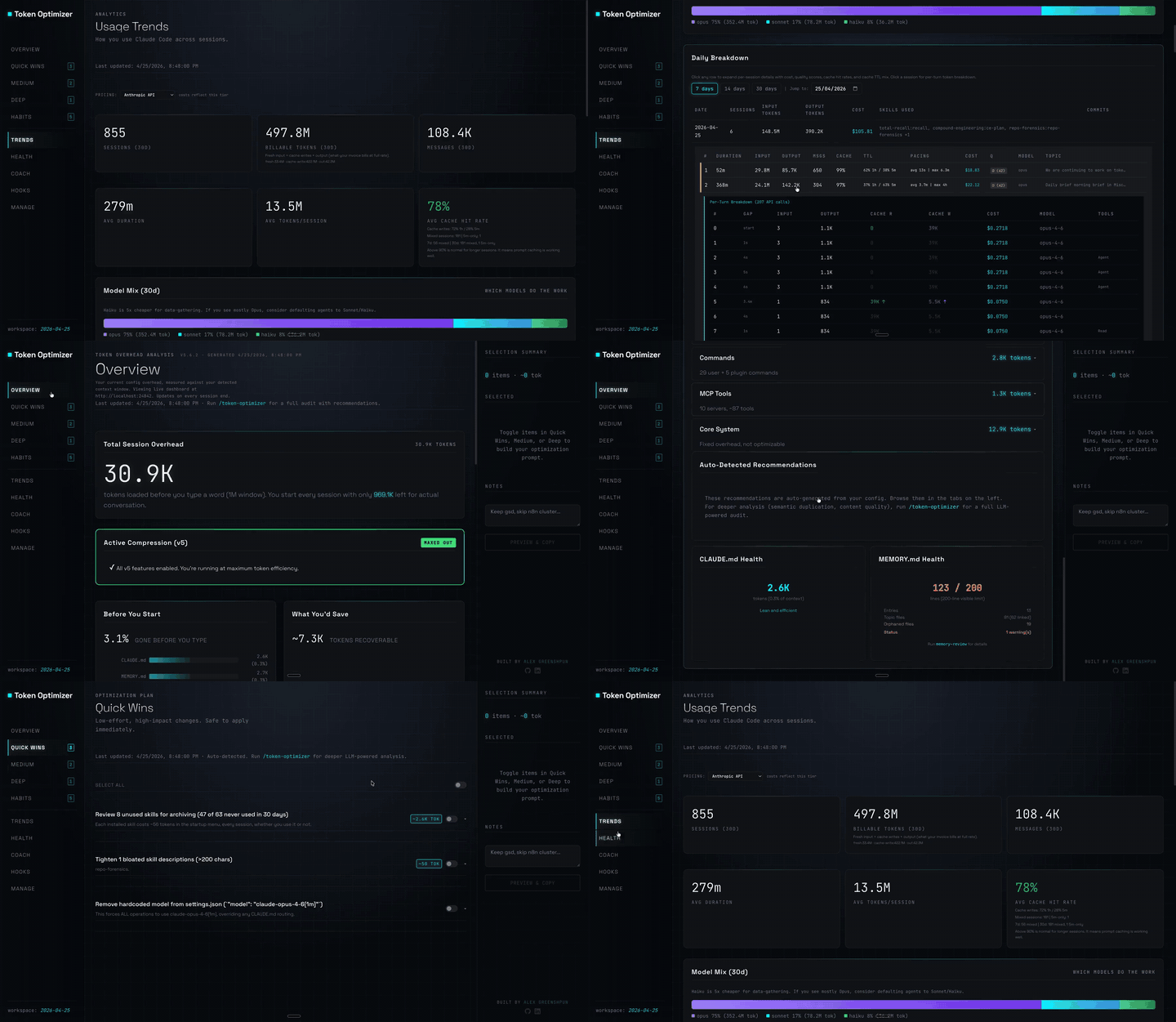
Claude Code plugin that compresses tool output, checkpoints before compaction, scores context quality, and reports token/cost savings on a local dashboard; ships hooks and a localhost daemon.

A Claude Code mod that keeps an idle session's prompt cache warm with silent pings, then compacts large sessions once while the cache is still warm.
A Claude Code mod that keeps the one-hour prompt cache warm during breaks and stops a cold send once with its estimated rewrite cost. Warming uses model requests and costs tokens. Requires Claude Code 2.1.287+.