
jack21@jack21
jack21/claude-mod-usage

一个 Claude Code Mod,在 Claude Code Desktop(也支持 VS Code 和移动应用)中,紧贴提示栏上方显示三个渐变进度条来展示你的 Claude 使用量。
jack21/claude-mod-usage
一个 Claude Code Mod,会在提示栏正上方显示三个从绿色渐变到红色的进度条,分别表示上下文窗口、5-hour 会话限制和 7-day 使用量。包含重置倒计时、12 种自动检测的语言,并能与其他提示栏上方的 mod 干净地叠放。可通过快速提示或手动配置 CLAUDE_CODE_PLUGIN_DIRS 安装;需要支持 Mods function-hooks 的 Claude Code 和 Claude 订阅。
请先查看作者 README 确认 marketplace 和插件名称;命令可能随仓库结构改变。
claude plugin marketplace add jack21/claude-mod-usage
claude plugin install mod-usage
English · 简体中文 · 繁體中文 · 日本語 · हिन्दी · Español · العربية · Français · বাংলা · Português · Русский · Bahasa Indonesia
A Claude Code Mod that shows your Claude usage as three gradient progress bars right above the prompt in Claude Code Desktop (also VS Code and the mobile app):
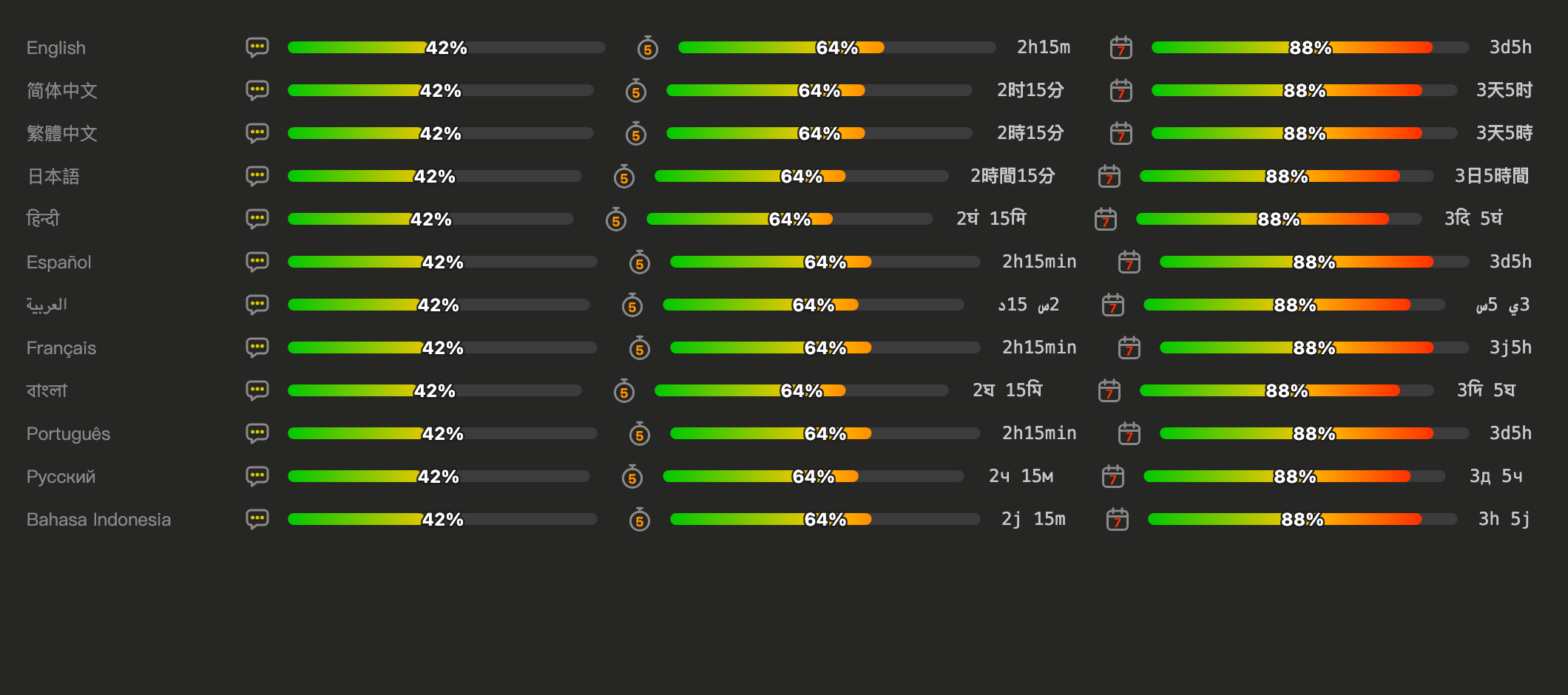
Copy this prompt and paste it into Claude Code (Desktop, CLI or VS Code). Claude clones the mod, updates your settings and checks them:
Install the claude-mod-usage Claude Code mod: clone https://github.com/jack21/claude-mod-usage into ~/.claude/mods/claude-mod-usage (if the folder already exists, run git pull there instead). Then add that folder to CLAUDE_CODE_PLUGIN_DIRS in the "env" block of ~/.claude/settings.json, keeping any folders already listed (join them with ":" on macOS/Linux, ";" on Windows) and changing no other setting. Make sure settings.json is still valid JSON, run `claude plugin validate ~/.claude/mods/claude-mod-usage`, and tell me to start a new session.
Get the files:
git clone https://github.com/jack21/claude-mod-usage ~/.claude/mods/claude-mod-usage
Tell Claude Code to load it. Claude Code Desktop cannot pass command-line flags, so add the folder to the env block of ~/.claude/settings.json:
{
  "env": {
    "CLAUDE_CODE_PLUGIN_DIRS": "~/.claude/mods/claude-mod-usage"
  }
}
Several folders are separated by : (macOS / Linux) or ; (Windows).
Start a new session. The bars appear after the first reply.
For a one-off try in the CLI: claude --plugin-dir ~/.claude/mods/claude-mod-usage.
Optional: add "CLAUDE_CODE_PLUGIN_DIR_WATCH": "1" to the same env block so Desktop reloads the mod when you edit its files.
The display language is chosen in this order:
auto by default)language setting (e.g. "japanese", "繁體中文")LC_ALL, LC_MESSAGES, LANGLANG)To pin a language without the menu, add this to ~/.claude/settings.json:
{
  "pluginConfigs": {
    "mod-usage": { "language": "ja" }
  }
}
Supported codes: en, zh-CN, zh-TW, ja, hi, es, ar, fr, bn, pt, ru, id.
session.measure pushes the context and rate-limit figures; session.start reads the current ones with $.session.usage().AbovePrompt slot with Svg elements. A plain-image SVG is stretched horizontally to its box, so the bar is a round-capped line with vector-effect="non-scaling-stroke", which keeps the ends circular at any width. Text (percent, countdown) is a separate fixed-size SVG so it is never distorted.isInteractive SVG frames on a white background, so everything here is drawn as plain images.claude plugin validate . # checks the manifest and what the module hooks and calls
claude plugin test . # runs tests/*.test.tsx against the engine
hooks/register.tsx is the hooks module; hooks/i18n.ts holds the strings and locale detection helpers; types/index.d.ts is the state contract.
To add a language: add its code to types/index.d.ts and .claude-plugin/plugin.json, its strings to MESSAGES and SUPPORTED_LOCALES in hooks/i18n.ts, and a name hint to LANGUAGE_NAME_HINTS.
MIT © 2026 Jack Chiang

文档生成、漂移检测和 API 文档自动化插件,同时作为 function-hook 防护,拒绝包含机密的文档写入或 worker 调度。

Claude 桌面应用的状态栏。它显示在提示符上方,展示会话质量、上下文填充量、缓存倒计时,以及 5 小时和每周限额,并让 Clawd 演示会话正在进行的操作。

一个 Claude Code 插件 mod,提供 /databricks-pane:按照 databricks CLI,以树状结构展示 Databricks 工作区、Unity Catalog、计算资源、作业、管道、应用和仪表板,并支持实时高亮、配置文件切换和复制 CLI 参数。
