关于这个 mod
把收到的提醒带进会话界面,减少切换窗口的次数。
此作品由社区作者维护,具体功能、版本要求与配置方法请查看下方原始 README。本站提供权限扫描结果;安装前请检查源码及外部依赖。
把收到的提醒带进会话界面,减少切换窗口的次数。
此作品由社区作者维护,具体功能、版本要求与配置方法请查看下方原始 README。本站提供权限扫描结果;安装前请检查源码及外部依赖。
请先查看作者 README 确认 marketplace 和插件名称;命令可能随仓库结构改变。
claude plugin marketplace add OneWave-AI/claude-code-mods
claude plugin install inbox-alerts
Gmail + Slack alerts inside Claude Code: toasts, status count, and an Alerts pane.
Polls Gmail, Slack, and Google Calendar every two minutes through the claude.ai connectors, shows new items as toasts and a count in the status line, and keeps a tabbed Alerts pane. /alerts triage hands the backlog to Claude.
Needs the Gmail, Slack, and Google Calendar connectors connected in claude.ai. Set your email and Slack member ID in /config (or pluginConfigs in settings) so your own messages do not alert you.
In a Claude Code session (2.1.287 or later):
/plugin marketplace add OneWave-AI/claude-code-mods
/plugin install inbox-alerts@claude-code-mods
Or load this folder for one session: claude --plugin-dir ./inbox-alerts
| Mod | Network | Runs processes | Files | Calls a model | Sends data anywhere |
| --- | --- | --- | --- | --- | --- |
| inbox-alerts | Through your claude.ai Gmail, Slack and Calendar connectors | No | No | /alerts triage sends alert snippets to Claude | Only to your Claude model |
Run claude plugin validate ./inbox-alerts to list every event it hooks and every call it makes. See the repository README for the full security notes.
Part of claude-code-mods by OneWave AI. MIT licensed.

任务完成时提供可见的闪烁提醒。


一个住在 Claude Code 面板里的像素宠物,会四处走动、对会话做出反应,并跨会话成长,共有猫、狗、史莱姆等八种可选。

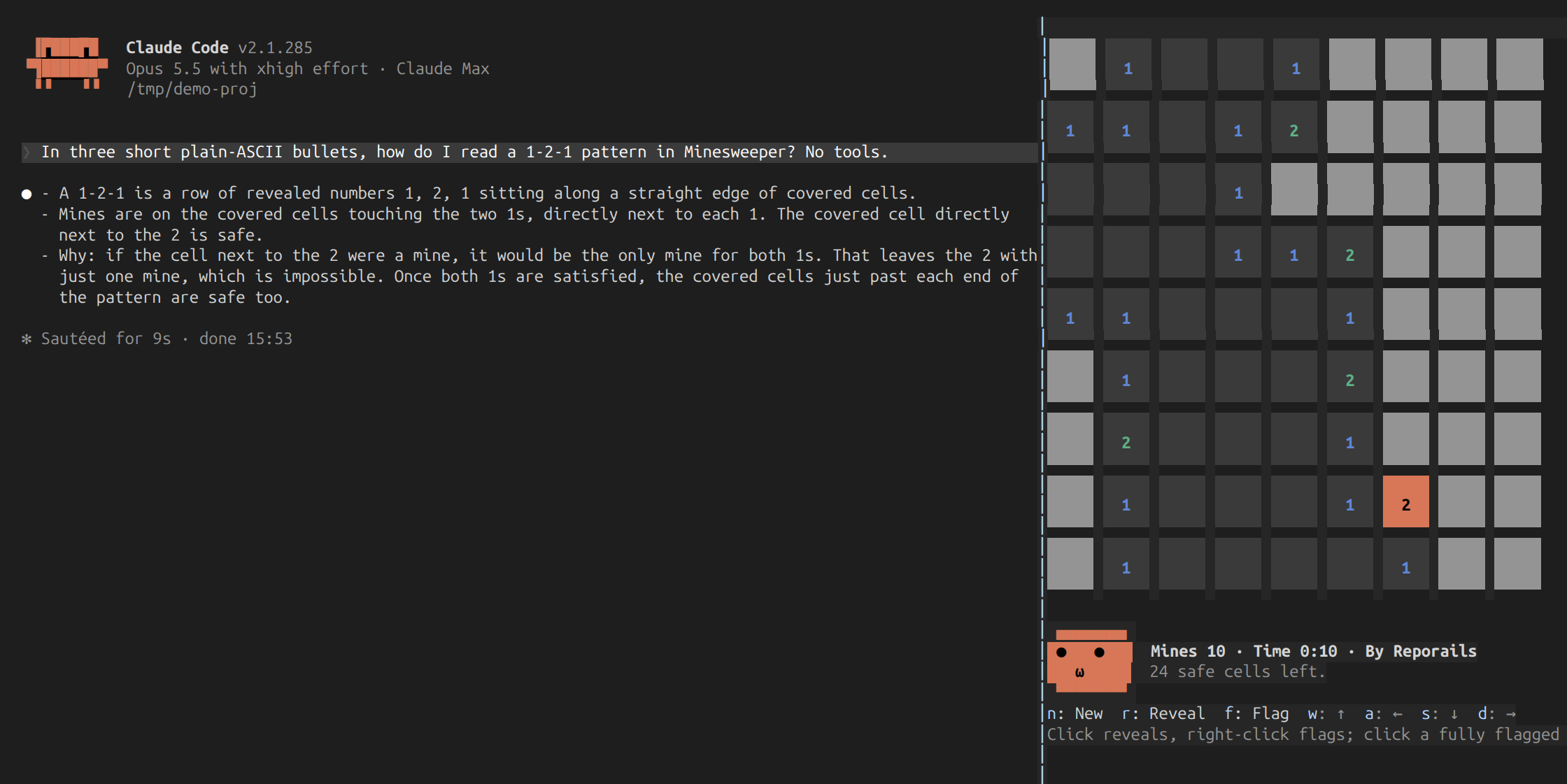
一个 Claude Code 插件 mod,在会话侧边面板中运行扫雷:用鼠标或键盘边玩边等 Claude 工作,带计时、最佳成绩和会看盘、偷瞄对话的表情脸。