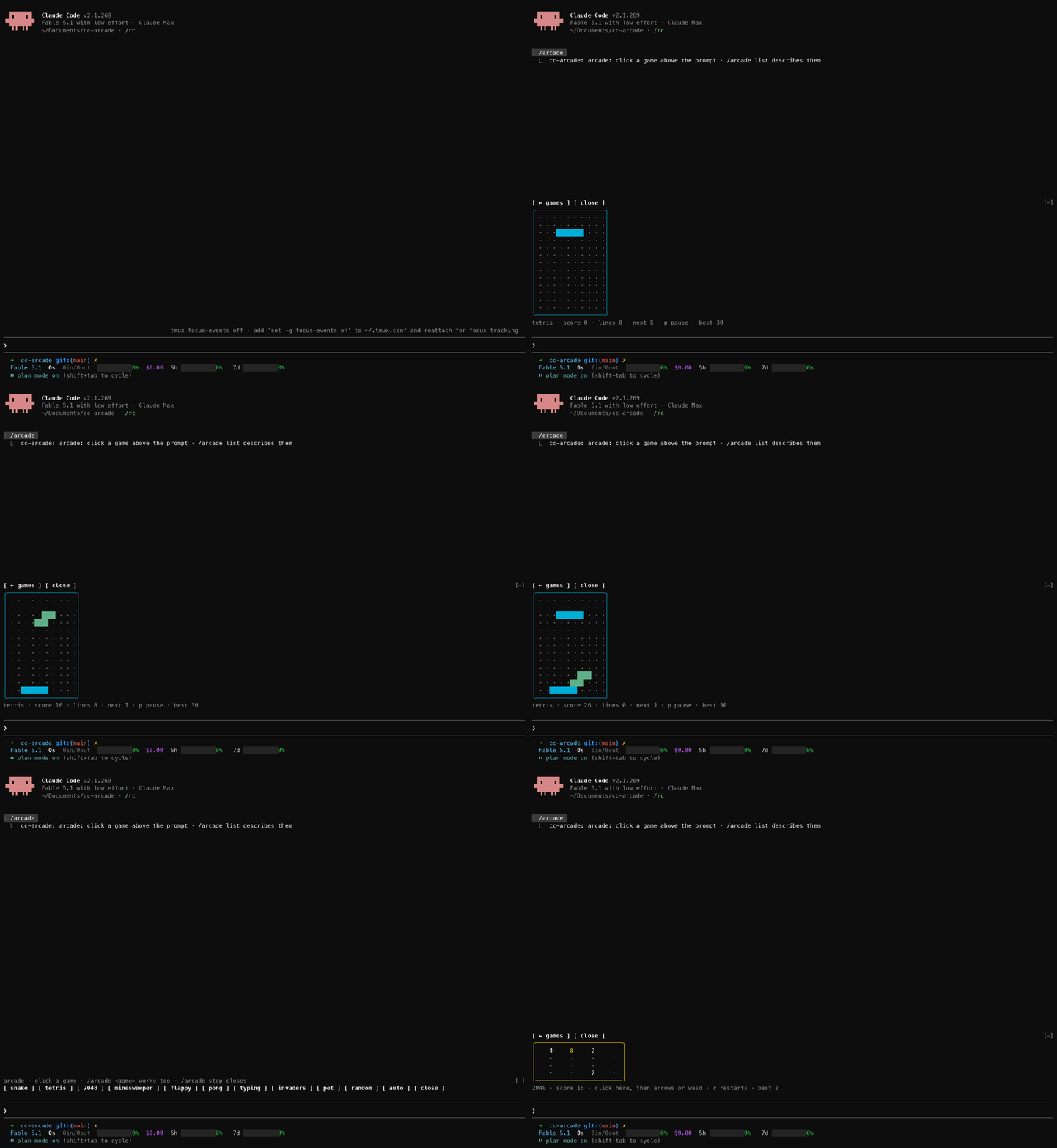
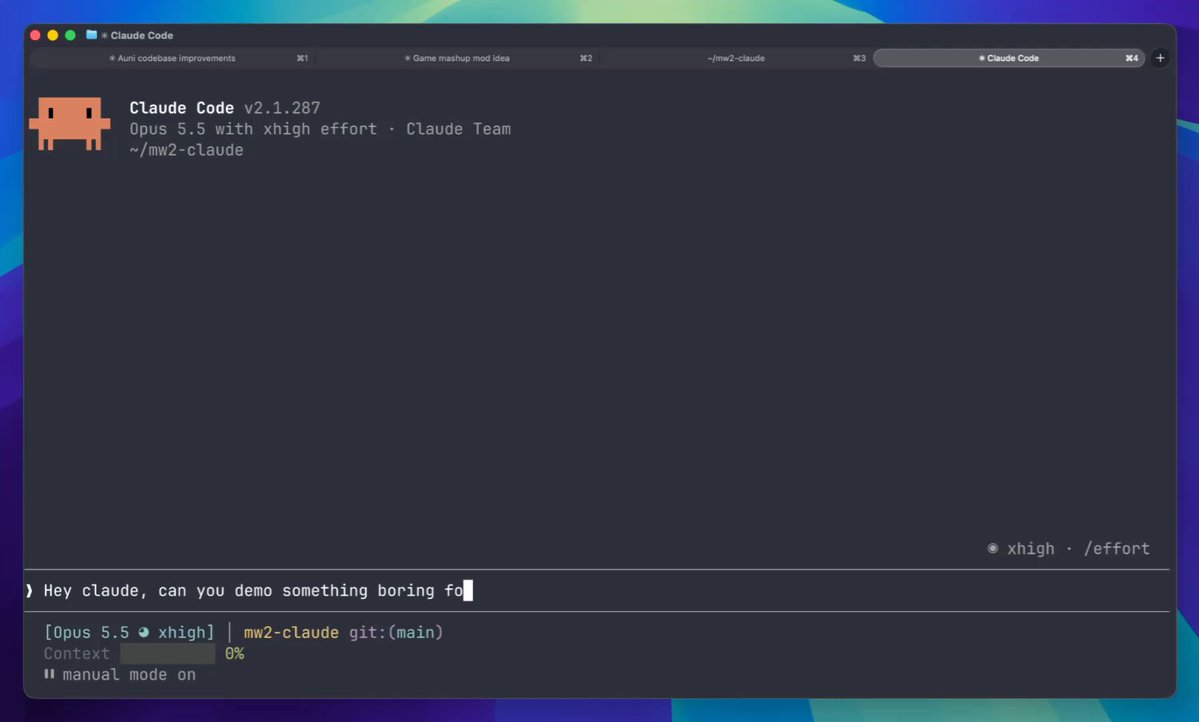
Minefield
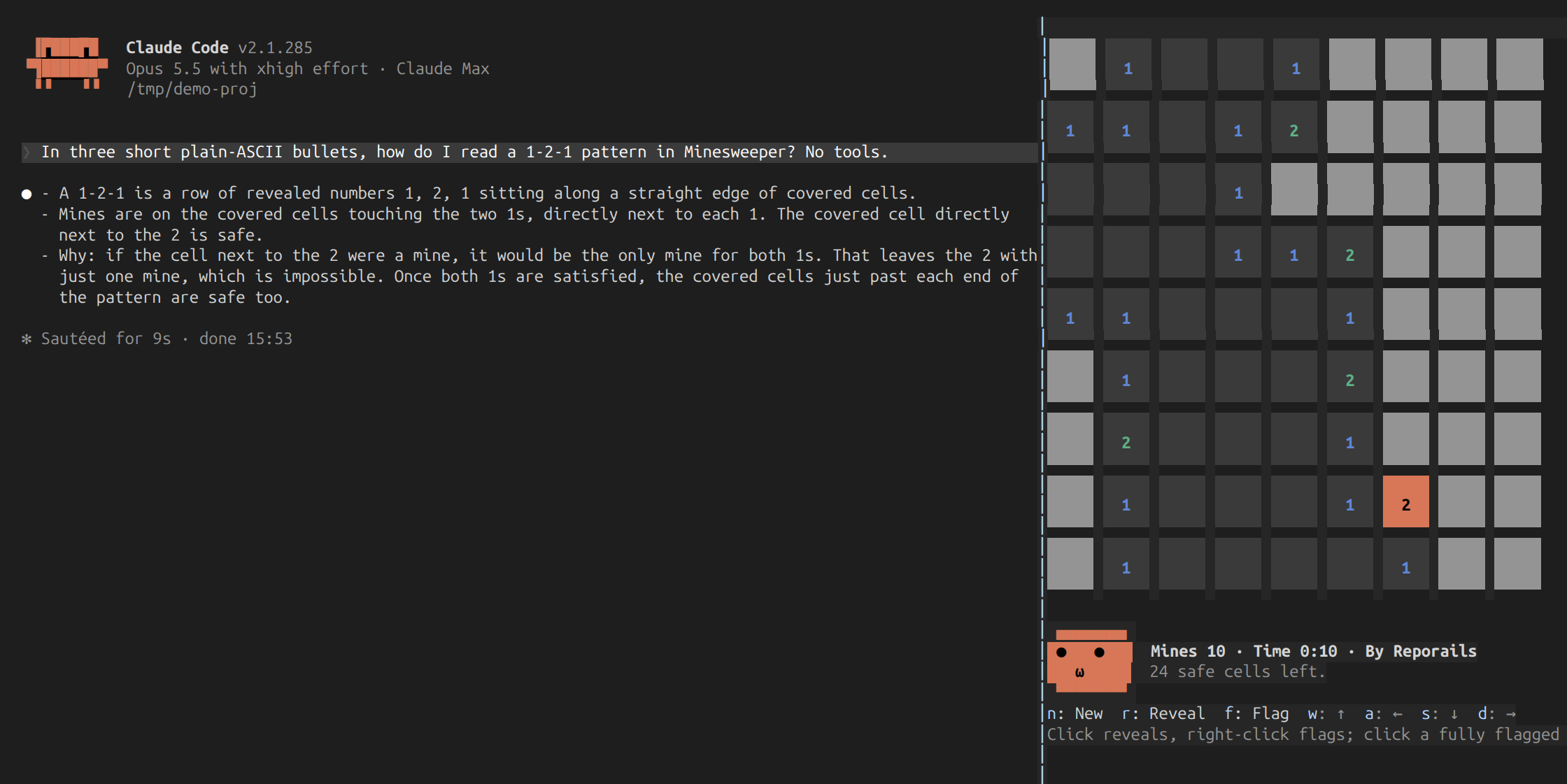
Minesweeper in a Claude Code pane. A mod, shipped as a plugin: /mines opens a board you play with the mouse or the keys while Claude works. It reads and changes nothing the model sees: claude plugin validate ./minefield lists every event it hooks and every call it makes, before any of its code runs.
❯ ./register.ts hooks: session.start, command.run{command=mines}, ui.render{component=Pane}, ui.message
❯ ./register.ts calls: $.clock.after (via focusSoon), $.clock.now (via deal), $.command.register, $.session.surfaces, $.store.get, $.store.set (via recordWin), $.ui.invalidate, $.ui.open (via openPane), $.ui.panes (via refocus), $.ui.resolve
❯ ./register.ts surface modules: hooks/board.ts
No prompt, tool or attachment hook, and no network call.
1 ▆▆ ▆▆ ▆▆
2 ⚑ ▆▆ ▆▆
2 ▆▆ ▆▆ ▆▆
1 1 ▆▆ ▆▆
1 1 1 1 ▆▆ ⚑
▆▆ ▆▆ 2 2 1 1 1 ▆▆ ▆▆
▆▆ ▆▆ ▆▆ ▆▆ ▆▆ ▆▆ ▆▆ ▆▆ ▆▆
▆▆ ▆▆ ▆▆ ▆▆ ▆▆ ▆▆ ▆▆ ▆▆ ▆▆
▆▆ ▆▆ ▆▆ ▆▆ ▆▆ ▆▆ ▆▆ ▆▆ ▆▆
▄▄▄▄▄▄▄
● ● Mines 8 · Time 0:17 · Best 0:42 · By Reporails
ω 34 safe cells left.
▀▀▀▀▀▀▀
Install
In a Claude Code session:
/plugin marketplace add reporails/arcade
/plugin install minefield@reporails-arcade
Or from your shell, then /reload-plugins in any session already open:
claude plugin marketplace add reporails/arcade
claude plugin install minefield@reporails-arcade
Then run /mines. To play from a checkout instead: claude --plugin-dir ./minefield.
Mods need Claude Code 2.1.287 or later, where they are on by default. For the side pane and the mouse, start Claude Code with CLAUDE_CODE_NO_FLICKER=1: that is the fullscreen layout, the one where Claude Code reports the mouse, and the pane docks on the right beside the transcript and takes clicks. Without it the pane sits above the prompt and the game is played with the keys alone.
Commands
| Input | What it does |
|---|---|
| /mines | Opens the pane. If a game is in play, it stays as it is. |
One board, 9×9 with 10 mines: a game for the few minutes Claude works.
/mines is an immediate command, so it works while Claude is mid-turn.
Playing
| Input | What it does |
|---|---|
| Left click | Reveals the cell. On an open number with all its flags set, opens the cells around it. |
| Right click, or ctrl/alt + left click | Sets or clears a flag. |
| r | Reveals the cell under the cursor. |
| f | Flags the cell under the cursor. |
| w a s d | Move the cursor. |
| n | New game. |
| Arrow keys, h j k l, space, return | Move and reveal, once a click has given the board the keyboard. |
| Esc | Hands the keyboard back to the prompt; the game stays. ctrl+x tab gives the pane the keys again. Close the pane with its ✕ or ctrl+x x. |
The letter keys work as soon as /mines has opened the pane; nothing needs a click first. The mouse needs the fullscreen layout (/tui fullscreen turns it on); the line under the buttons says which you have.
The board grows into the room the pane has. Docked beside the transcript, it is drawn as big square tiles, three rows a cell where the pane is tall enough, two where it is not, and one in a short terminal. Above the prompt, where rows are few, a cell is one row, its hidden tile a smaller box, and the face and the status move beside the board instead of under it, so nothing is cut off.
The first reveal is always safe and opens an area: the mines are laid after it, away from that cell and the eight around it. The clock runs from the first reveal to the last. The best time is kept between sessions in the plugin's own store.
Closing the pane ends the game in play.
The status line ends with a By Reporails link to the Reporails CLI on GitHub. Your terminal opens it; the mod itself makes no network call.
The face
A face under the board shows how the game is going, drawn in Claude Code's own orange (the theme's claude colour, so it follows your theme). It is this mod's own drawing; the Claude logo at the top of a session is not something a mod can redraw.
| When | The face |
|---|---|
| You are playing | Follows the cursor to its side of the board. |
| Two seconds without a move | Looks around: up at you, at the cursor's side, or left at the transcript beside the pane. |
| Six seconds without a move | Reads the transcript, as far as a face can: eyes half shut, following a few lines along in short steps and jumping back to each line's start. It only looks; the mod sees nothing of the transcript. |
| Always | Blinks every few seconds, sometimes twice, often as its gaze jumps. The mouth leans after the eyes. |
| A reveal | Wide eyes and a round mouth; delight when a reveal opens ten cells or more. |
| A flag | A wink. |
| Stepped on a mine | x x and a flat mouth. |
| Board cleared | Delight, then sunglasses and a wide grin. |
Files
minefield/
├── .claude-plugin/plugin.json
├── hooks/
│   ├── hooks.json      points at register.ts
│   ├── register.ts     the hooks: the command, the pane, the buttons, the best time
│   ├── board.ts        the surface module: draws the board and the face, takes the pointer and keys
│   └── lib.ts          pure functions: the game rules, the cell styles, parsing
├── tests/minefield.test.ts  runs with `claude plugin test`
└── README.md
The game lives in the board's local state. The hooks module deals the game, its mines laid from the time it is dealt, hands down the best time, and draws the buttons; the board posts back a win.
Four things a live session showed that the test kit did not:
- A pane takes the keyboard only over an empty prompt, and a command's own text is still there while it runs. So
/mines opens the pane, then asks for the keyboard again, up to three times over the next two seconds, only while the pane is open and still without it.
- A pane's hotkeys reach only buttons the hooks module draws, not buttons a surface module draws. So the control buttons live in
register.ts and hand each move to the board as a numbered act prop.
- A row of boxes shrinks every box to fit, and a face one column short wraps each of its rows in two. So the face's column has a fixed width and the text beside it is the part that gets cut.
- The mouse exists only in the fullscreen layout: on the main screen Claude Code asks the terminal for no pointer reporting at all. So every action has a key, and the letter keys work the moment the pane opens.
The face runs on the board's own timer, five beats a second, as pure functions in lib.ts (nextMood, attend, react, looks) driven by a die seeded from the deal, so the tests replay it exactly. The board's size is one pure function too (fitFor), from the pane's columns and rows.
Tested on
- Claude Code 2.1.288, where mods are on by default:
claude plugin validate --strict passes and claude plugin test passes 31 of 31, from a logged-out config, the way CI runs them.
- Claude Code 2.1.285: strict
tsc passes on the code and the tests against that build's typings, and the same 31 tests pass. CI runs both builds. The tests cover the rules (safe first reveal, numbers, flags, opening around a number, winning, losing, the clock), the face's gaze, reading, blinks and reactions, the board's fit to the pane and the pane's size, and the mod driven through its pane on the terminal and desktop surfaces: pointer, keys, buttons, /mines bringing back the game in play, a win stored as the best time.
- Played in the terminal in both layouts, through a loss; the big tiles, the face's reading and its blinks watched live in a docked pane. A win and its stored best time are covered by the tests, since a live win writes to the real store.
- Not yet tried: the desktop app outside the test kit.
If it does not start
claude --version must be 2.1.287 or later./plugin shows a dim mod active line naming the mods that loaded. If minefield is not on it, run claude plugin test in an empty folder: no hooks module to load means mods load for you; hooks modules are turned off means Anthropic has them off for your account, and no local setting changes that. An organization can also limit which mods load (allowManagedModsOnly).- In VS Code's chat panel and
claude -p there is nothing to draw a board on; /mines says so.
Made by Reporails, diagnostics for the instructions that steer Claude Code. MIT.