arafathusayn@arafathusayn
arafathusayn/cc-mods/tree/main/mods/usage-meter
在提示符上方的一行中显示计划的 5 小时和每周用量上限,以及距离每次重置的时间;`/usage-meter` 会打开一个面板,显示你的用量速度和预计耗尽时间。
arafathusayn/cc-mods/tree/main/mods/usage-meter
一个 Claude Code 插件,把订阅用量窗口(5 小时、全模型每周、单模型每周)作为提示符上方的一行持续显示,并在 50% 和 75% 设置颜色阈值。/usage-meter 会切换详细面板,显示进度条、重置时刻和倒计时、近期用量速度,以及该窗口会提前耗尽还是能持续到重置。5 小时和每周窗口的数据来自每次回复;单模型周用量则从账号的用量请求中读取,每次回复后最多每五分钟读取一次。通过 claude plugin marketplace add arafathusayn/cc-mods 和 claude plugin install usage-meter@cc-mods 安装。已用 Claude Code 2.1.289 测试。
请先查看作者 README 确认 marketplace 和插件名称;命令可能随仓库结构改变。
claude plugin marketplace add arafathusayn/cc-mods
claude plugin install usage-meter
Your Claude subscription has usage limits: a 5-hour window, a weekly window for all models, a
weekly window for a model your plan counts on its own (such as Fable) and, on a Claude gateway, a
spend limit. Claude Code mentions them only once you are close. usage-meter keeps them on screen
the whole session, as one line at the right side above the prompt:
5H 14% 2h 55m │ WK 76% 4d 0h │ Fable 30% 4d 0h
Each entry is a window: how much of it is used, and how long until it resets. A model's own week carries the model's name. The percent turns yellow from 50% and red from 75%. The line appears once Claude has replied for the first time in a subscription session; a session on an API key has no usage limits, so nothing is drawn.
/usage-meter opens a pane with more for each window: a bar drawn to the pane's width, the reset
as a clock time and a countdown, your recent pace, and where that pace leads:
5-hour limit · 14% used
█████░░░░░░░░░░░░░░░░░░░░░░░░░░░░░░░░
resets 15:00 (in 2h 55m)
pace 6.0%/h over the last 1h 0m
at this pace: lasts until the reset
Run /usage-meter again to close it.
claude plugin marketplace add arafathusayn/cc-mods
claude plugin install usage-meter@cc-mods
session.measure), so the meter asks nothing for them./usage makes, at most every five minutes after a reply and every quarter hour while
the session sits idle. It asks with the session's own login through Claude Code, which keeps the
credential and sends it to Anthropic alone; the mod never sees it. A session without a Claude
login (an API key, a gateway) asks nothing.runs out in ~2h 5m when the window fills before it resets, lasts until the reset when the reset comes first, not rising when use has not moved.claude --plugin-dir mods/usage-meter
hooks/register.tsx is the only file that touches $: it builds the ports the use cases in
hooks/actions.ts run on and wires the events. The rest is pure: reading.ts and
account-usage.ts decode what the engine and the account's usage report, track.ts and
meter.ts keep the history, forecast.ts works out the pace, wording.ts writes the text,
band.tsx and pane.tsx draw.
Inspired by quota-meter from claude-mods (MIT); written anew here.
Tested with Claude Code 2.1.289.

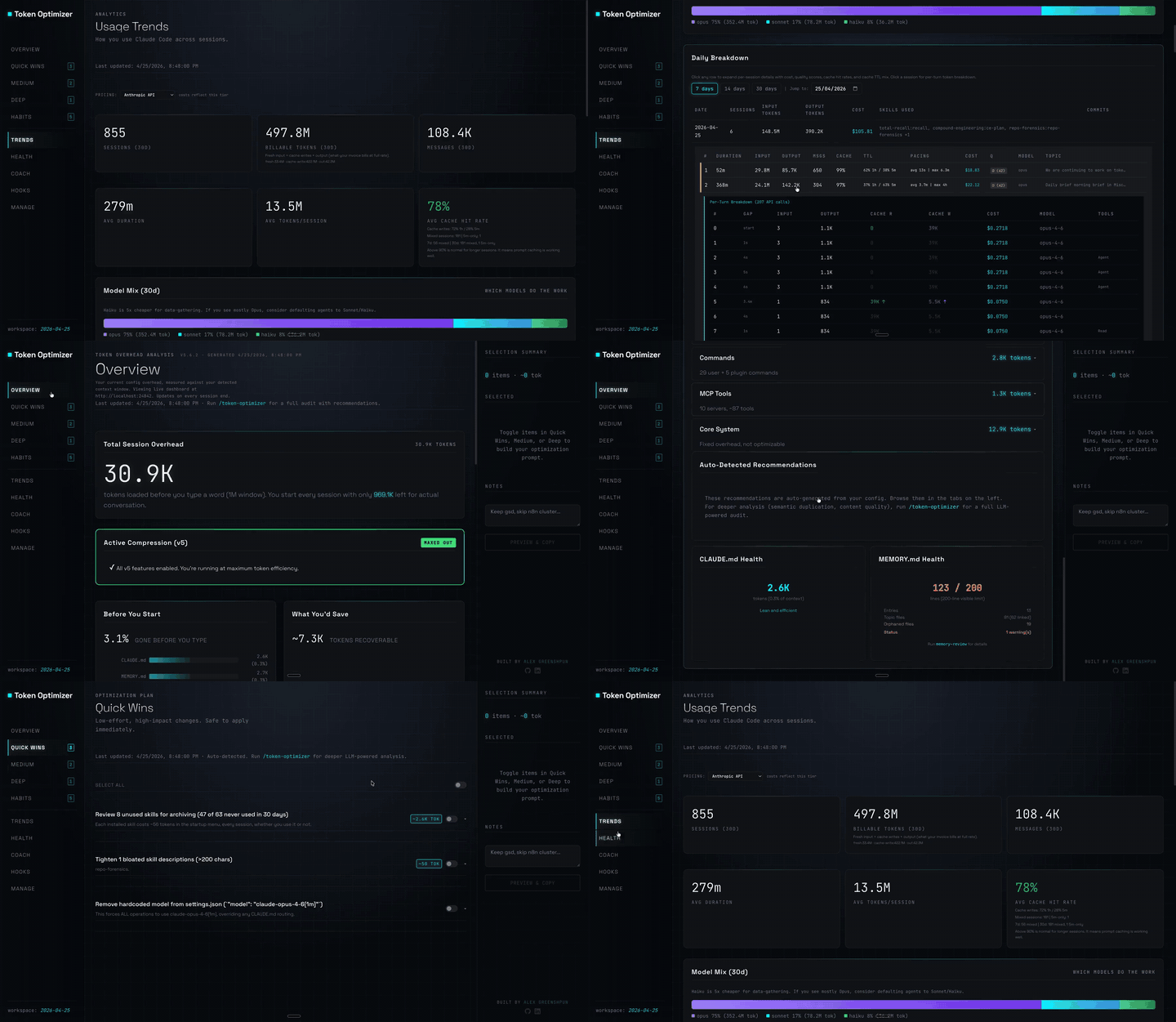
Claude Code 插件:压缩工具输出、在压缩前创建检查点、评估上下文质量,并在本地面板报告 token/成本节省;附带 hooks 和本地主机守护进程。

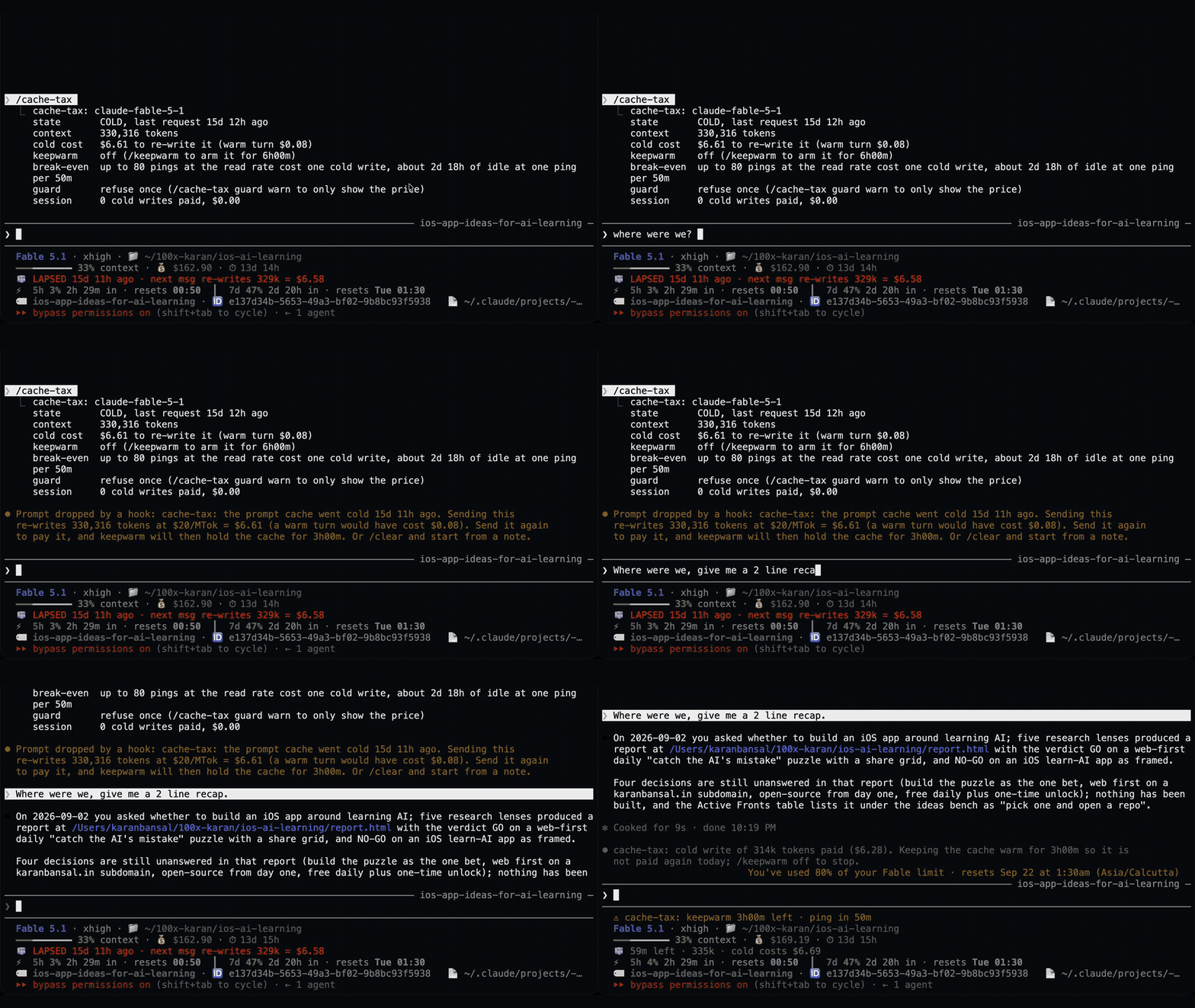
一个 Claude Code mod,用静默 ping 保持空闲会话的提示缓存温热,然后在缓存仍然温热时压缩大型会话一次。
Claude Code 插件在休息期间保持一小时提示缓存温热,并在冷缓存发送前显示一次预计重写成本。预热会使用模型请求并消耗 token。需要 Claude Code 2.1.287+。