
falconsw@falconsw
falconsw/cost-info/tree/main/cost-info
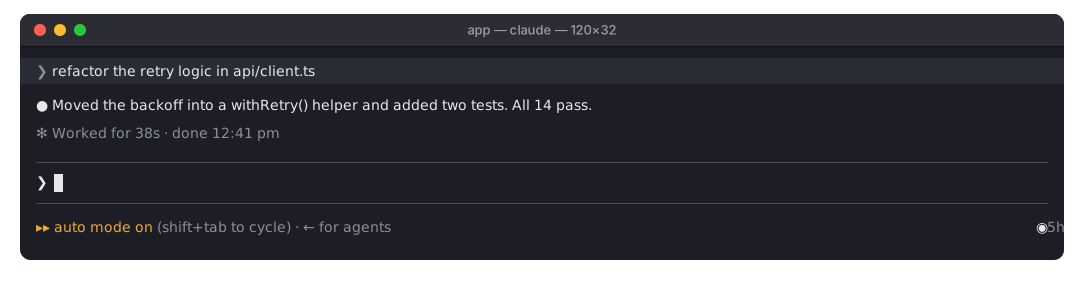
falconsw/cost-info/tree/main/cost-info
一个 Claude Code 插件,实时显示当前会话到目前为止的费用和消耗的令牌。

◉ $0.16 | Token Usage 142k / 30k | now $0.02,数字为绿色,回合进行中也会更新;回合结束后,now 会变成 last。终端宽度小于 120 列时只显示会话本身。这个费用数字与 /cost 显示的相同,也包含子代理。/spend。 显示令牌、回合数、每回合平均值、费用最高的回合,以及已使用的预算比例。/spend 即可重新显示。在 Pro 或 Max 套餐中,美元数并不是你的实际账单金额;因此 Claude Code 报告速率限制时,计量器会改为显示各项已使用多少:◉ 5h ━─── 15% wk ━─── 7% Resets in 3h 55m | Token Usage 104k / 70k。它用细条显示 5 小时和每周窗口,以及较早重置的那个窗口还剩多久。它读取 Claude Code 已经收到的信息,因此不会产生额外费用。没有速率限制(API 计费)时,仍按之前的方式显示费用。令牌从插件载入会话时开始计算,因此恢复会话之前消耗的令牌不会计入总数。
需要 Claude Code 2.1.288 或更高版本。在 shell 中执行,不要在 Claude Code 会话内部执行:
claude plugin marketplace add falconsw/cost-info
claude plugin install cost-info@falconsw-mods
然后将它载入已打开的 Claude Code 会话:
/reload-plugins
也可以在终端或 VS Code 中启动新会话。
要获取新版本,运行 claude plugin update cost-info@falconsw-mods,然后运行 /reload-plugins。如果提示已经是最新版本,先运行 claude plugin marketplace update falconsw-mods。要移除它,运行 claude plugin uninstall cost-info@falconsw-mods。
除非另行设置,预算为 $5;设为 0 可关闭预算。请从 shell 设置,写入的值要是字符串,然后重启 Claude Code:
echo '{"budget": "10"}' | claude plugin configure cost-info@falconsw-mods --values-stdin
也可以在安装时设置:
claude plugin install cost-info@falconsw-mods --config budget=10
claude plugin configure cost-info@falconsw-mods 会显示是否已经设置。
claude plugin validate ./cost-info
claude plugin test ./cost-info
claude --plugin-dir ./cost-info   # reloads as you save
插件在 Claude Code 内运行,拥有与 Claude Code 相同的访问权限。安装前请先阅读 source:它只有一个文件,即 cost-info/hooks/register.tsx。
请先查看作者 README 确认 marketplace 和插件名称;命令可能随仓库结构改变。
claude plugin marketplace add falconsw/cost-info
claude plugin install cost-info
A Claude Code mod that shows what your session has cost so far, and the tokens it took, live.
◉ $0.16 | Token Usage 142k / 30k | now $0.02 at the right of the line under the prompt, the figures in green, live, mid-turn too; once the turn ends now becomes last. A narrow terminal (under 120 columns) shows the session alone. The cost is the same figure /cost shows, subagents included./spend. Tokens, turns, average per turn, your priciest turn, and how much of the budget is used./spend to bring it back if you close it.On a Pro or Max plan the dollars aren't what you're billed, so when Claude Code reports rate limits the meter shows how much of each is used instead: ◉ 5h ━─── 15% wk ━─── 7% Resets in 3h 55m | Token Usage 104k / 70k: a thin gauge for the 5-hour and weekly windows, and the time until the sooner one resets. It reads what Claude Code already receives, so it costs nothing extra. Without rate limits (API billing) it shows cost as before. Tokens count from when the mod loaded into the session, so a resumed session's earlier tokens aren't in the total.
Requires Claude Code 2.1.288 or later. Run these in a shell, not inside a Claude Code session:
claude plugin marketplace add falconsw/cost-info
claude plugin install cost-info@falconsw-mods
Then load it into your open Claude Code session:
/reload-plugins
Or start a new session, in the terminal or in VS Code.
To get a new version, run claude plugin update cost-info@falconsw-mods, then /reload-plugins. If it says it's already at the latest version, run claude plugin marketplace update falconsw-mods first. To remove it, run claude plugin uninstall cost-info@falconsw-mods.
The budget is $5 unless you set it; 0 turns it off. Set it from a shell, the value written as a string, then restart Claude Code:
echo '{"budget": "10"}' | claude plugin configure cost-info@falconsw-mods --values-stdin
Or set it while installing:
claude plugin install cost-info@falconsw-mods --config budget=10
claude plugin configure cost-info@falconsw-mods shows whether it's set.
claude plugin validate ./cost-info
claude plugin test ./cost-info
claude --plugin-dir ./cost-info   # reloads as you save
A mod runs inside Claude Code with the same access Claude Code has. Read the source before you install it: it's one file, cost-info/hooks/register.tsx.

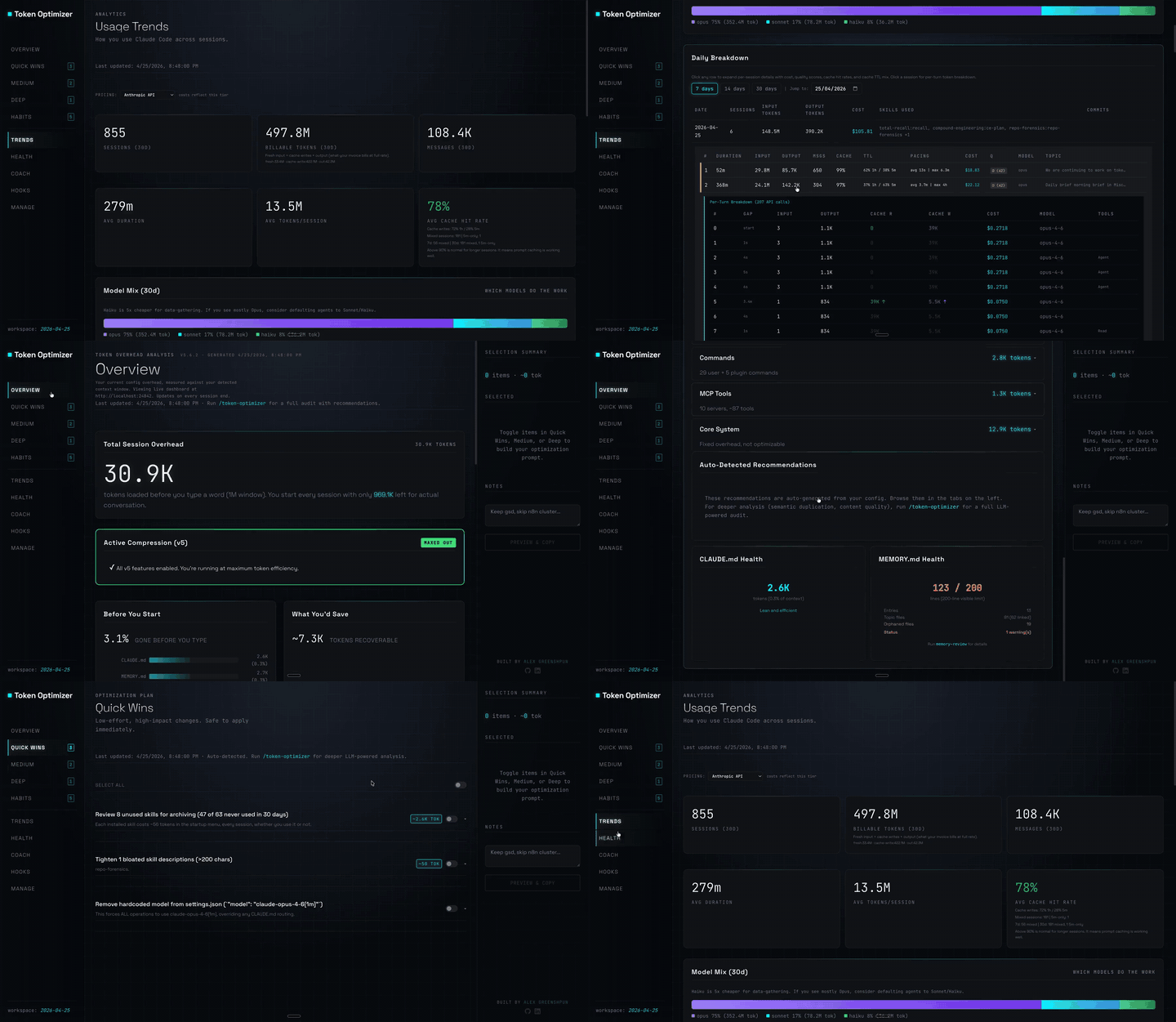
Claude Code 插件:压缩工具输出、在压缩前创建检查点、评估上下文质量,并在本地面板报告 token/成本节省;附带 hooks 和本地主机守护进程。
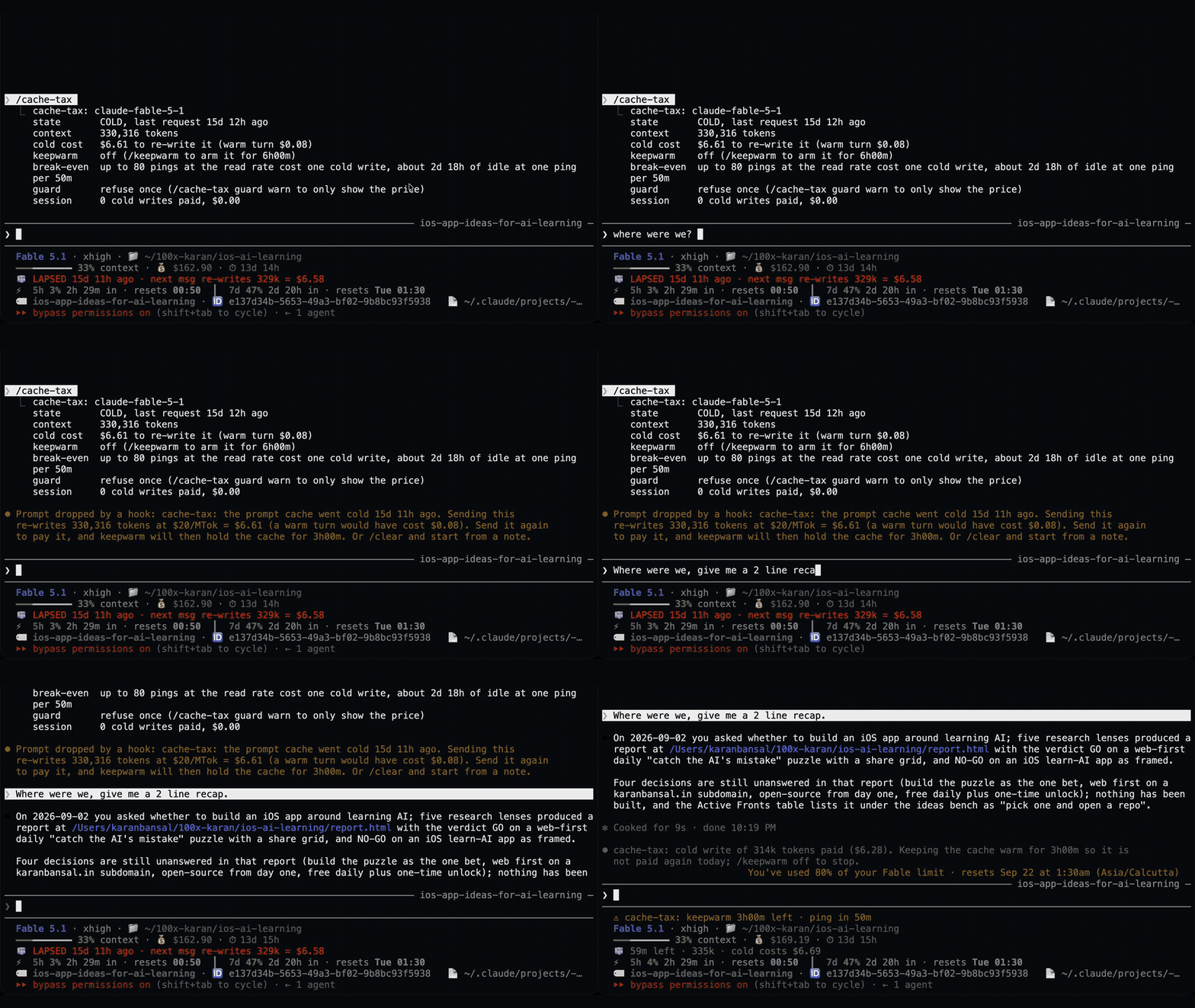
Claude Code 插件在休息期间保持一小时提示缓存温热,并在冷缓存发送前显示一次预计重写成本。预热会使用模型请求并消耗 token。需要 Claude Code 2.1.287+。

Mods companion for claude-seo: a spend guard on paid SEO APIs, a live audit band with a receipt, an economy mode, and a visual cockpit with Search Console, rankings, Core Web Vitals, audit, Maps and spend views.