DJPalefaceSD@DJPalefaceSD
DJPalefaceSD/rostech-mods/tree/main/plugins/radio
DJPalefaceSD/rostech-mods/tree/main/plugins/radio
Claude が長いターンを終えたときにチャイムを鳴らします。作業中は画面から離れ、完了したら戻れます。
チャイムはターンが 20 秒を超えた場合だけ鳴るため、短い回答は静かなままです。
自分の音は .wav ファイルである必要があります。Windows では Claude Code のプレーヤーが Windows ターミナルで再生できないため、PowerShell 経由で Windows の SoundPlayer を使います。パスは設定として渡され、コマンド内には入りません。それ以外では Claude Code が同梱チャイムを再生します。指定した音声ファイルだけを読み取り、どこにも送信しません。
Windows の Claude Code 2.1.287 でテスト済みです。
まず作者の README で marketplace とプラグイン名を確認してください。コマンドはリポジトリの構成によって変わる場合があります。
claude plugin marketplace add DJPalefaceSD/rostech-mods
claude plugin install radio
A chime when Claude finishes a long turn, so you can look away while it works and come back when it is done.
The chime plays only when a turn took longer than 20 seconds, so quick answers stay quiet.
/radio sound C:/path/to/chime.wav makes it play your own sound. It plays
the file once so you hear it, then keeps it across sessions./radio sound default goes back to the bundled chime./radio test plays the done chime, then the whistle./radio off and /radio on switch it./radio says whether it is on, and which sound it plays.Your own sound has to be a .wav file. On Windows it is played with Windows' own SoundPlayer, through PowerShell, because Claude Code's player does not play in a Windows terminal. The path is passed as a setting, never inside the command. Elsewhere Claude Code plays the bundled chime. It reads only the sound file you name and sends nothing anywhere.
Tested with Claude Code 2.1.287 on Windows.

Claude Code 用の Cuelume サウンドを 2 種類提供します。長いターンが終わったら ready、権限プロンプトが待っていたら attention を鳴らします。

セッション中にあなたの対応を待っているもの、エージェントの質問、Claude が記録した問題、プルリクエストのチェックとレビューを集める Claude Code mod です。プロンプトの上と `/inbox` ペインに表示し、セッションの状態も示します。

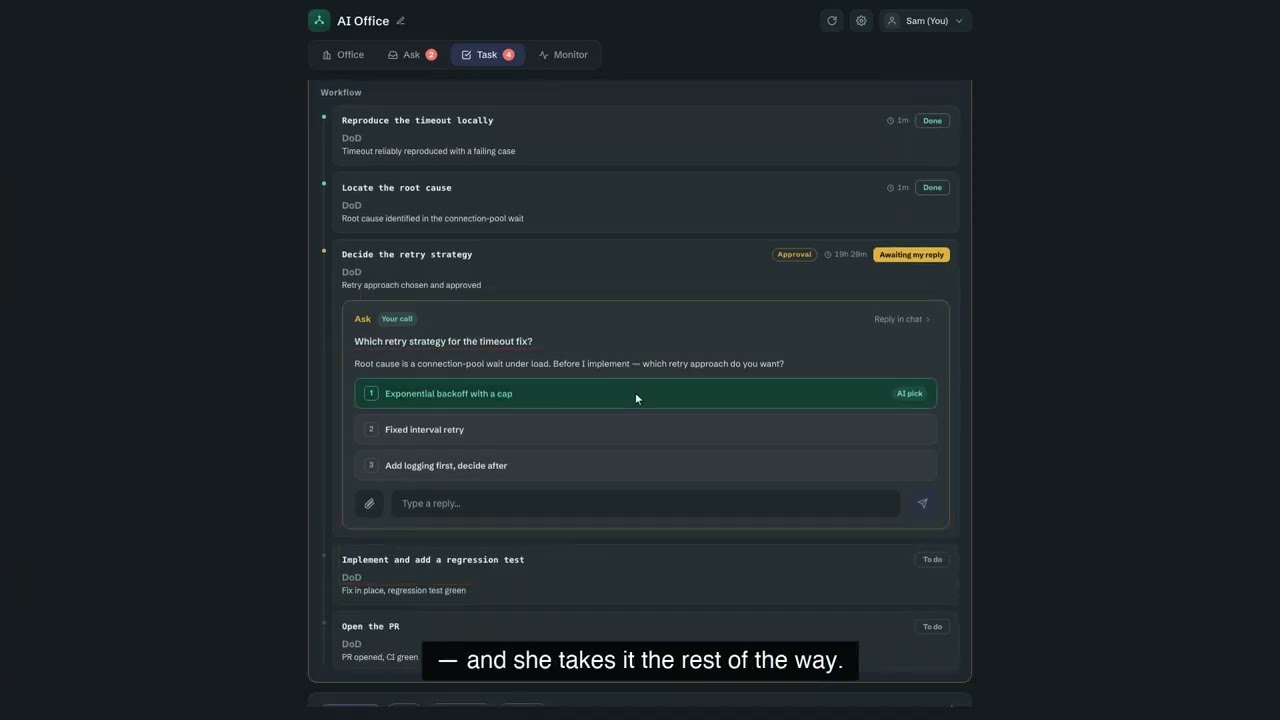
OffiCraft は自分の Mac で動く AI スタジオ。常時稼働する AI メンバーを何人か雇い、仕事を丸ごと任せ、Web コンソールで進捗を確認できる。承認が必要になったら一言返せばよい。実行されるのはマシン上の Claude Code または Codex。