ShriD5@ShriD5
ShriD5/claude-mods/tree/main/phone-approve
ShriD5/claude-mods/tree/main/phone-approve
用手機核准 Claude Code 的權限提示。Claude Code 準備詢問是否可以執行某個工具時,請求會傳到 Telegram,附有 ✅ 核准和 ❌ 拒絕按鈕;由你的點選決定結果。
claude --plugin-dir ./phone-approve
或者把這個儲存庫加入 marketplace,再用 /plugin 加入。
傳訊息給 @BotFather,送出 /newbot,然後複製 token。請使用專用 bot。 外掛透過 getUpdates 讀取按鈕點選;Telegram 在 bot 設定 webhook 時會拒絕它,而兩個程式輪詢同一個 bot 會互相搶走更新。
傳任意訊息給新的 bot,然後開啟 https://api.telegram.org/bot<token>/getUpdates,複製 message.chat.id。這就是你的 chat id。
儲存這兩項(token 會存到安全儲存,不是 settings.json):
echo '{"botToken":"123456:ABC…","chatId":"987654321"}' | claude plugin configure phone-approve --values-stdin
| 選項 | 預設值 | 用途 |
| --- | --- | --- |
| botToken |(無)| bot 的 token。它會標記為敏感資訊,因此會保存在安全儲存中,絕不寫入記錄。 |
| chatId |(無)| 請求傳送到哪裡。其他 chat 的點選會被忽略。 |
| timeoutSeconds | 120 | 在終端機提示決定前等待手機的時間。 |
外掛必須等到設定 botToken 和 chatId 後才會執行。
它掛接 classic.PermissionRequest,這是 Claude Code 準備詢問你時觸發的事件。外掛透過 $.http.fetch 傳送請求,再長輪詢 getUpdates,等待帶有該請求一次性 nonce 的按鈕點選。如果在期限內沒有回應,就回傳 next(e),由終端機提示決定。
請先查看作者 README,確認 marketplace 與外掛名稱;指令可能隨儲存庫結構而變動。
claude plugin marketplace add ShriD5/claude-mods
claude plugin install phone-approve
Approve Claude Code's permission prompts from your phone. When Claude Code is about to ask you whether it may run a tool, the request goes to Telegram with ✅ Approve and ❌ Deny buttons, and your tap decides it. Walk away from the desk and keep a long task moving.
📱 waiting for phone….claude --plugin-dir ./phone-approve
or add this repo as a marketplace and install it with /plugin.
Message @BotFather, send /newbot, and copy the token. Use a dedicated bot. The plugin reads button presses with getUpdates, which Telegram refuses while a bot has a webhook set, and two programs polling one bot steal each other's updates.
Send your new bot any message, then open https://api.telegram.org/bot<token>/getUpdates and copy message.chat.id. That's your chat id.
Save both (the token goes to secure storage, not settings.json):
echo '{"botToken":"123456:ABC…","chatId":"987654321"}' | claude plugin configure phone-approve --values-stdin
| Option | Default | What it does |
| --- | --- | --- |
| botToken | (none) | The bot's token. Marked sensitive, so it's kept in secure storage and never logged. |
| chatId | (none) | Where requests go. Presses from any other chat are ignored. |
| timeoutSeconds | 120 | How long to wait for the phone before the terminal prompt decides. |
The plugin does nothing until botToken and chatId are set.
It hooks classic.PermissionRequest, which Claude Code raises when it is about to ask you. It sends the request with $.http.fetch, then long-polls getUpdates for the button press carrying that request's one-time nonce. If nothing comes back in time, it returns next(e) so the terminal prompt decides.

Two Cuelume sounds for Claude Code: ready when a long turn ends, attention when a permission prompt waits.

一個 Claude Code mod,收集工作階段中等你處理的事項:代理的問題、Claude 記下的問題,以及你的 PR 檢查和審查。它會在提示列上方和 `/inbox` 面板中顯示這些內容,並標明工作階段目前的狀態。

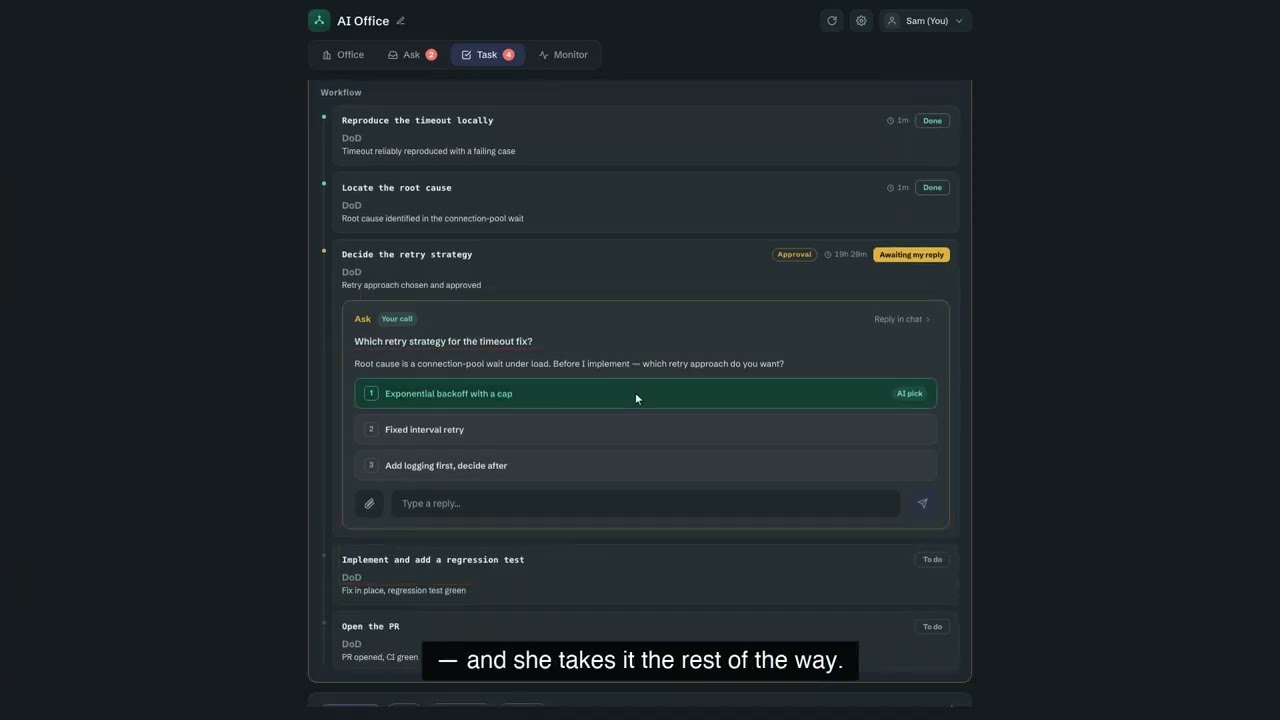
OffiCraft 是一間跑在你自己 Mac 上的 AI 工作室:你僱幾位常駐的 AI 成員,把事情整件交給他們,在一個網頁控制台裡看他們做到哪、在他們需要你點頭時回一句。跑的就是你機器上那個 Claude Code 或 Codex。