korro_ai@korro_ai
KorroAi/seuil

Seuil 是一個開放原始碼的 Claude Code 模組,會在每一回合後監控對話大小,並在超過可設定的閾值(預設 300k tokens)後自動壓縮,以降低 token 成本;它附有即時狀態列和 /seuil 指令;還包含一個像素藝術的 Campfire 主題。作者回報在 144 次重播的工作階段中節省約 30%,並提供一個唯讀的本機模擬器指令碼。
KorroAi/seuil
這篇文章介紹 Seuil:它在每一回合後測量真實的對話大小,並在超過 300k tokens(可透過 /seuil 250 調整,透過 /seuil off 停用)後,在回合之間進行壓縮,保留決策、工作狀態和檔案路徑。狀態列會顯示進度(Seuil · 182k / 300k)。一個基準測試指令碼會以唯讀方式重播本機工作階段,以估算節省量;作者回報整體節省約 30%(在悲觀假設損失 50k tokens 的情況下為 27%),且主要集中在長工作階段中。還隨附了一個選用的 Windows Terminal 像素藝術「Campfire」主題。安裝:/plugin install seuil --marketplace KorroAi/seuil;儲存庫位於 github.com/KorroAi/seuil。
請先查看作者 README,確認 marketplace 與外掛名稱;指令可能隨儲存庫結構而變動。
claude plugin marketplace add KorroAi/seuil
claude plugin install seuil@seuil
Automatic compaction for Claude Code: between two turns, once the conversation passes a threshold.
Every model call re-reads the whole conversation, so a long session pays mostly for re-reading.<br> Seuil keeps the conversation short without you thinking about it. Seuil is French for threshold.



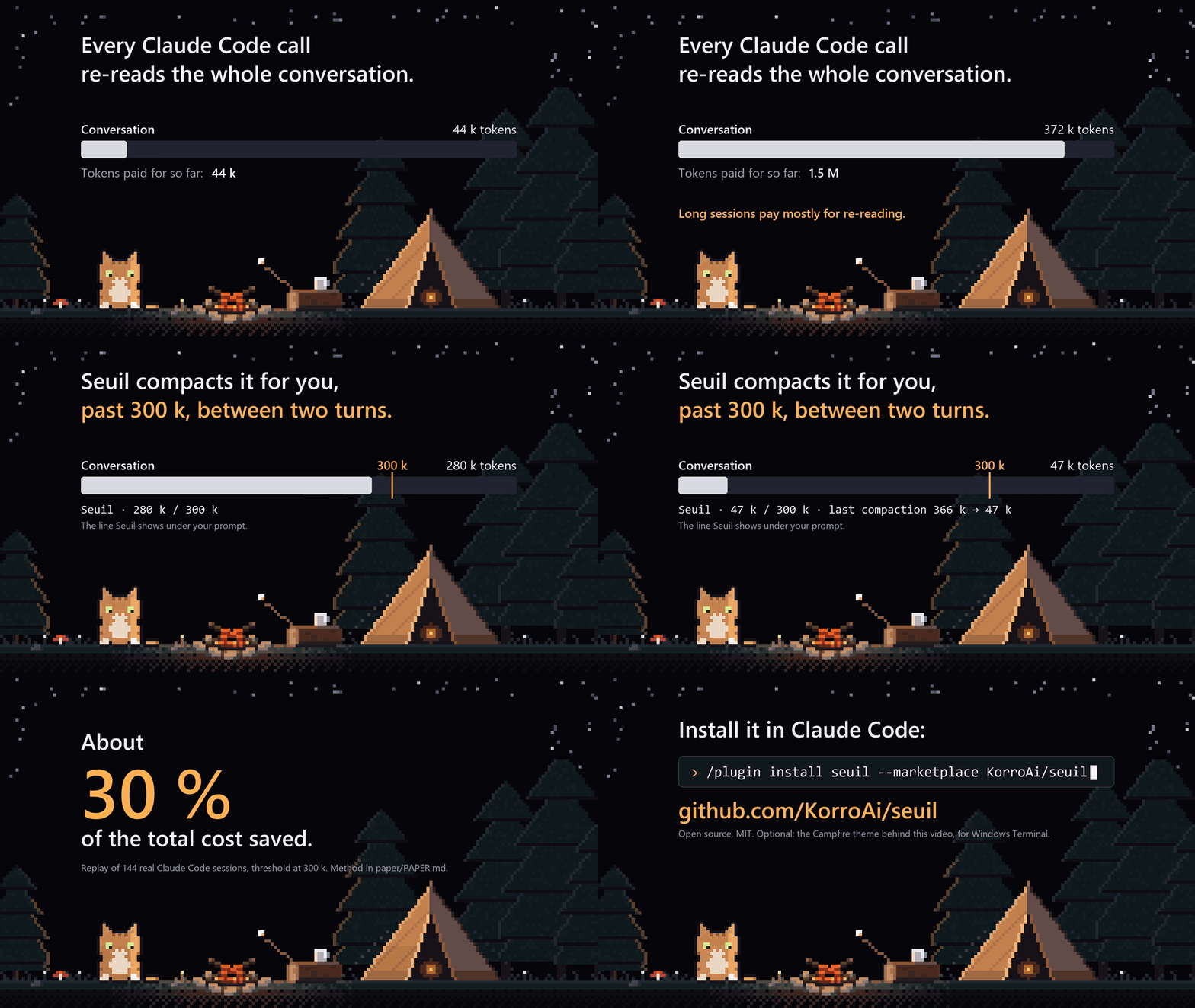
<sub>Seuil in 15 seconds. The compaction shown (366 k → 47 k) comes from a real session, the 30 % from the paper. <a href="https://github.com/KorroAi/seuil/raw/main/docs/media/seuil-demo.mp4">Watch it in HD (1080p)</a>.</sub>
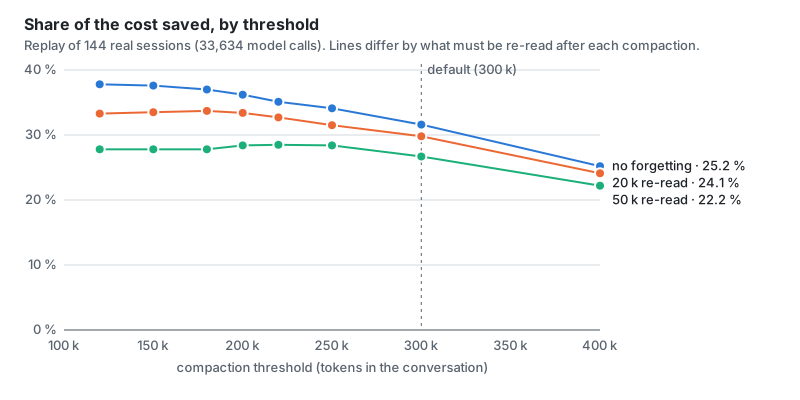
</div>On 144 real sessions (30 days, 33,634 model calls), replayed with automatic compaction at 300 k tokens:
Trimming tool outputs instead, the obvious idea, would save 0.1 % without loss and 5 % at most.
The method, the tables and the limits are in the paper.
bench/simulate.mjs runs the same replay on your own sessions.
At the prompt of a Claude Code terminal session:
/plugin install seuil --marketplace KorroAi/seuil
Answer y to add the marketplace, then pick a scope (user scope = every session). From a shell:
claude plugin install seuil --marketplace KorroAi/seuil
In the desktop app: click + next to the prompt box, then Plugins, Add marketplace with KorroAi/seuil,
then Add plugin.
Seuil uses the Claude Code mod API (function hooks), which is in early access. Checked on Claude Code 2.1.325.
At the end of each turn it reads the real size of the conversation from Claude Code.
Above the threshold (300 k tokens by default) it starts Claude Code's own compaction, with instructions that ask the summary to keep the goal, every decision and correction you gave (quoted), the exact state of the work, the files with their paths, what remains to do, and the pitfalls met.
It never compacts in the middle of a turn or inside a subagent.
It does not start again right after a compaction that left the conversation close to the threshold: then it waits until the conversation has grown back by half.
On a model whose context window is smaller than the setting, the threshold drops to 75 % of the window.
You always see where you are, live, even during a long turn. In the terminal, at the end of the hint line under the prompt:
? for shortcuts · Seuil · 182 k / 300 k · last compaction 341 k → 64 k
In the desktop app and remote sessions, as the plugin's status line. Each compaction also leaves a line in the transcript.
In a headless session (claude -p, an SDK host) it goes through /compact, since direct compaction is not
available there yet.
| Command | Effect |
|---|---|
| /seuil | status, last compaction, total taken out since install |
| /seuil 250 | sets the threshold to 250 k (minimum 100 k) |
| /seuil now | compacts as soon as the turn ends |
| /seuil off, /seuil on | switches automatic compaction off or on |
The model also gets a diagnostic tool that reports the real state read from the engine.
node bench/simulate.mjs        # the last 30 days
node bench/simulate.mjs 60     # the last 60 days
It reads ~/.claude/projects without changing anything and sends nothing anywhere. Projects are numbered, never
named, so the output can be shared. Node 18 or newer, no dependency.
A night landscape in pixel art, drawn by a shader behind the text: starry sky, shooting stars, mountains, forest, and a camp with a fire and a cat that sits, blinks and falls asleep. It stays dark and in the back, fades out under text, and never passes under the line you type in. It is the background of the demo above.

node theme/install.mjs               # adds a "Seuil · Campfire" profile to the new-tab menu
node theme/install.mjs --everywhere  # applies it to every Windows Terminal profile
node theme/install.mjs --remove      # removes everything it added
A copy of Windows Terminal's settings is kept before the first change (settings.json.before-seuil-theme).
The theme uses Windows Terminal's experimental pixel shader settings; it was checked on Windows Terminal 1.24.
Other terminals (VS Code, macOS, Linux) have no pixel shaders: the theme is Windows Terminal only, the mod works
everywhere Claude Code runs.
Everything is code: paint.mjs paints the camp, campfire.hlsl
draws the rest and animates it.
claude --plugin-dir .          # run Claude Code with this folder as a mod
claude plugin test .           # 15 tests
claude plugin validate .
What changed between versions: CHANGELOG.md.
這是你的專案嗎?把這個徽章放進 README 或網站,連回本頁。


Claude Code 模組,透過在提示快取到期前不久發送小型重新整理分支,在休息期間保持提示快取活躍,從而降低下一個提示的成本。
CodeCraft 是免費、開放原始碼的 Claude Code mod,會把介面重新繪製成 Minecraft 風格 HUD。愛心代表內容視窗,飢餓代表使用限制,盔甲代表工作安全,還會加入物品快捷列、村民代理工作者和 60 個成就。


一個 Claude Code 外掛,顯示 5-hour 和 7-day plan-limit 條形,以及重置倒數計時、燃燒率和 time-to-empty 估計、會話成本、快取命中率和 tokens-per-turn 迷你圖。

來自 claude-pro-kit 市集的 Claude Code mod,在狀態列顯示提示快取到期前的倒數;到期後,準確回報下一則訊息會重新傳送多少未快取的 token。
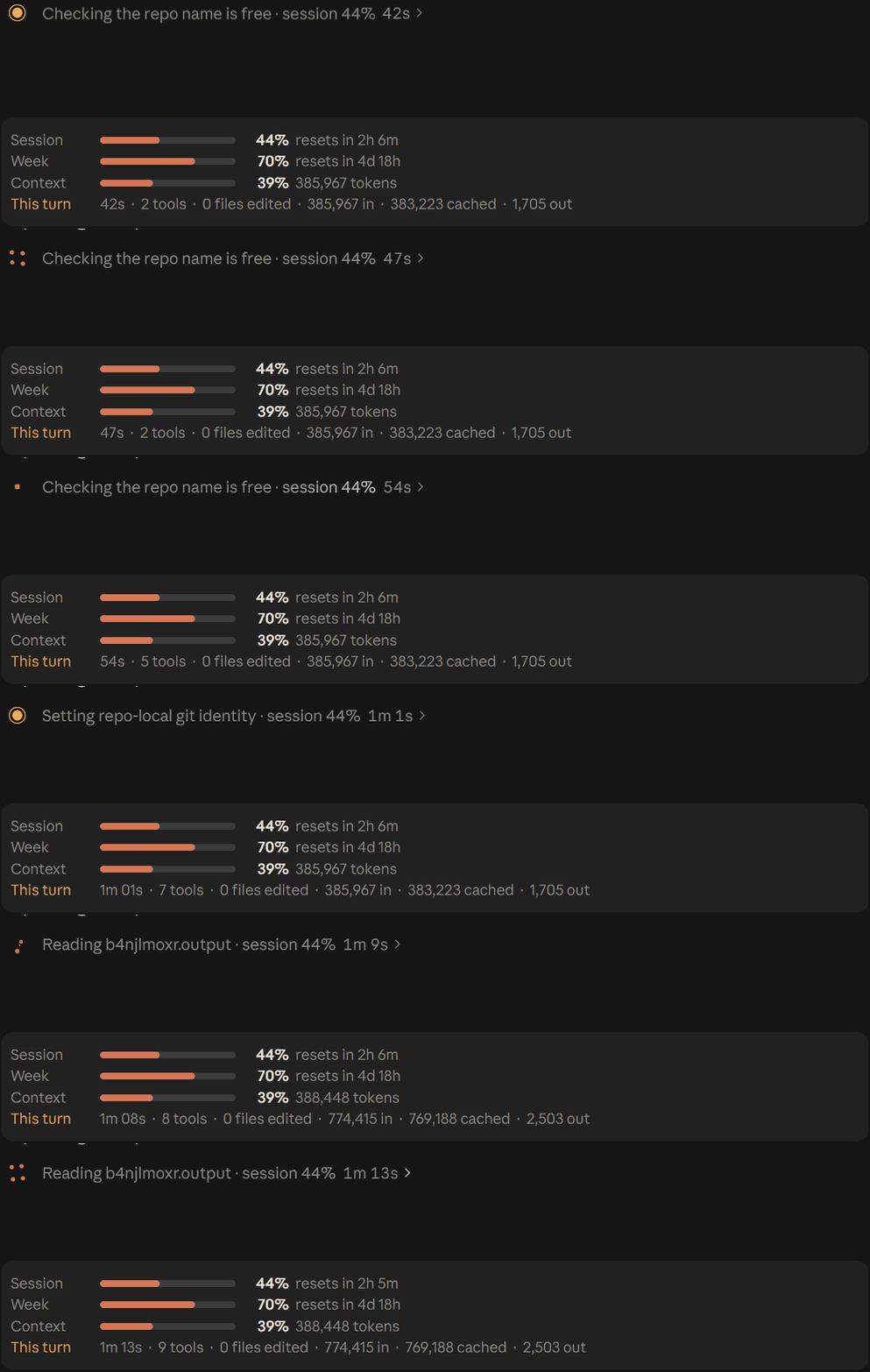

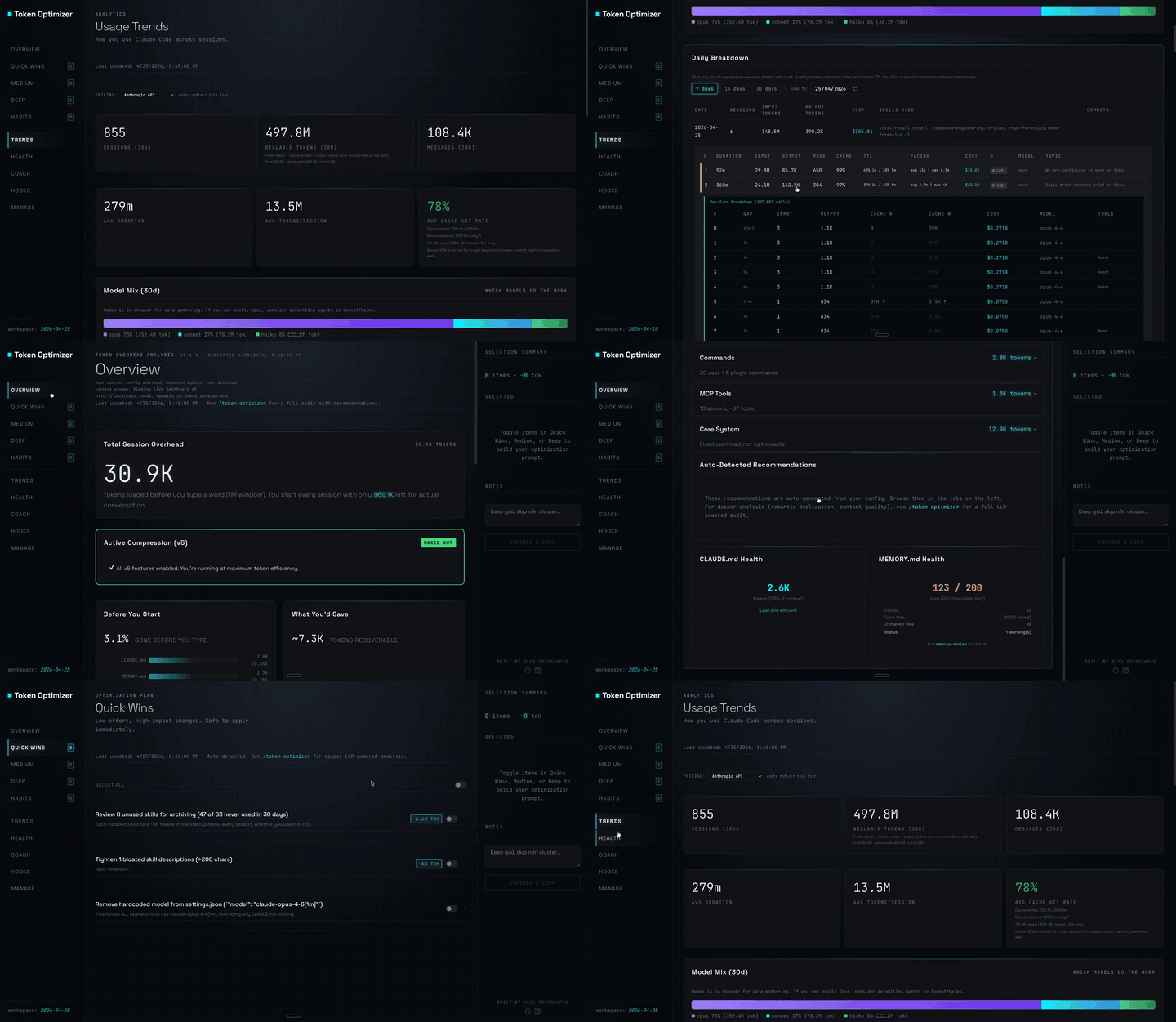
Claude Code 外掛,會壓縮工具輸出、在壓縮前建立檢查點、評分內容品質,並在本機面板回報 token/成本節省;附帶 hooks 與 localhost 常駐程式。
Claude Code 外掛會在休息期間維持一小時提示快取溫熱,並在冷快取送出前顯示一次預估的重寫成本。預熱會使用模型請求並耗用 token。需要 Claude Code 2.1.287+。