
giovaborgogno@giovaborgogno
giovaborgogno/cc-dino
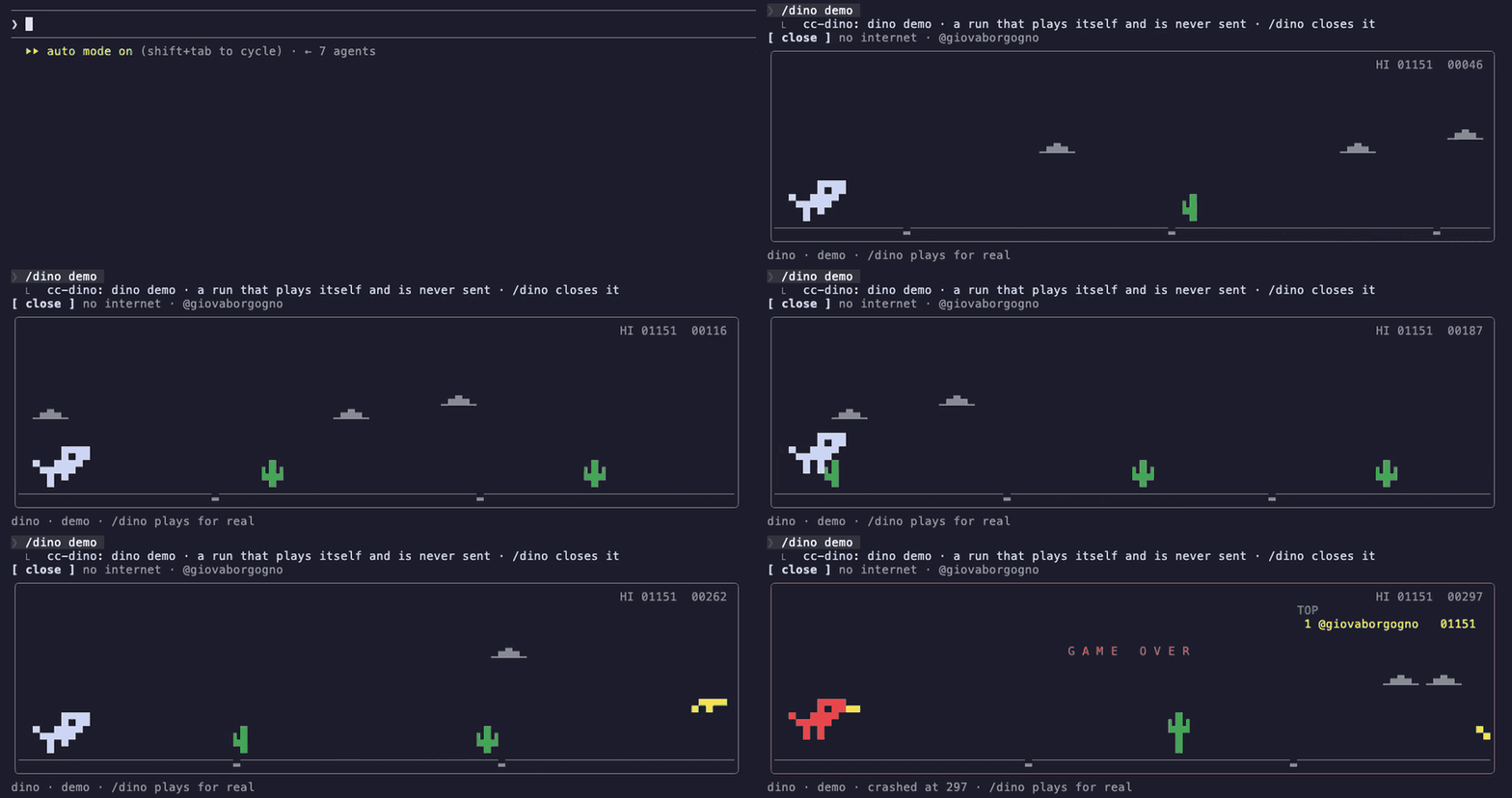
把瀏覽器離線 T-rex 遊戲放在提示列上方、在 Claude 回合之間暫停,並提供排行榜和自動遊玩模式的 Claude Code 外掛。
giovaborgogno/cc-dino
cc-dino 是一個 Claude Code 外掛,Claude 工作時會把經典瀏覽器離線 T-rex 遊戲繪製在提示列上方。Claude 完成一回合後,遊戲會暫停。它需要 function hooks(early access)和互動式終端機。安裝方式是啟用 CLAUDE_CODE_ENABLE_FUNCTION_HOOKS、加入市集 giovaborgogno/cc-dino、安裝 cc-dino@cc-dino,然後執行 /dino。指令包括 /dino(切換棋盤)、/dino auto(Claude 開始工作時開啟)、/dino top(排行榜)、/dino handle @you(加入排行榜)和 /dino demo(自動遊玩)。控制方式:space/up 跳躍,down 蹲下,p 暫停,r 重新開始,t 排行榜,h 編輯 handle,Esc 返回提示。MIT 授權。
請先查看作者 README,確認 marketplace 與外掛名稱;指令可能隨儲存庫結構而變動。
claude plugin marketplace add giovaborgogno/cc-dino
claude plugin install cc-dino
The T-rex from the browser's offline page, above the Claude Code prompt: jump cacti and duck birds while Claude works. The run pauses when Claude finishes a turn.
Needs function hooks (early access) and an interactive terminal.
Turn on function hooks in ~/.claude/settings.json:
{
  "env": { "CLAUDE_CODE_ENABLE_FUNCTION_HOOKS": "1" }
}
Then, in Claude Code:
/plugin marketplace add giovaborgogno/cc-dino
/plugin install cc-dino@cc-dino
Restart Claude Code and run /dino.
| Command | What it does |
| --- | --- |
| /dino | open or close the board |
| /dino auto | open the board whenever Claude starts working |
| /dino top | show the leaderboard |
| /dino handle @you | join the leaderboard under your X handle |
| /dino demo | watch a run that plays itself |
On the board: click it first, then space or ↑ jumps, ↓ ducks, p pauses, r restarts, t shows
the leaderboard, h edits your handle. Esc returns to the prompt.
Press h on the board (or run /dino handle @you) and type your X/Twitter handle.
bun test
MIT

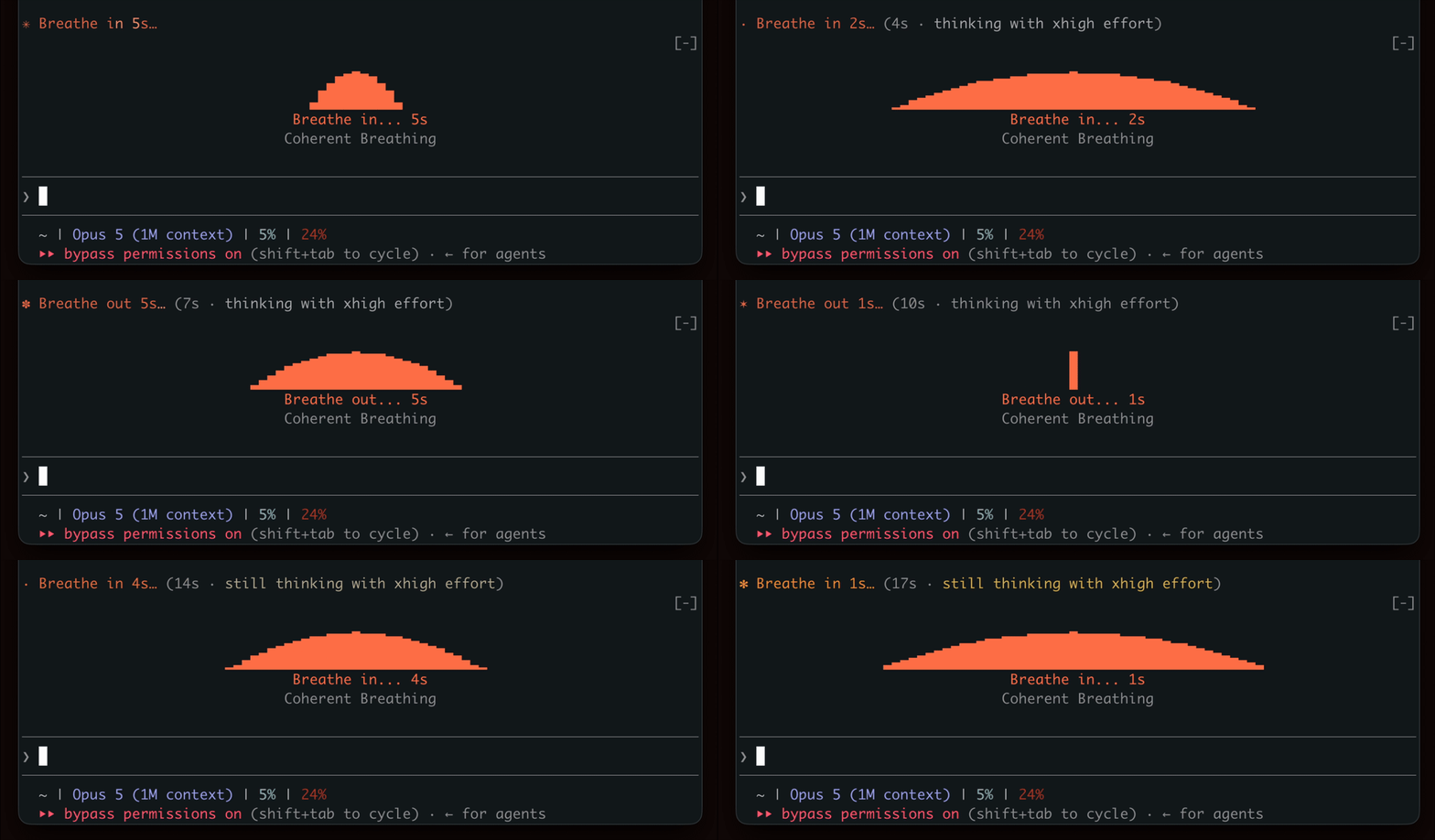
在等待生成時表現出呼吸節奏,鼓勵短暫的休息。

終端機面板中的 YouTube Shorts:Claude 工作時播放,Claude 完成後暫停。


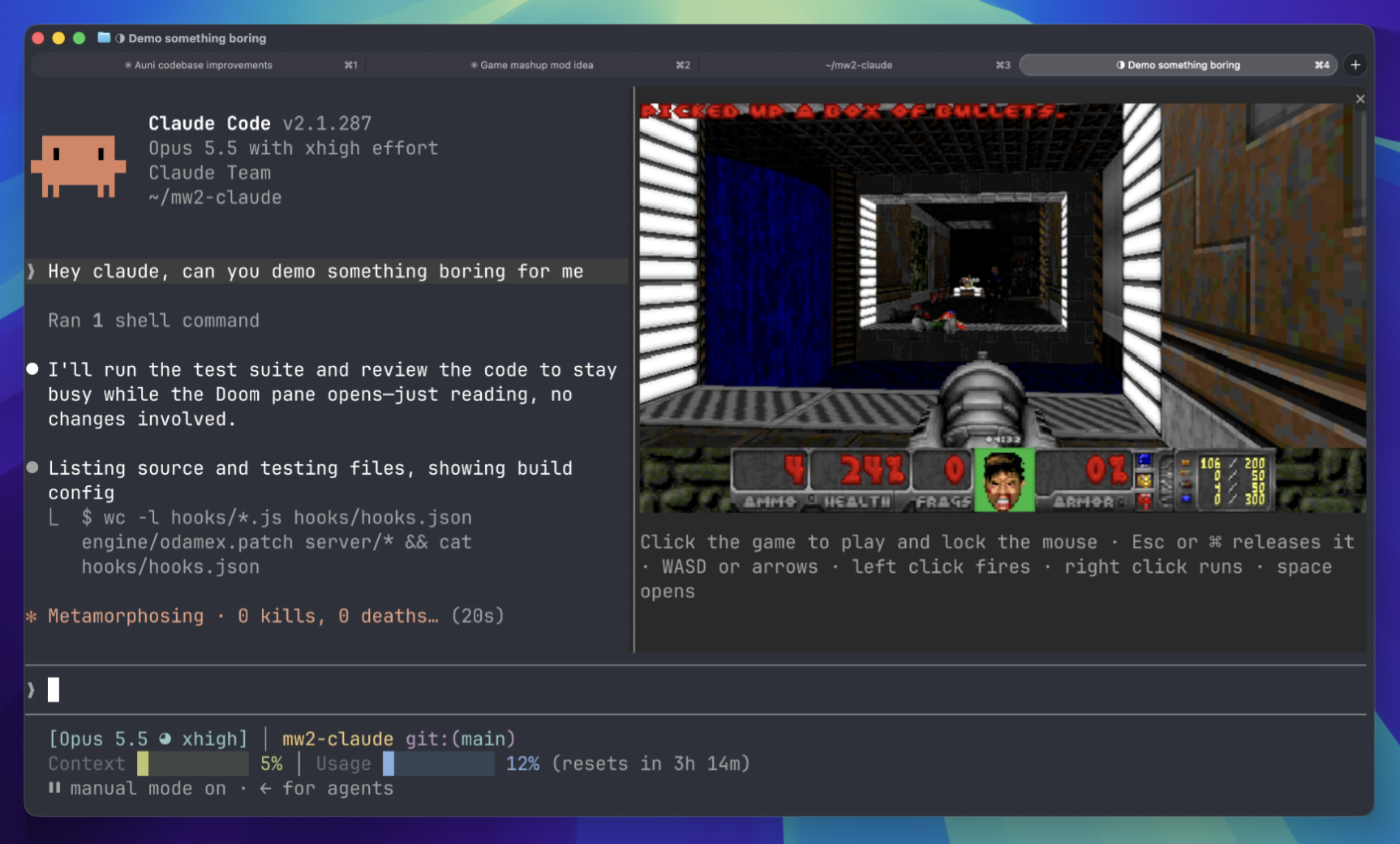
等待時在終端面板上玩 Doom 比賽。需要下載遊戲組件並連接到伺服器。
 ▶ ♫
▶ ♫