
mtmtian@mtmtian
mtmtian/cc-mods/tree/main/mods/md-prompt/plugins/md-prompt
입력하는 동안 Claude Code 프롬프트 상자에 Markdown을 그립니다. fenced code는 닫기 전에도 구문 강조 카드가 되고 인라인 코드, 굵게, 기울임, 목록, 작업 목록, 인용, 표, 링크, 제목도 스타일이 적용됩니다. 그림만 그리며 텍스트는 바꾸지 않습니다.
mtmtian/cc-mods/tree/main/mods/md-prompt/plugins/md-prompt
입력하는 동안 Claude Code 프롬프트 상자에 Markdown을 그립니다. fenced code는 닫기 전에도 구문 강조 카드가 되고 인라인 코드, 굵게, 기울임, 취소선, 목록, 작업 목록, 인용, 제목, 표, 링크도 스타일이 적용됩니다.
그림만 표시합니다. 플러그인은 초안 문자의 색만 바꾸고 문자는 절대 변경하지 않으므로 입력한 내용과 모델에 보내는 내용이 정확히 같습니다.
스크린샷, 전체 표시 목록, 문제 해결: github.com/nogu66/md-prompt.
플러그인은 하나의 hooks 모듈 hooks/register.tsx로 구성됩니다.
| Hook | 동작 | | --- | --- | | prompt.edit | 편집 또는 붙여 넣기마다 프롬프트 초안 위에 style runs(decorations)를 추가합니다. 텍스트, 커서, 다른 플러그인의 decorations는 그대로 통과합니다 | | prompt.fill | 플러그인이나 엔진이 초안 전체를 교체하면 새 초안에 같은 style runs를 추가합니다 | | session.start | /md-prompt 명령을 등록합니다 | | command.run(/md-prompt) | 표시를 켜거나 끄고 플러그인의 enabled 설정으로 저장합니다 |
파일을 읽지 않고 프로세스를 실행하지 않으며 네트워크나 모델을 호출하지 않고 도구 호출이나 제출 내용도 건드리지 않습니다.
먼저 작성자의 README에서 marketplace와 플러그인 이름을 확인하세요. 저장소 구조에 따라 명령어가 달라질 수 있습니다.
claude plugin marketplace add mtmtian/cc-mods
claude plugin install md-prompt
Markdown, painted onto Claude Code's prompt box as you type. Fenced code becomes a syntax-highlighted card before you even close the fence; inline code, bold, italic, strikethrough, lists, task lists, quotes, headings, tables and links are styled too.
Paint only. The plugin colours the characters of the draft but never changes them, so what you type, and what is sent to the model, is exactly what you typed.
Screenshots, the full list of what is painted, and troubleshooting: github.com/nogu66/md-prompt.
The plugin is one hooks module, hooks/register.tsx:
| Hook | What it does |
| --- | --- |
| prompt.edit | After each edit or paste, adds style runs (decorations) over the draft in the prompt box. The text, the cursor and other plugins' decorations pass through unchanged |
| prompt.fill | When the whole draft is replaced (a plugin or the engine filling the box), adds the same style runs to the new draft |
| session.start | Registers the /md-prompt command |
| command.run (/md-prompt) | Shows or switches painting on or off, and saves it as the plugin's enabled setting |
It reads no files, runs no processes, makes no network or model calls, and does not touch tool calls or what you submit.
md-prompt.enabled, the plugin's own Markdown painting setting (a toggle in /config): on paints, off leaves the prompt box as plain text. The default is on. /md-prompt on | off | toggle writes this one setting with $.config.set, as a change in /config would. It changes no other setting.CLAUDE_CODE_ENABLE_FUNCTION_HOOKS=1; the plugin does not set it.
Claude Code 프롬프트 위에 사는 픽셀 포켓몬입니다. Claude가 하는 모든 것에 반응합니다.


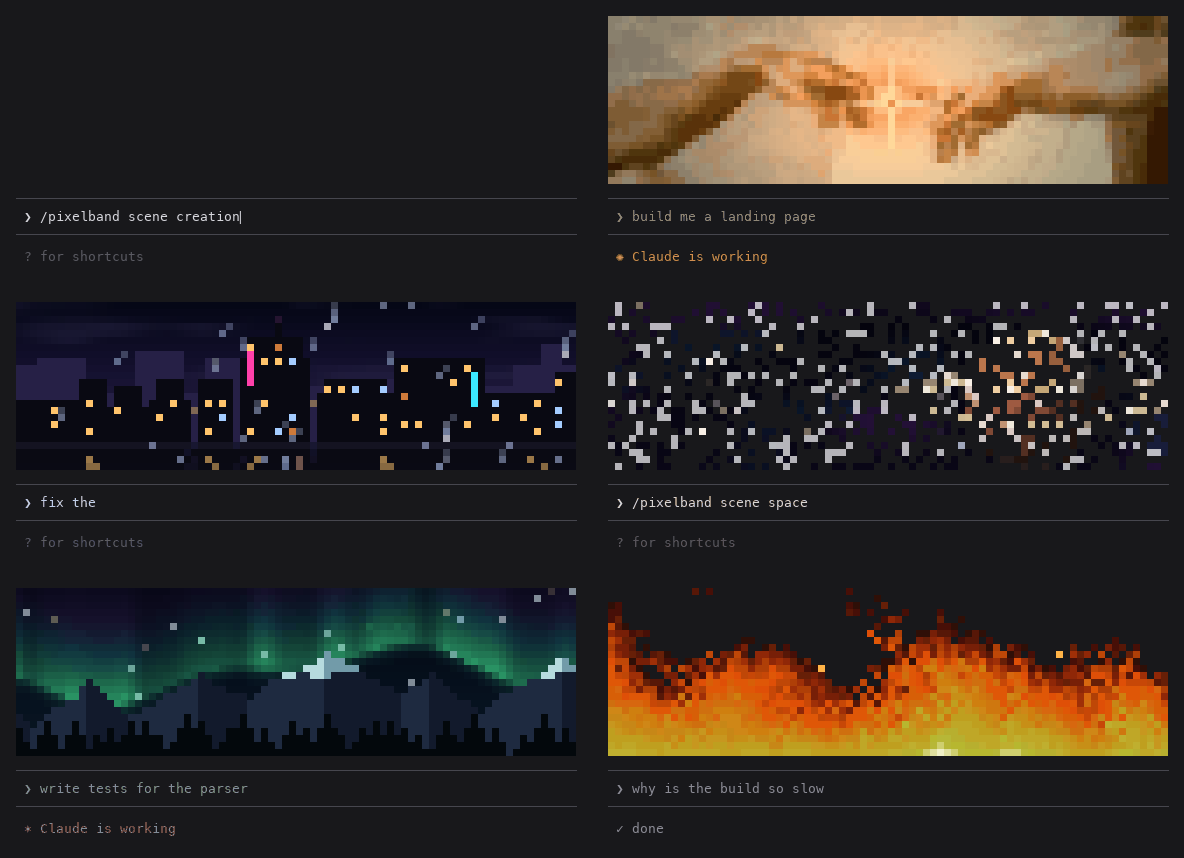
Claude가 작업하는 동안 반응하는 애니메이션 픽셀 아트를 Claude Code 프롬프트 위에 표시합니다. 일곱 장면 또는 자신의 이미지/GIF를 사용할 수 있으며 token을 쓰지 않습니다.

같은 TUI 안에서 Claude Code의 답변, 도구 행, 턴 푸터를 다시 그려 색상 명령, 코드 카드, diff 카드, 테두리 없는 표와 하위 에이전트 배너를 제공한다.