
DJPalefaceSD@DJPalefaceSD
DJPalefaceSD/rostech-mods/tree/main/plugins/logo
프롬프트 위의 대시보드에 나만의 로고를 표시합니다. 연료 게이지 및 속도계와 같은 다른 밴드 옆에 위치하므로 대시보드에 브랜드가 표시됩니다.
DJPalefaceSD/rostech-mods/tree/main/plugins/logo
프롬프트 위의 대시보드에 나만의 로고를 표시합니다. 연료 게이지 및 속도계와 같은 다른 밴드 옆에 위치하므로 대시보드에 브랜드가 표시됩니다.
/logo set C:/path/to/logo.png 는 대시보드에 PNG를 배치합니다. 굵은 모양의 정사각형 로고가 가장 잘 읽힙니다./logo 는 사용 중인 파일을 보여줍니다./logo hide 와 /logo show 로 전환합니다.로고는 색상 블록 문자로 그려지며, 문자당 두 픽셀이므로 색상을 표시할 수 있는 모든 터미널에 표시됩니다. 그림은 필요하지 않습니다.
가장 선명한 로고를 위해 대시보드용으로 40픽셀 이하의 작은 PNG를 직접 그리세요. 16x16 PNG가 좋은 크기입니다. 작은 PNG는 그린 그대로, 픽셀당 반 문자로, 흐려짐 없이 정확하게 그려집니다.
더 큰 PNG도 작동합니다. 투명한 테두리는 잘리고 16x16 픽셀로 축소됩니다. 모든 픽셀은 단색 또는 투명으로 나타나며, 두 가지가 흐려지는 일은 없지만, 가는 선은 해당 크기에서 여전히 끊어질 수 있습니다.
PNG는 Windows PowerShell을 사용하여 자신의 컴퓨터에서 설정할 때 한 번 읽히며, 결과는 Claude Code의 플러그인 저장소에 세션 간에 유지됩니다. 아무것도 전송되지 않습니다. PNG의 투명한 부분은 터미널 자체의 색상을 사용합니다.
PNG 읽기에 PowerShell을 사용하므로 현재는 Windows 전용입니다.
Claude Code 2.1.288로 테스트되었습니다.
먼저 작성자의 README에서 marketplace와 플러그인 이름을 확인하세요. 저장소 구조에 따라 명령어가 달라질 수 있습니다.
claude plugin marketplace add DJPalefaceSD/rostech-mods
claude plugin install logo
Your own logo on the dash above the prompt. It sits beside your other bands, such as Gas Gauge and Speedometer, so the dash carries your brand.
/logo set C:/path/to/logo.png puts a PNG on the dash. A square logo
with bold shapes reads best./logo shows which file is in use./logo hide and /logo show toggle it.The logo is drawn in coloured block characters, two pixels to a character, so it shows in any terminal that can show colour. Pictures are not needed.
For the sharpest logo, draw a small PNG for the dash yourself, 40 pixels a side or smaller. A 16 by 16 PNG is a good size. A small PNG is drawn exactly as you drew it, one pixel to half a character, with nothing blurred.
A bigger PNG works too. Its see-through border is trimmed, and it is shrunk to 16 by 16 pixels. Every pixel comes out either solid colour or clear, never a blur of the two, but thin lines can still break up at that size.
The PNG is read once when you set it, on your own machine with Windows PowerShell, and the result is kept across sessions in Claude Code's plugin store. Nothing is sent anywhere. See-through parts of the PNG take your terminal's own colour.
Windows only for now, because reading the PNG uses PowerShell.
Tested with Claude Code 2.1.288.

Claude Code 프롬프트 위에 사는 픽셀 포켓몬입니다. Claude가 하는 모든 것에 반응합니다.


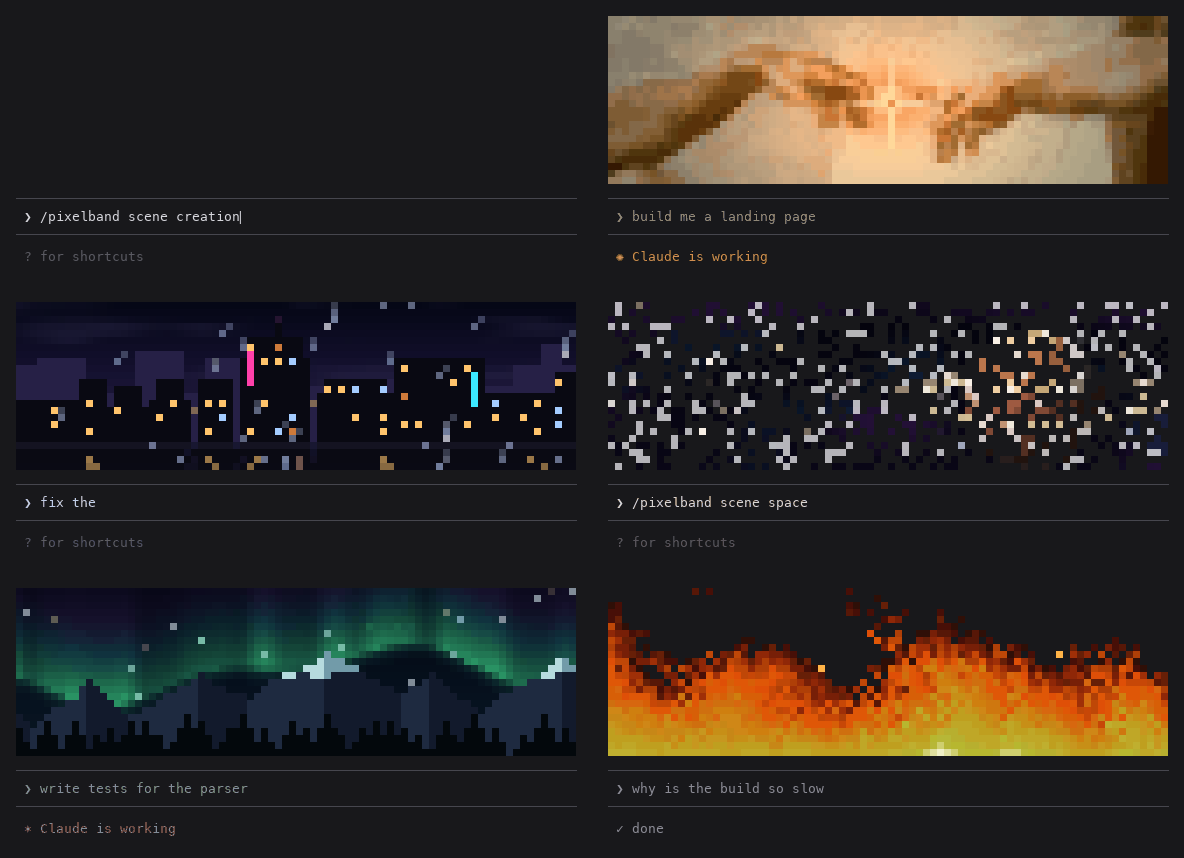
Claude가 작업하는 동안 반응하는 애니메이션 픽셀 아트를 Claude Code 프롬프트 위에 표시합니다. 일곱 장면 또는 자신의 이미지/GIF를 사용할 수 있으며 token을 쓰지 않습니다.

같은 TUI 안에서 Claude Code의 답변, 도구 행, 턴 푸터를 다시 그려 색상 명령, 코드 카드, diff 카드, 테두리 없는 표와 하위 에이전트 배너를 제공한다.