이 mod 소개
들어오는 알림을 세션 화면에 가져와 창 전환을 줄입니다.
커뮤니티 작성자가 관리하는 프로젝트입니다. 기능, 버전 요구 사항, 설정 방법은 아래 원본 README를 확인하세요. 이 사이트는 권한 스캔 결과를 제공합니다. 설치 전에 소스와 외부 의존성을 확인하세요.
ClaudeMods에서 이 Claude Code 플러그인의 원본 소스와 필요한 권한을 확인하세요. 들어오는 알림을 세션 화면에 가져와 창 전환을 줄입니다.
들어오는 알림을 세션 화면에 가져와 창 전환을 줄입니다.
커뮤니티 작성자가 관리하는 프로젝트입니다. 기능, 버전 요구 사항, 설정 방법은 아래 원본 README를 확인하세요. 이 사이트는 권한 스캔 결과를 제공합니다. 설치 전에 소스와 외부 의존성을 확인하세요.
먼저 작성자의 README에서 marketplace와 플러그인 이름을 확인하세요. 저장소 구조에 따라 명령어가 달라질 수 있습니다.
claude plugin marketplace add OneWave-AI/claude-code-mods
claude plugin install inbox-alerts
Gmail + Slack alerts inside Claude Code: toasts, status count, and an Alerts pane.
Polls Gmail, Slack, and Google Calendar every two minutes through the claude.ai connectors, shows new items as toasts and a count in the status line, and keeps a tabbed Alerts pane. /alerts triage hands the backlog to Claude.
Needs the Gmail, Slack, and Google Calendar connectors connected in claude.ai. Set your email and Slack member ID in /config (or pluginConfigs in settings) so your own messages do not alert you.
In a Claude Code session (2.1.287 or later):
/plugin marketplace add OneWave-AI/claude-code-mods
/plugin install inbox-alerts@claude-code-mods
Or load this folder for one session: claude --plugin-dir ./inbox-alerts
| Mod | Network | Runs processes | Files | Calls a model | Sends data anywhere |
| --- | --- | --- | --- | --- | --- |
| inbox-alerts | Through your claude.ai Gmail, Slack and Calendar connectors | No | No | /alerts triage sends alert snippets to Claude | Only to your Claude model |
Run claude plugin validate ./inbox-alerts to list every event it hooks and every call it makes. See the repository README for the full security notes.
Part of claude-code-mods by OneWave AI. MIT licensed.

작업이 끝나면 눈에 보이는 깜빡임 알림을 제공합니다.


Claude Code 패널에 사는 픽셀 펫으로, 돌아다니고 세션에 반응하며 세션을 넘어 성장합니다. 고양이, 개, 슬라임 등 여덟 가지 중 선택할 수 있습니다.

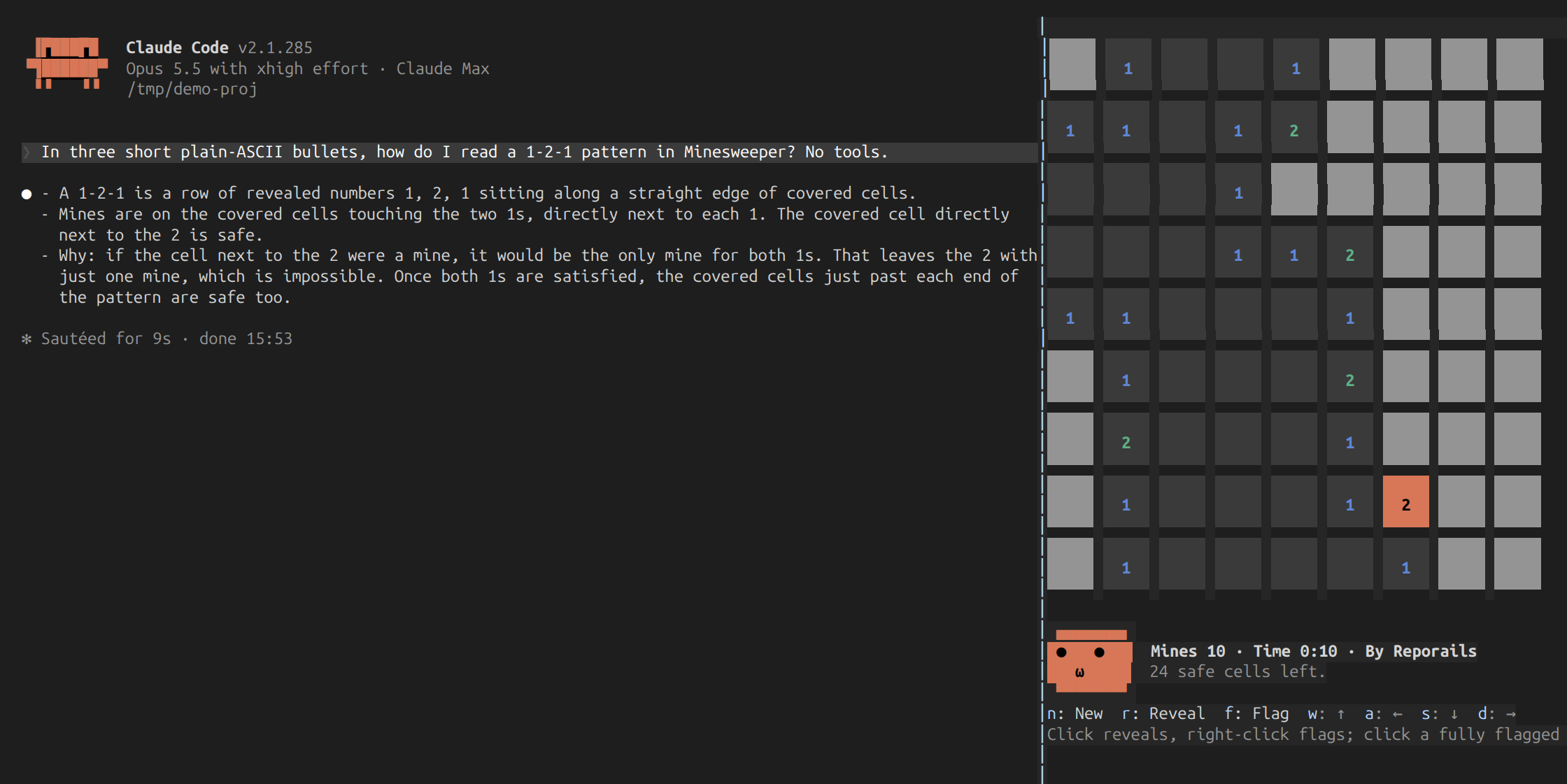
세션 사이드 패널에서 지뢰찾기를 실행하는 Claude Code 플러그인 mod: Claude가 작업하는 동안 마우스나 키보드로 플레이하며, 타이머, 최고 기록, 보드를 보고 대화를 훔쳐보는 표정 얼굴이 포함됩니다.