
mutlumehmet@mutlumehmet
mutlumehmet/claude-plugins/tree/main/plugins/dragon-lair
프롬프트 위 줄 끝에 사는 작은 단색 픽셀 드래곤 Claude Code mod입니다. Claude가 하는 일을 연출하고 축하할 순간에는 불을 뿜습니다. claude-plugins의 Claude Code Arcade에 포함됩니다.
mutlumehmet/claude-plugins/tree/main/plugins/dragon-lair
프롬프트 위의 작은 픽셀 드래곤이 Claude가 하는 일을 연출하고 commit, merge, 작업 목록 완료, PDF 생성처럼 축하할 순간에 불을 뿜습니다. /plugin marketplace add mutlumehmet/claude-plugins 후 /plugin install dragon-lair@mehmetmutlu로 설치합니다. Claude Code 2.1.287 이상이 필요합니다.
먼저 작성자의 README에서 marketplace와 플러그인 이름을 확인하세요. 저장소 구조에 따라 명령어가 달라질 수 있습니다.
claude plugin marketplace add mutlumehmet/claude-plugins
claude plugin install dragon-lair
A Claude Code mod: a small one colour pixel dragon that lives at the right end of the line above the prompt. It acts out what Claude is doing and breathes fire when something worth celebrating happens. Part of the Claude Code Arcade in claude-plugins.
Lv 3 ◆ 55 ★ 9 ⚒ 58 (level, gold, wins, tool calls)./dragon shows the hoard; /dragon puff, fire, blaze and roar show off each size; /dragon hide puts it away and /dragon show brings it back.Every Arcade game spots the moments worth celebrating on its own, so each one installs alone with no dependency. Coding or not, a session has them.
| Size | Moments |
|---|---|
| Small | A finished turn, a file saved, every 10th tool call in a turn |
| Medium | A commit, a push, a pull request opened, tests passing, any skill run, a subagent finished, a plan approved, an MCP tool that sends, creates, posts or publishes, a long document written, praise in your message |
| Big | A merge, a release (gh release create, npm publish), a production deploy (vercel --prod, netlify deploy --prod, fly deploy and others), tests back to green after failing, a deliverable made (PDF, DOCX, XLSX, PPTX, images), a published page, a finished task list of three or more, a marathon turn (10 minutes, 30 tools, no errors), three subagents done in one turn, a 3, 7, 30 or 100 day streak, the 100th, 1,000th or 10,000th tool call |
A commit that says "nothing to commit" or a push that says "Everything up-to-date" counts for nothing. Tool calls inside subagents do not count; their finishing does.
All optional; every one is empty by default. Set them in /plugin (the plugin's settings) or in
settings.json under pluginConfigs.
| Setting | What it is for | Example |
|---|---|---|
| big_skills | Skills whose run is a big moment (every other skill is medium) | release-notes, publish-report |
| quiet_skills | Skills that celebrate nothing | commit |
| big_commands | A regular expression of shell commands whose success is big | make ship |
| medium_commands | A regular expression of shell commands whose success is medium | terraform apply |
| praise_words | Extra words that count as praise, on top of the built-in list (thanks, great, perfect and a few in other languages) | nice one, cheers |
skill.prompt only notes which skill ran, so a finished skill can count as a moment; it passes the skill's prompt on unchanged. command.run answers its own /dragon command and no other.Needs Claude Code 2.1.287 or later (mods). Tested on 2.1.289.
/plugin marketplace add mutlumehmet/claude-plugins
/plugin install dragon-lair@mehmetmutlu
A mod runs inside Claude Code with your permissions. Read the code before you install any mod.
It draws in a terminal (including an editor's integrated terminal) and in the Code tab of the
Desktop app; in the VS Code chat panel and claude -p it runs but draws nothing. Several Arcade
games can be open at once, but the line above the prompt fills up: /<command> hide puts one away, /<command> show brings it back.
Made by Mehmet Mutlu, part of claude-plugins. More of his work at mehmetmutlu.dev.

Claude Code 프롬프트 위에 사는 픽셀 포켓몬입니다. Claude가 하는 모든 것에 반응합니다.


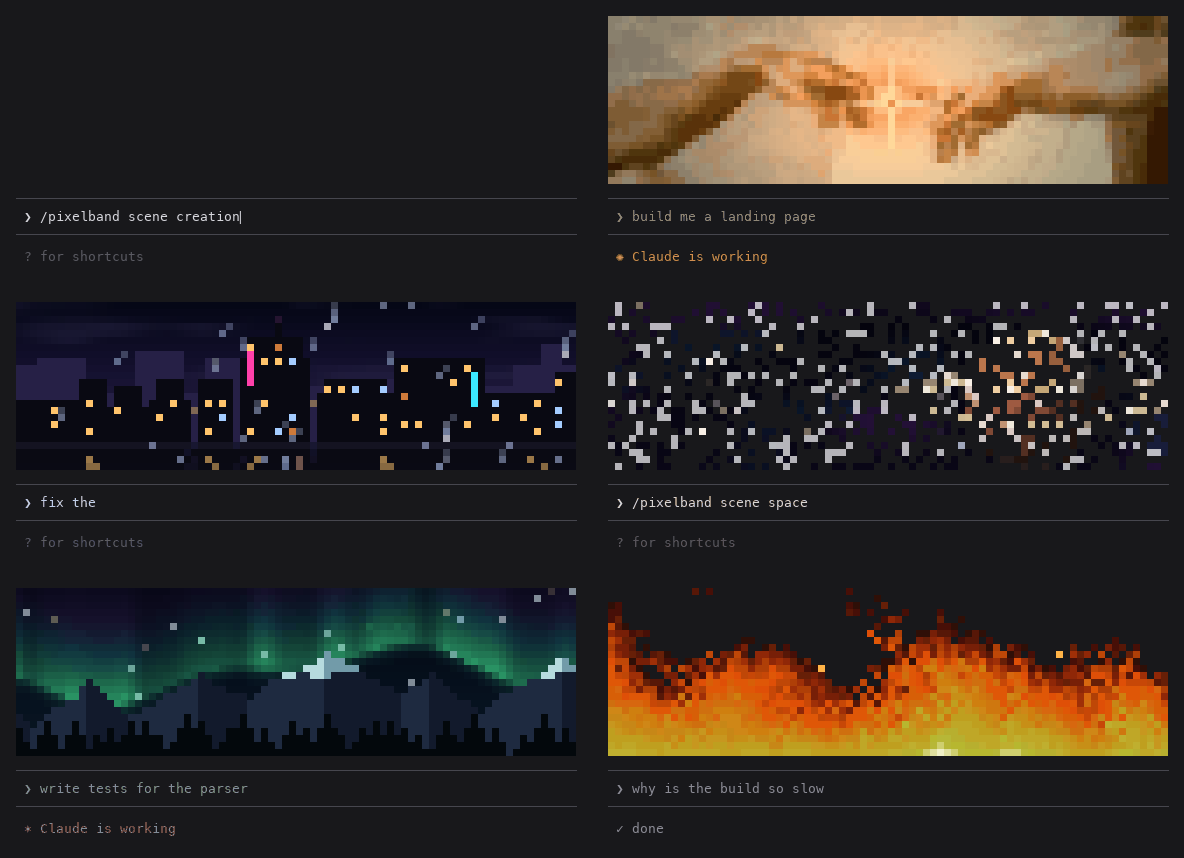
Claude가 작업하는 동안 반응하는 애니메이션 픽셀 아트를 Claude Code 프롬프트 위에 표시합니다. 일곱 장면 또는 자신의 이미지/GIF를 사용할 수 있으며 token을 쓰지 않습니다.

같은 TUI 안에서 Claude Code의 답변, 도구 행, 턴 푸터를 다시 그려 색상 명령, 코드 카드, diff 카드, 테두리 없는 표와 하위 에이전트 배너를 제공한다.