
Chinteyley@Chinteyley
Chinteyley/tiktok-break
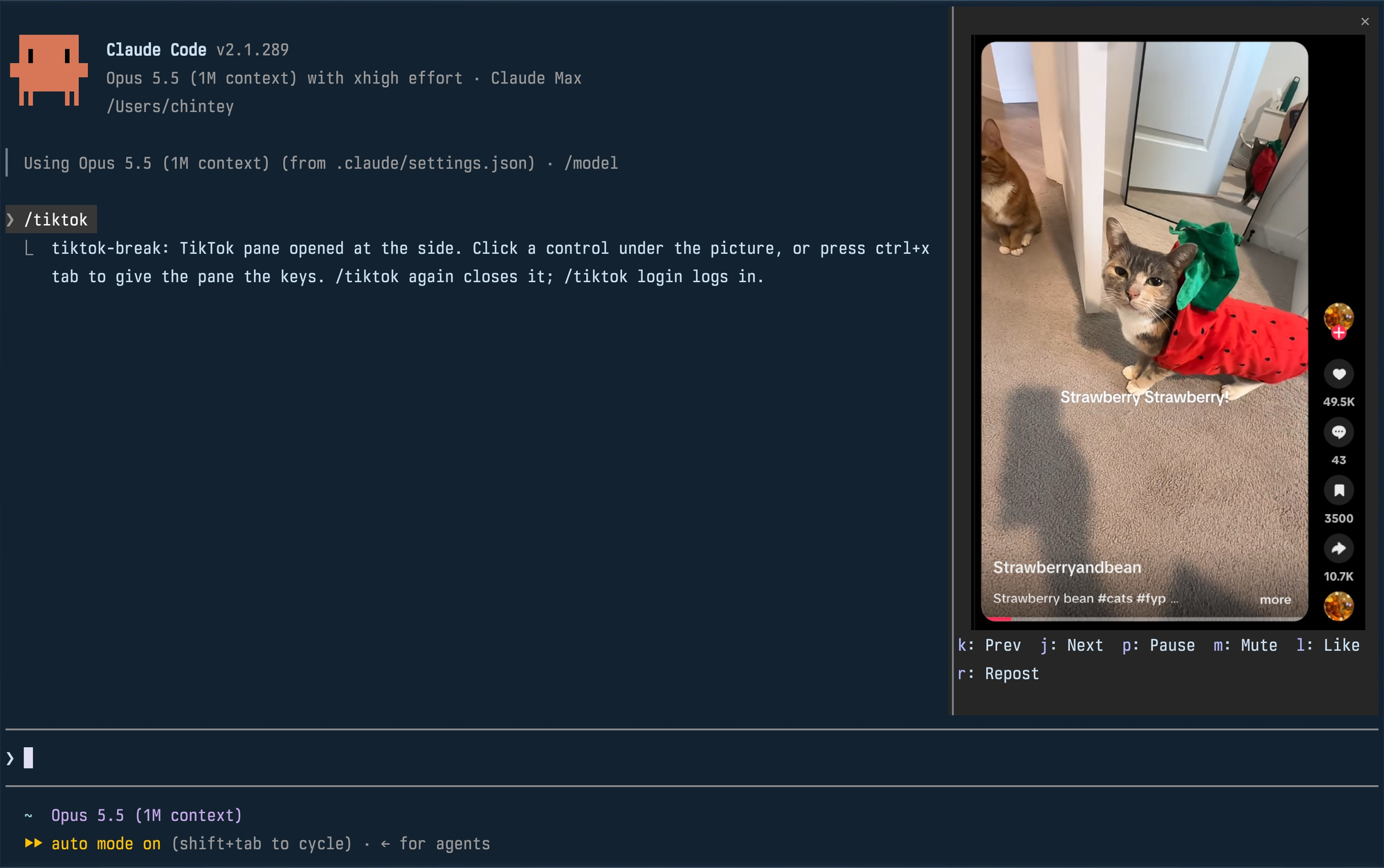
Chinteyley/tiktok-break
Claude が作業している間、サイドペインで TikTok の For You フィードを再生する非公式の Claude Code プラグインです。専用プロファイルのヘッドレス Chromium を動かし、DevTools プロトコル経由でフィードを PNG フレームとしてスクリーンキャストし、ターミナルの kitty graphics プロトコルでペインを再描画します。コマンドは /tiktok と /tiktok login。ペインには次/前、停止、ミュート、いいね、リポストの操作があります。macOS または Linux、Chromium ベースのデフォルトブラウザー、PATH 上の Bun、kitty graphics 対応ターミナル、function-hook mod 対応の Claude Code ビルドが必要です。注意:自動化フラグをオフにして Chrome を起動し、TikTok の自動化チェックを回避します。また、実際のアカウント操作を行い、約 0.5 MB の PNG フレームを毎秒約 30 回書き込みます。ライセンスは MIT です。
まず作者の README で marketplace とプラグイン名を確認してください。コマンドはリポジトリの構成によって変わる場合があります。
claude plugin marketplace add Chinteyley/tiktok-break
claude plugin install tiktok-break
Watch TikTok inside Claude Code while Claude works, in a pane beside the transcript.
Unofficial. Not affiliated with TikTok or Anthropic.
| Command | What it does |
| --- | --- |
| /tiktok | Plays your For You feed in a pane; run it again to close. |
| /tiktok login | Opens a real browser window on the mod's profile so you can log in. Close it, then run /tiktok. |
The pane docks at the side, full height, when Claude Code is in its fullscreen layout and the terminal is at least 110 columns wide. In a smaller terminal it is a block above the prompt. Docked, a video is framed with its creator, likes, comments, saves and shares; above the prompt, the video alone.
Click a control under the picture, or press ctrl+x tab to give the pane the keyboard and use its key. Esc hands the keyboard back to the prompt.
| Key | Control |
| --- | --- |
| k | Previous video |
| j | Next video |
| p | Pause or play |
| m | Mute or unmute |
| l | Like |
| r | Repost (again takes it back) |
A video that finishes moves on to the next by itself. Like and Repost are real actions on the account you logged in with.
env or flatpak isn't
detected. A snap-packaged Chromium can't write the profile in ~/.config
and won't work.PATHclaude plugin marketplace add Chinteyley/tiktok-break
claude plugin install tiktok-break@tiktok-break
Then start Claude Code, or run /reload-plugins in a session that is already
open.
To work on the mod instead, clone the repository and load the folder directly; edits to it reload live:
git clone https://github.com/Chinteyley/tiktok-break
claude --plugin-dir ./tiktok-break
viewer/viewer.ts runs a headless Chrome on a profile of its own
(~/Library/Application Support/tiktok-break on macOS,
~/.config/tiktok-break on Linux), opens the For You feed and
screencasts it over the DevTools protocol. Each frame is written to one PNG
file, and the mod (hooks/register.tsx) repaints the pane's picture from that
file through the terminal's graphics protocol. The controls go the other way
over a Unix socket: the viewer presses TikTok's own keyboard shortcuts in the
page. Sound comes from that Chrome.
/tiktok login opens a plain app window of the same browser on the same profile, which is
how the pane comes to be logged in.
/tiktok login window for comments and search./tiktok login.claude plugin validate .
claude plugin test .
tsc -p .
tsc needs the type declarations Claude Code lays into .claude-plugin/types/
the first time it loads the mod; that folder is not checked in.
MIT

生成を待つ間、呼吸のリズムを示し、短い休憩を促します。
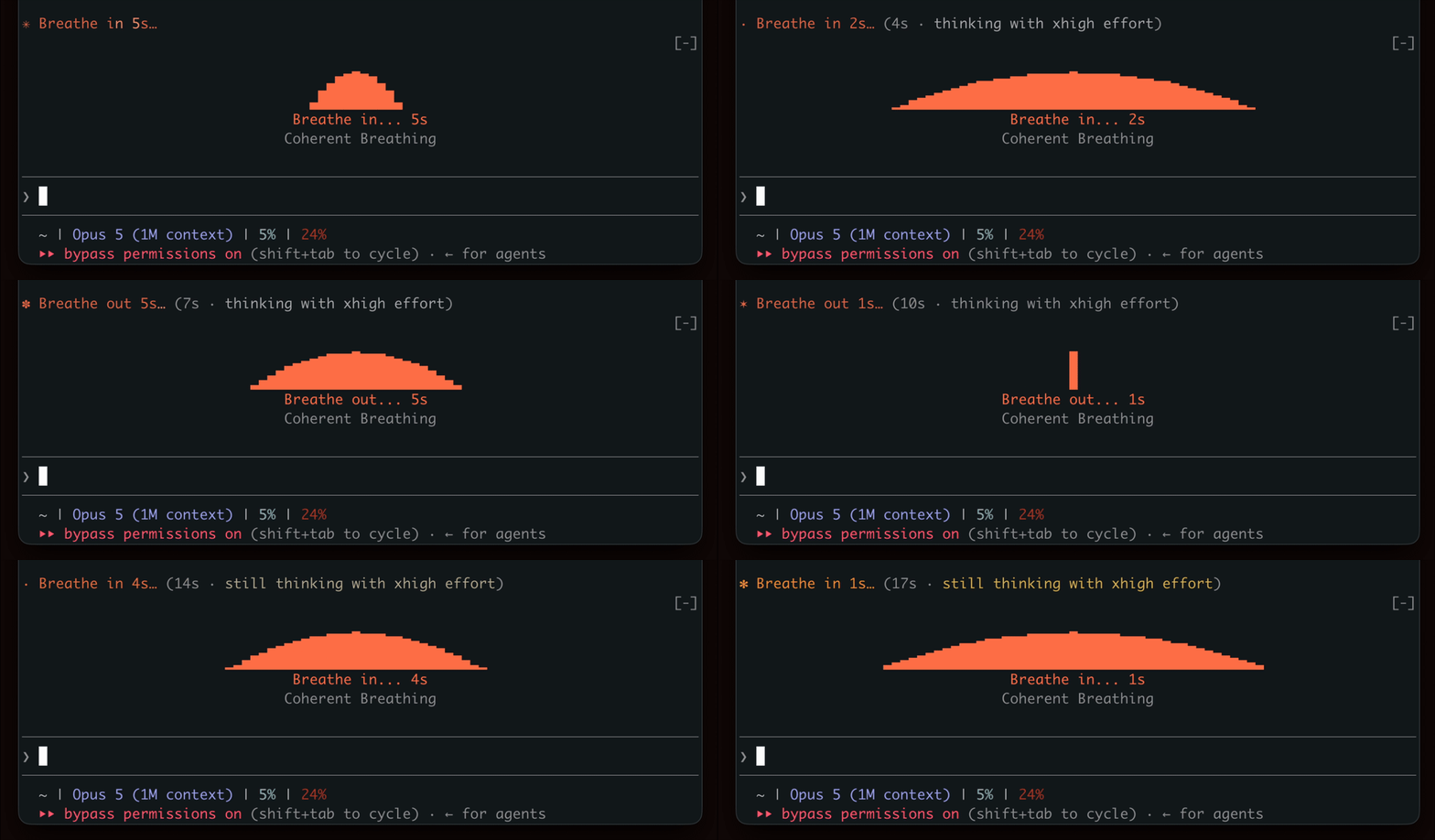

ターミナルペインで YouTube Shorts を再生します。Claude の作業中は再生し、完了すると一時停止します。


待機中にターミナル パネルで Doom マッチをプレイします。ゲームコンポーネントをダウンロードしてサーバーに接続する必要があります。
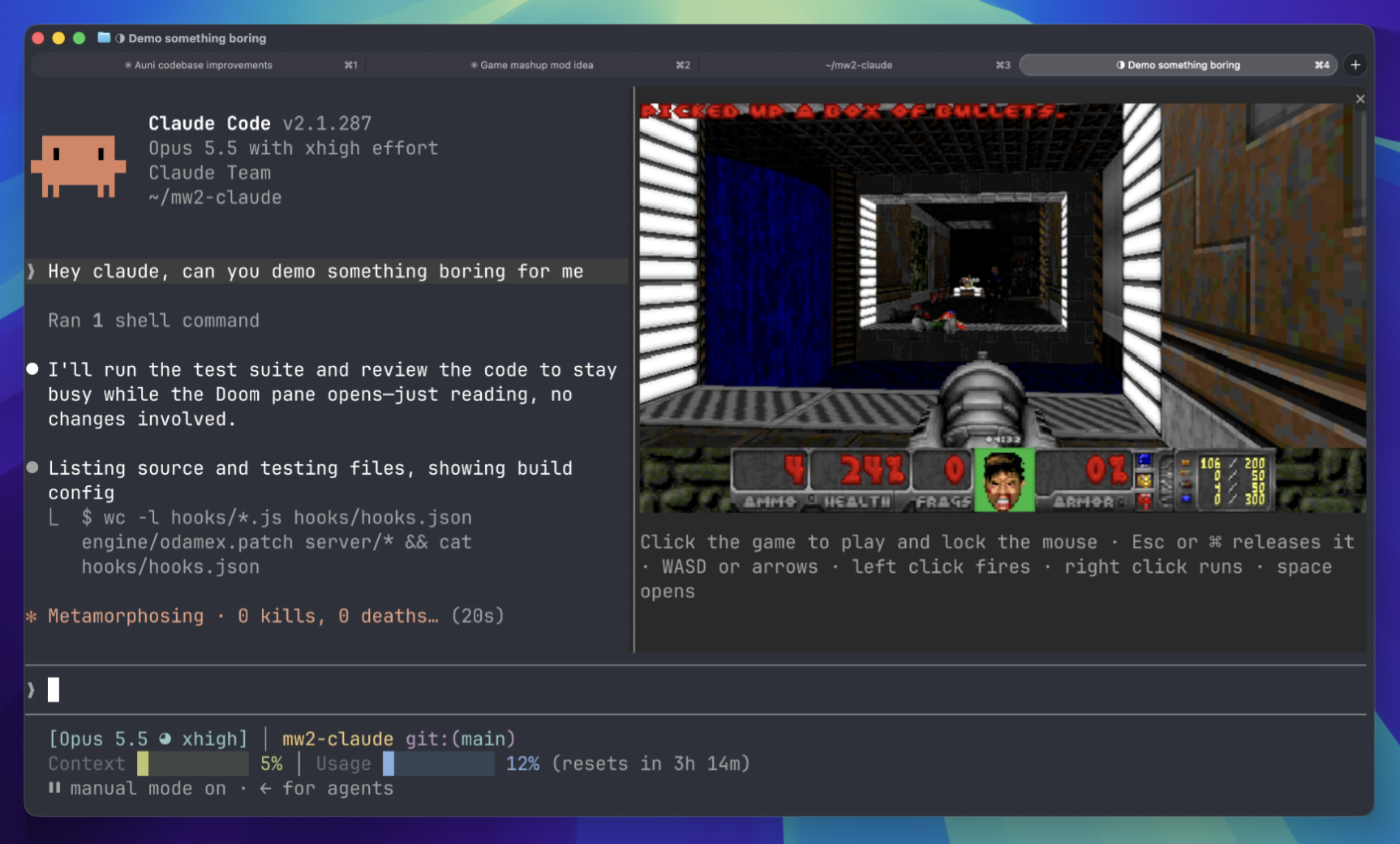 ▶ ♫
▶ ♫