
zaahiral@zaahiral
zaahiral/claude-latex
デスクトップ版の Code タブ内にある Claude の返信で TeX 数式、TikZ 図、LaTeX ブロックを描画する Claude Code プラグインです。選択可能な LaTeX フォント 10 種類とサンドボックス化されたコンパイルに対応します。
zaahiral/claude-latex
LaTeX for Claude Code はコミュニティ製プラグインで、デスクトップアプリの Code タブ内にある Claude の返信へ、数式、TikZ 図、LaTeX ブロックを直接組版します。これがない場合、数式は元のソースとして表示されます。使うと $...$、$$...$$、equation/align 環境が MathJax で描画され、オプションの TeX をインストールすれば
、
、
ブロックもコンパイルできます(chemfig、quantikz、circuitikz、forest、chessboard など)。選択可能な数学フォント 10 種類、テーマに追従する色、~/.claude/latex-macros.tex のマクロファイル、TeX コピー用ボタン、~/.cache/claude-latex/ のブロック単位キャッシュ、/latex から開く設定ペインを備えています。セキュリティを重視しており、shell escape は無効、すべての latex/dvisvgm 実行を macOS sandbox-exec で包み、ホームディレクトリの読み取りを制限し、書き込みとネットワークをブロックし、コンパイル時間を 60s に制限します。Claude Code 2.1.287+ と macOS デスクトップの Code タブが必要です。Windows は数式のみ対応し、ターミナルと VS Code はサポート対象外です。
まず作者の README で marketplace とプラグイン名を確認してください。コマンドはリポジトリの構成によって変わる場合があります。
claude plugin marketplace add zaahiral/claude-latex
claude plugin install latex
Without this mod, Claude's replies show math as raw source, such as $\frac{\partial L}{\partial w}$ (or Claude will default to try and use Unicode for math characters). With it, the same reply shows typeset math. With a TeX install, it also compiles diagrams, circuits, chess positions and whole LaTeX snippets right in the chat.
claude plugin marketplace add zaahiral/claude-latex
claude plugin install latex@claude-latex
Then restart the desktop app, or run /reload-plugins in an open session. A short welcome note appears above the prompt the first time. Run /latex at any time to open the settings.
Requirements:
latex and dvisvgm, such as MacTeX or TeX Live. You need it for diagrams, LaTeX blocks and the extra fonts. Math works without it.| Usage | Render |
| --- | --- |
| $...$ or \(...\) | Inline math, uses texts baseline |
| $$...$$, \[...\], equation, align, gather, multline | Centered display math |
| A ```tikz or ```tikzcd code block | A diagram (compiled by your TeX install) |
| A ```latex code block | Any LaTeX snippet: chemfig, quantikz, circuitikz, forest, chessboard, amsthm, tables |
The two example images above are screenshots of the mod running in the Code tab.
MathJax draws the math, so AMS packages are preinstalled.
Experimental feature (WIP)!
The goal is that we would allow the user's message, once sent, to render in chat with markdown/ LaTeX, similar to AI Studio. There's a hacky way of doing this, which is opt in but is not perfect. You can access this feature using \latex.
The default and only MathJax font is Computer Modern. If you use this, rendering speeds will be a lot faster (almost instant).
However, you can set Math font to one of cm, libertinus, palatino, times, euler, concrete, fourier, stix2, kpfonts or cmbright, and your own LaTeX typesets every formula in that font. Since this takes longer to render, MathJax shows each formula (in Computer Modern) until the LaTeX version is ready, usually within a second. All formulas in a message compile in one run, and results are cached in ~/.cache/claude-latex/. Diagrams and LaTeX blocks use the same font.
Run /latex to open the settings pane. Each change applies at once.
| Setting | Default | Usage |
| --- | --- | --- |
| Math font | mathjax | MathJax, or one of 10 LaTeX fonts typeset by your TeX install |
| Math color | auto | auto follows your system's light or dark setting. Pick light or dark if the app's theme differs |
| Compile LaTeX blocks | on | Compile ```tikz, ```tikzcd and ```latex blocks |
| Math under your messages | on | Show the math and diagrams from your messages under the bubble |
| Full rendered copy of your messages | off | Show your whole message rendered under the bubble |
| Copy TeX button | off | A button under each display formula and block that copies its source |
| Macros file | ~/.claude/latex-macros.tex | Your own \newcommand and \DeclareMathOperator lines |
Put definitions in ~/.claude/latex-macros.tex:
\newcommand{\E}{\mathbb{E}}
\newcommand{\R}{\mathbb{R}}
\DeclareMathOperator*{\argmin}{arg\,min}
This here would mean $\E[X]$ and $\argmin_\theta L(\theta)$ then work in every message, in MathJax and in LaTeX.
A ```tikz block holds the inside of a tikzpicture. A ```tikzcd block holds the inside of a tikzcd. A ```latex block holds a document body up to 15 cm wide. Lines at the top of a block that start with \usepackage, \usetikzlibrary, \pgfplotsset, \tikzset, \newcommand, \DeclareMathOperator, \DeclareMathAlphabet, \newtheorem, \definecolor and similar go into the preamble.
```latex
\usepackage{chemfig}
\chemfig{*6((-OH)=-=(-COOH)-=-)}
```
Every block loads amsmath, bm, mathtools, xcolor, cancel, braket and mhchem. TikZ blocks also load tikz-cd, pgfplots and the common TikZ libraries. Black ink follows your theme. Other colors stay as written.
Diagrams can be a little slow i.e 0.4 to 0.7 seconds to compile the first time and instant after that. Currently upto three compiles run at once. Each kind of document compiles against a saved LaTeX format that already holds its preamble, which roughly halves LaTeX's time.
Claude writes the LaTeX blocks, so a reply could try to make LaTeX read or write your files. The mod treats every block as untrusted:
-no-shell-escape).latex and dvisvgm run goes through macOS's sandbox-exec. The sandbox blocks reading your home folder apart from TeX's own folders and the mod's cache, blocks writing anywhere else, and blocks the network.openout_any=p blocks writing outside the build folder.Details and how to report a problem are in SECURITY.md.
| Where | Renders |
| --- | --- |
| Code tab of the Claude desktop app, macOS | Yes |
| Code tab on Windows | Math yes. LaTeX blocks are not supported yet |
| Claude mobile app through Remote Control | Should work, not tested |
| claude in a terminal | No. Terminals cannot draw SVG |
| VS Code extension, claude -p | No. Mods do not draw there |
latex and dvisvgm. It looks in /Library/TeX/texbin, /opt/homebrew/bin, /usr/local/bin, /usr/bin and your PATH.~/.cache/claude-latex/debug/setup.log, with every setup step, how long it took, and any drawing error. Attach it to a bug report.A mod is a plugin whose code runs inside Claude Code. This one hooks the drawing of each message (ui.render on AssistantMessage and UserMessage). When a message contains math, it splits the text into pieces. Prose goes back to the app's own Markdown renderer. Display math becomes an SVG from MathJax 3, which runs inside the mod with no network access. A paragraph with inline math is laid out word by word, with each formula padded so its baseline lines up with the text. LaTeX blocks are queued, compiled in the background with latex and dvisvgm, and drawn when ready.
The MathJax bundle is in hooks/mathjax/, split into chunks because a mod cannot import a file over 1 MiB. build/build.sh rebuilds it from mathjax-full 3.2.2, so you can check it against the published source.
To list everything the mod hooks and calls before you install it:
claude plugin validate .
git clone https://github.com/zaahiral/claude-latex
claude --plugin-dir ./claude-latex
claude plugin test ./claude-latex
The tests need Claude Code 2.1.286 or later. They fake latex and dvisvgm, so they run without a TeX install.
MIT. MathJax is Apache 2.0, and its license is in hooks/mathjax/LICENSE.
This is a community plugin.

Claude Code プロンプト上に住むピクセル ポケモン。Claude が行うすべてに反応します。


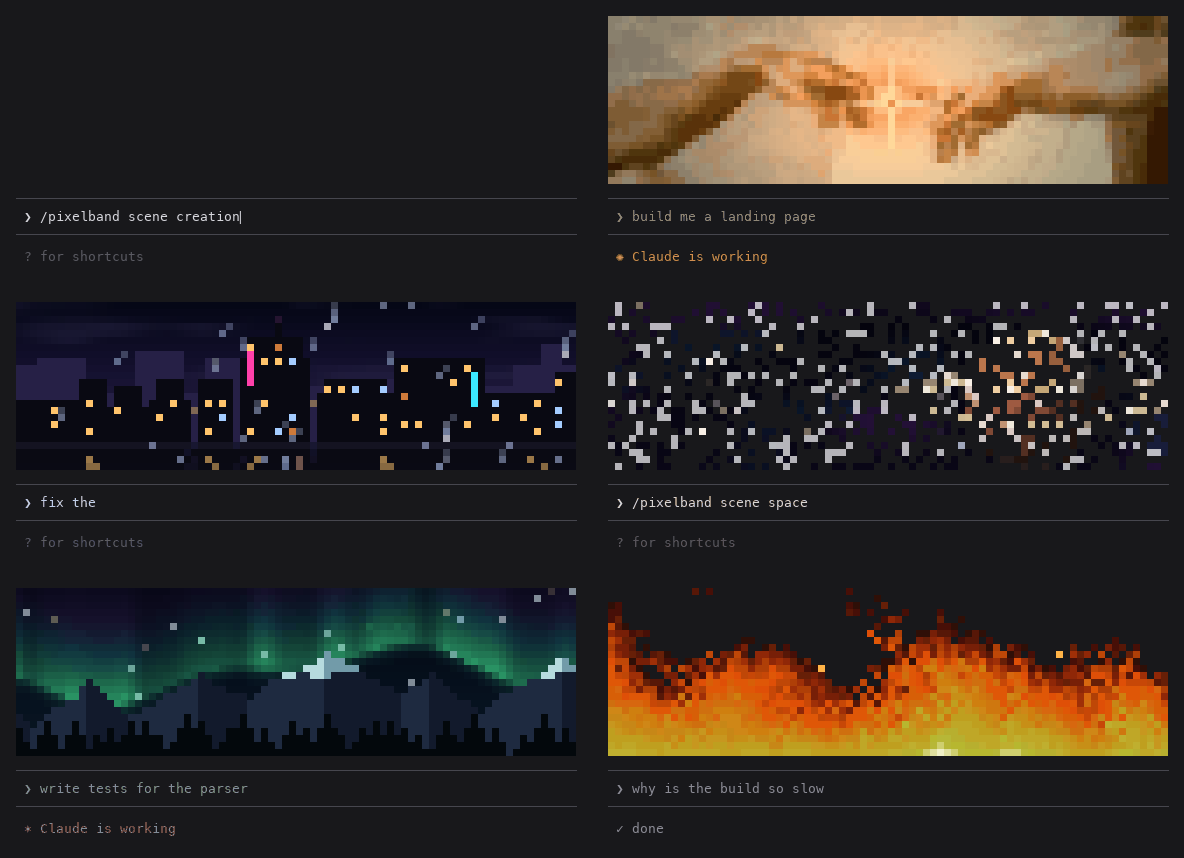
Claude が作業中に反応するアニメーション付きピクセルアートをプロンプト上部に表示します。7 つのシーン、または自分の画像や GIF。トークン消費はありません。

Claude Code の同じ TUI 内で返信、ツール行、ターン末尾を描き直し、色付きコマンド、コード・差分カード、枠なしテーブル、サブエージェント帯を提供する。