この mod について
届いた通知をセッション画面に表示し、ウィンドウの切り替えを減らします。
この作品はコミュニティの作者が保守しています。機能、対応バージョン、設定方法は下の原文 README を確認してください。本站は権限のスキャン結果を提供します。インストール前にソースと外部依存を確認してください。
ClaudeMods でこの Claude Code プラグインのソースと必要な権限を確認できます。 届いた通知をセッション画面に表示し、ウィンドウの切り替えを減らします。
届いた通知をセッション画面に表示し、ウィンドウの切り替えを減らします。
この作品はコミュニティの作者が保守しています。機能、対応バージョン、設定方法は下の原文 README を確認してください。本站は権限のスキャン結果を提供します。インストール前にソースと外部依存を確認してください。
まず作者の README で marketplace とプラグイン名を確認してください。コマンドはリポジトリの構成によって変わる場合があります。
claude plugin marketplace add OneWave-AI/claude-code-mods
claude plugin install inbox-alerts
Gmail + Slack alerts inside Claude Code: toasts, status count, and an Alerts pane.
Polls Gmail, Slack, and Google Calendar every two minutes through the claude.ai connectors, shows new items as toasts and a count in the status line, and keeps a tabbed Alerts pane. /alerts triage hands the backlog to Claude.
Needs the Gmail, Slack, and Google Calendar connectors connected in claude.ai. Set your email and Slack member ID in /config (or pluginConfigs in settings) so your own messages do not alert you.
In a Claude Code session (2.1.287 or later):
/plugin marketplace add OneWave-AI/claude-code-mods
/plugin install inbox-alerts@claude-code-mods
Or load this folder for one session: claude --plugin-dir ./inbox-alerts
| Mod | Network | Runs processes | Files | Calls a model | Sends data anywhere |
| --- | --- | --- | --- | --- | --- |
| inbox-alerts | Through your claude.ai Gmail, Slack and Calendar connectors | No | No | /alerts triage sends alert snippets to Claude | Only to your Claude model |
Run claude plugin validate ./inbox-alerts to list every event it hooks and every call it makes. See the repository README for the full security notes.
Part of claude-code-mods by OneWave AI. MIT licensed.

タスク完了時に点滅で知らせます。


Claude Codeパネルに住むピクセルペット。歩き回り、セッションに反応し、セッションをまたいで成長します。猫、犬、スライムなど8種類から選べます。

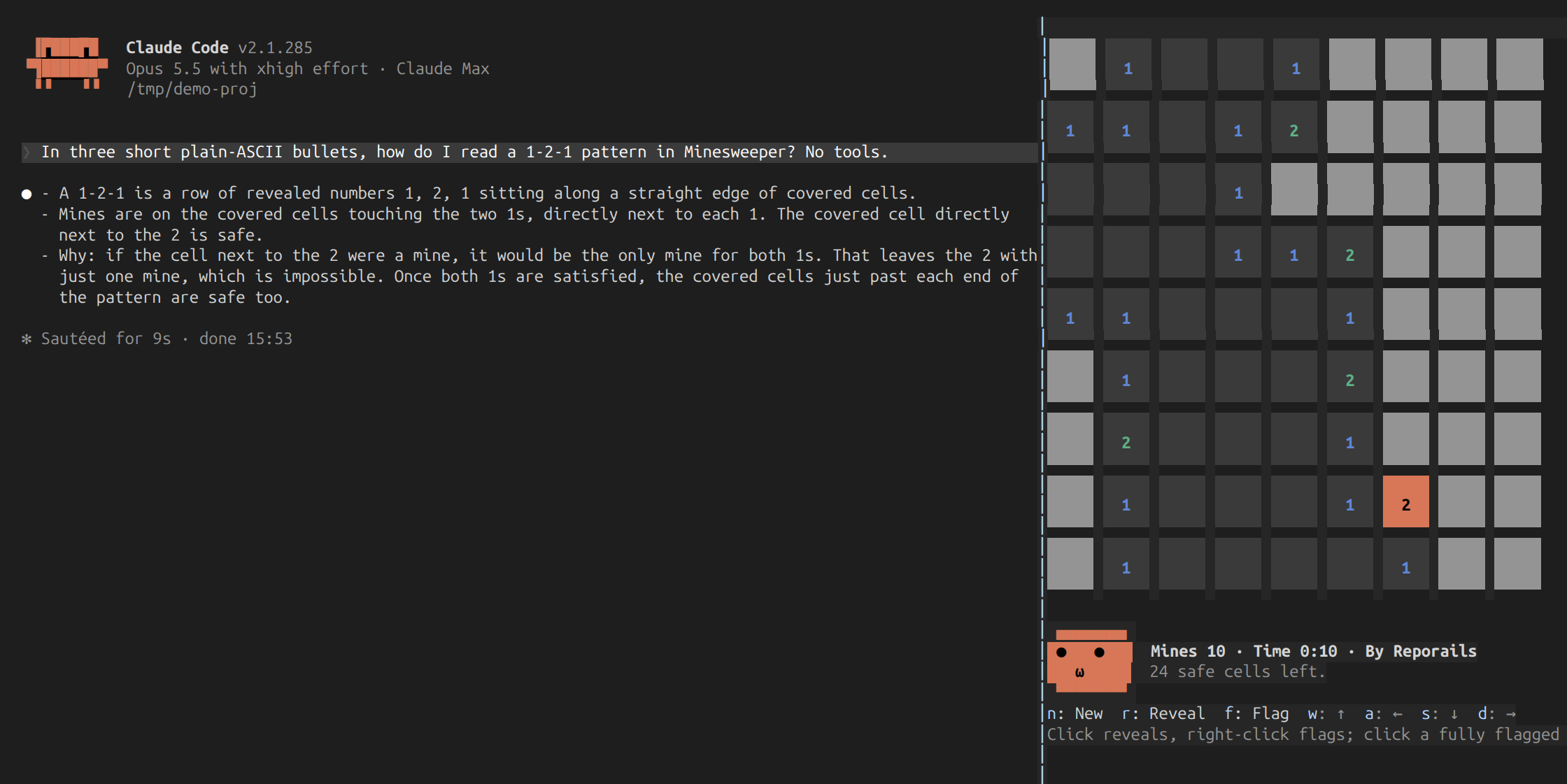
セッションのサイドパネルでマインスイーパーを実行する Claude Code プラグイン mod。Claude の作業を待つ間、マウスまたはキーボードでプレイでき、タイマー、ベストタイム、盤面を見たり会話を覗いたりする表情フェイス付き。