falconsw@falconsw
falconsw/cost-info/tree/main/cost-info
falconsw/cost-info/tree/main/cost-info
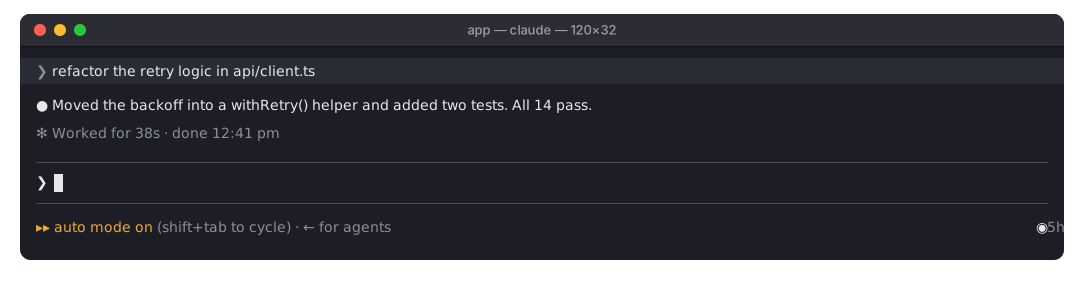
セッションのここまでの料金と、消費したトークン数をリアルタイムで表示する Claude Code mod です。

◉ $0.16 | Token Usage 142k / 30k | now $0.02 を緑色で表示します。ターンの途中もリアルタイムに更新され、ターンが終わると now は last になります。端末が 120 列未満の場合はセッションだけを表示します。料金は /cost と同じ値で、サブエージェントも含みます。/spend。 トークン、ターン数、ターンあたりの平均、最も高かったターン、予算の使用量を表示します。/spend を実行すると再表示できます。Pro または Max プランでは、表示されるドル額は請求額ではありません。そのため Claude Code がレート制限を報告すると、メーターは各上限をどれだけ使ったかを表示します:◉ 5h ━─── 15% wk ━─── 7% Resets in 3h 55m | Token Usage 104k / 70k。5 時間と週次のウィンドウを細いゲージで示し、先にリセットされる方までの時間も表示します。Claude Code がすでに受け取っている情報を読むだけなので、追加料金はかかりません。レート制限のない API 課金では、従来どおり料金を表示します。トークンは mod がセッションに読み込まれた時点から数えるため、再開したセッションのそれ以前のトークンは合計に入りません。
Claude Code 2.1.288 以降が必要です。Claude Code セッションの中ではなく、shell で実行してください:
claude plugin marketplace add falconsw/cost-info
claude plugin install cost-info@falconsw-mods
次に、開いている Claude Code セッションへ読み込みます:
/reload-plugins
ターミナルまたは VS Code で新しいセッションを開始してもかまいません。
新しいバージョンを取得するには claude plugin update cost-info@falconsw-mods を実行し、その後 /reload-plugins を実行します。すでに最新版だと表示されたら、先に claude plugin marketplace update falconsw-mods を実行してください。削除するには claude plugin uninstall cost-info@falconsw-mods を実行します。
予算は設定しない限り $5 で、0 にすると無効になります。shell から設定し、値は文字列として書き込まれるので、その後 Claude Code を再起動してください:
echo '{"budget": "10"}' | claude plugin configure cost-info@falconsw-mods --values-stdin
インストール時に設定することもできます:
claude plugin install cost-info@falconsw-mods --config budget=10
claude plugin configure cost-info@falconsw-mods を実行すると、設定済みかどうかを確認できます。
claude plugin validate ./cost-info
claude plugin test ./cost-info
claude --plugin-dir ./cost-info   # reloads as you save
mod は Claude Code の内部で、Claude Code と同じアクセス権限で動作します。インストール前にソースを読んでください。ファイルは 1 つだけで、cost-info/hooks/register.tsx です。
まず作者の README で marketplace とプラグイン名を確認してください。コマンドはリポジトリの構成によって変わる場合があります。
claude plugin marketplace add falconsw/cost-info
claude plugin install cost-info
A Claude Code mod that shows what your session has cost so far, and the tokens it took, live.
◉ $0.16 | Token Usage 142k / 30k | now $0.02 at the right of the line under the prompt, the figures in green, live, mid-turn too; once the turn ends now becomes last. A narrow terminal (under 120 columns) shows the session alone. The cost is the same figure /cost shows, subagents included./spend. Tokens, turns, average per turn, your priciest turn, and how much of the budget is used./spend to bring it back if you close it.On a Pro or Max plan the dollars aren't what you're billed, so when Claude Code reports rate limits the meter shows how much of each is used instead: ◉ 5h ━─── 15% wk ━─── 7% Resets in 3h 55m | Token Usage 104k / 70k: a thin gauge for the 5-hour and weekly windows, and the time until the sooner one resets. It reads what Claude Code already receives, so it costs nothing extra. Without rate limits (API billing) it shows cost as before. Tokens count from when the mod loaded into the session, so a resumed session's earlier tokens aren't in the total.
Requires Claude Code 2.1.288 or later. Run these in a shell, not inside a Claude Code session:
claude plugin marketplace add falconsw/cost-info
claude plugin install cost-info@falconsw-mods
Then load it into your open Claude Code session:
/reload-plugins
Or start a new session, in the terminal or in VS Code.
To get a new version, run claude plugin update cost-info@falconsw-mods, then /reload-plugins. If it says it's already at the latest version, run claude plugin marketplace update falconsw-mods first. To remove it, run claude plugin uninstall cost-info@falconsw-mods.
The budget is $5 unless you set it; 0 turns it off. Set it from a shell, the value written as a string, then restart Claude Code:
echo '{"budget": "10"}' | claude plugin configure cost-info@falconsw-mods --values-stdin
Or set it while installing:
claude plugin install cost-info@falconsw-mods --config budget=10
claude plugin configure cost-info@falconsw-mods shows whether it's set.
claude plugin validate ./cost-info
claude plugin test ./cost-info
claude --plugin-dir ./cost-info   # reloads as you save
A mod runs inside Claude Code with the same access Claude Code has. Read the source before you install it: it's one file, cost-info/hooks/register.tsx.

ツール出力を圧縮し、コンパクション前にチェックポイントを作成し、コンテキスト品質を採点して、ローカルダッシュボードに token/コスト削減を表示する Claude Code プラグインです。hooks と localhost デーモンも含みます。
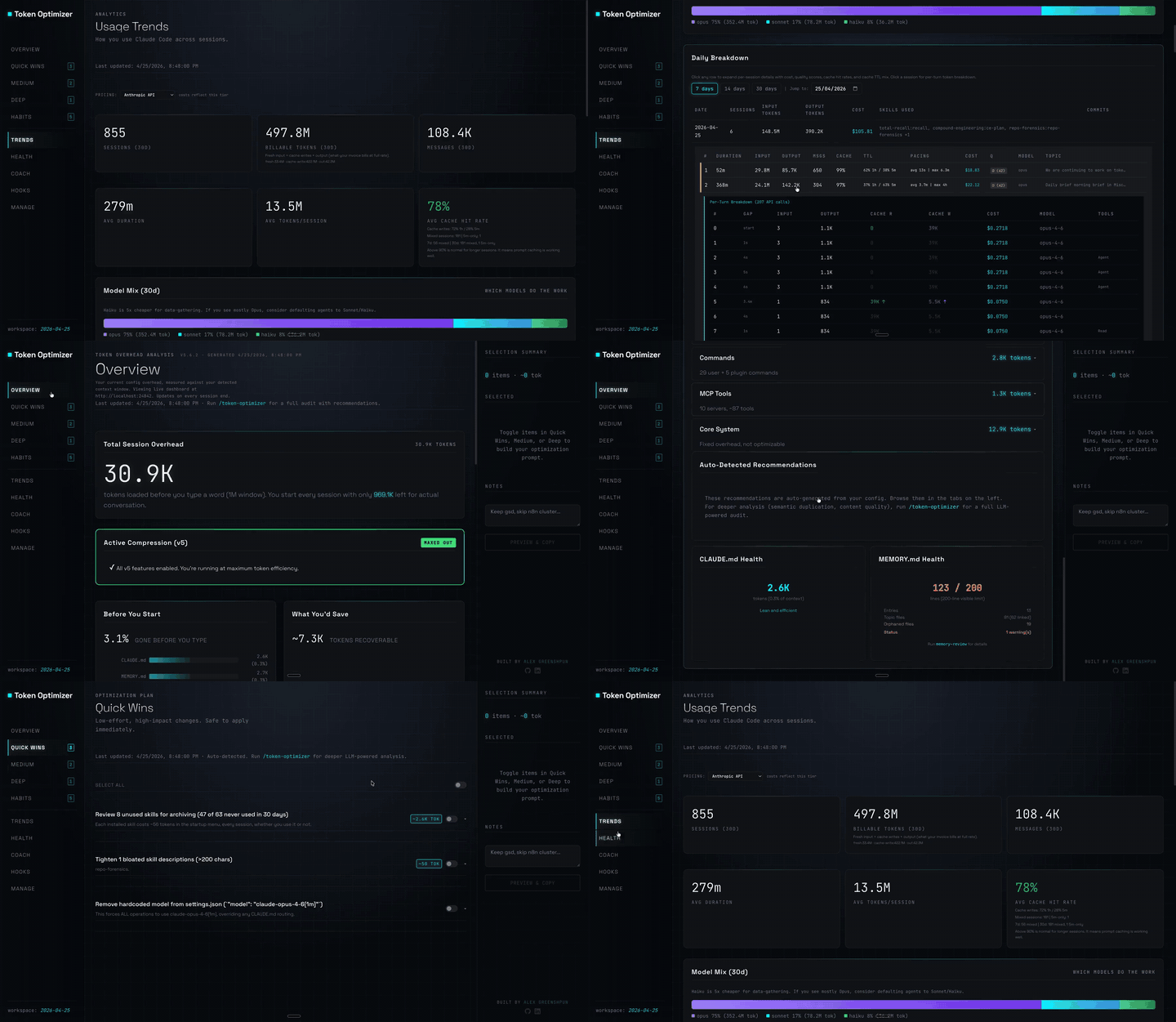

無操作のセッションのプロンプトキャッシュをサイレントな ping で温め、キャッシュが温かいうちに大きなセッションを 1 回だけ圧縮する Claude Code mod です。
休憩中も 1 時間のプロンプトキャッシュを温め、冷えた状態での送信を推定書き換えコストとともに一度止める Claude Code mod。ウォームアップはモデル要求を使い、トークンを消費します。Claude Code 2.1.287+ が必要です。